




Blog
Insights & updates from our experts


Resolve plant floor and IT issues before they disrupt production.

Stay audit-ready while resolving issues and reducing operational risk.
Resolve issues quickly with an AI-powered system that automates ticketing.
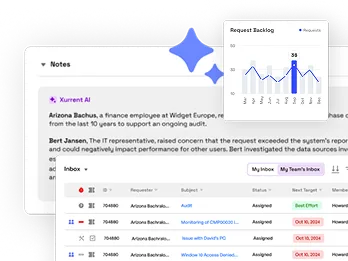
Unifiy IT, HR, Facilities, Finance, and more on a single, AI-powered service platform.
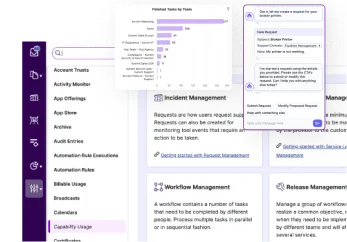
Simplify on-call scheduling, automate escalations, and reduce burnout.
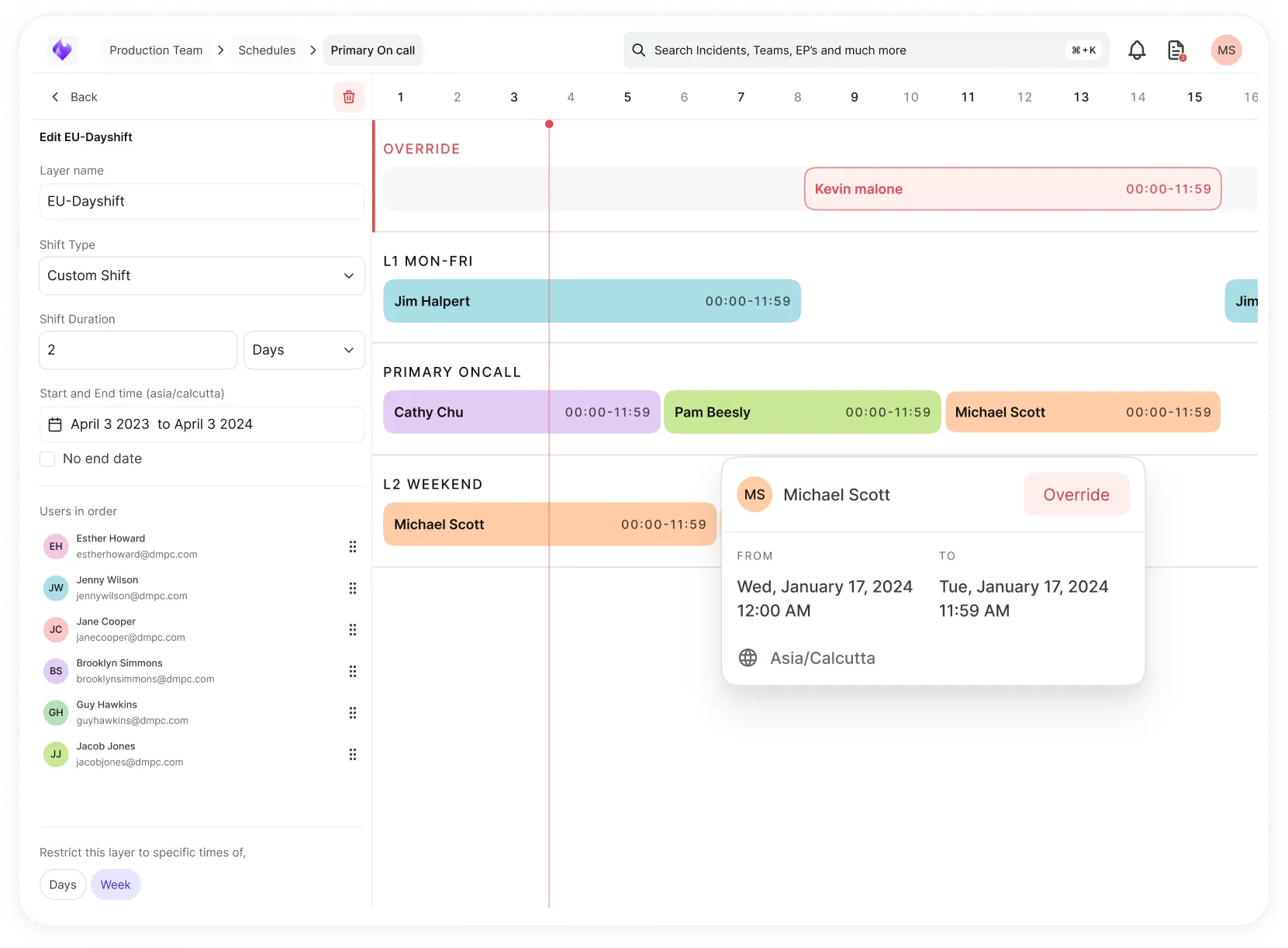
Automate postmortems, AI summaries, and post-incident workflows
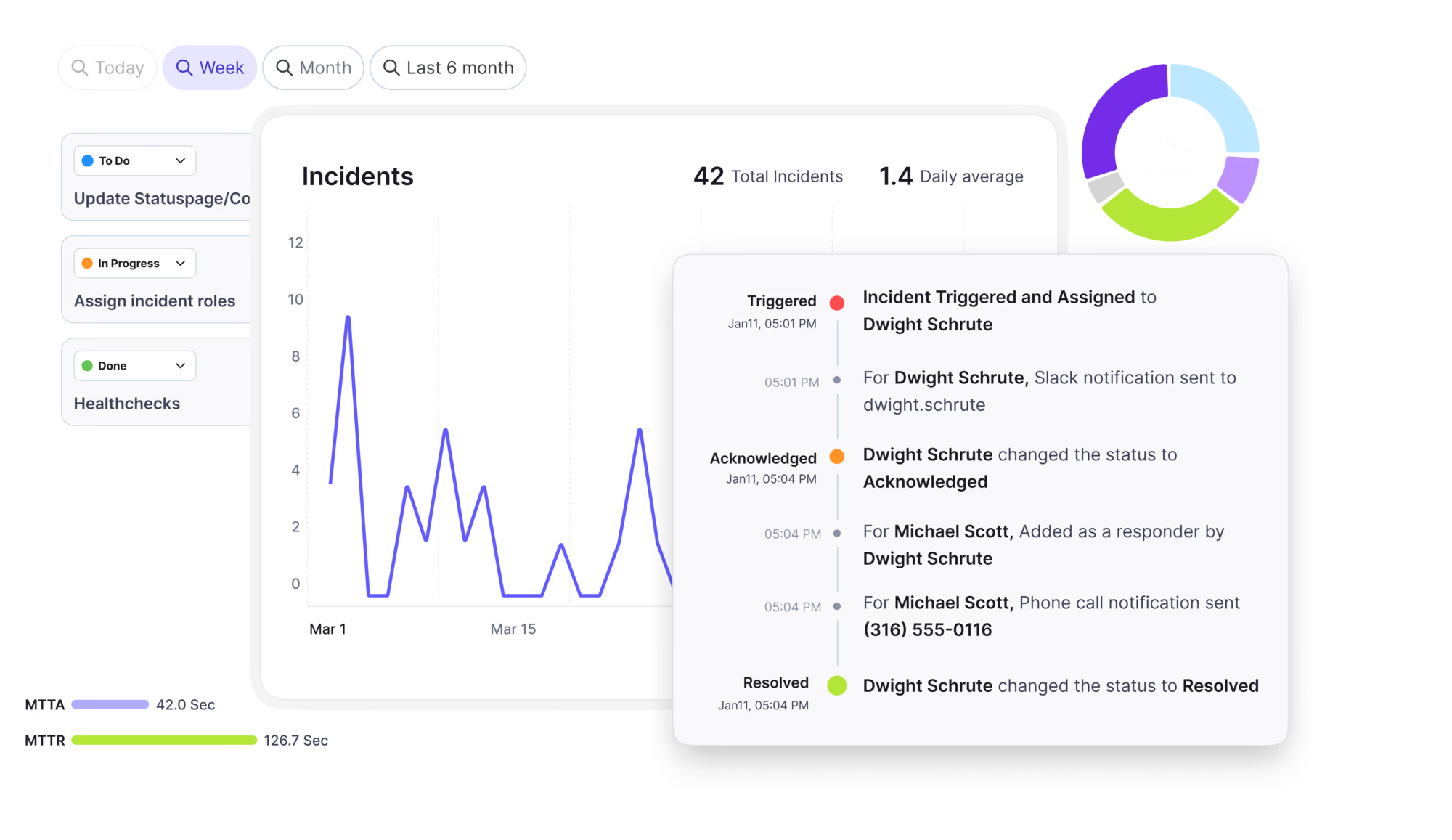
Create, organize, and continuously improve your knowledge base to find the right answers with Sera AI.
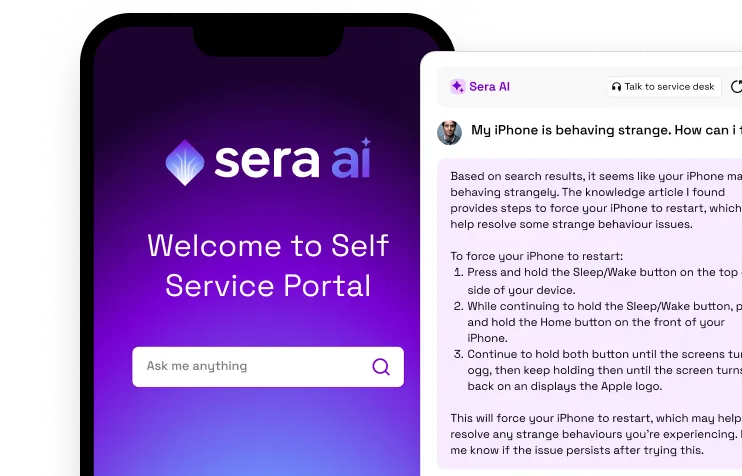
We're here to help

The integration with Atlassian Jira using the Xurrent Integration Service is

The integration with Atlassian Jira using the Xurrent Integration Service is

The integration with Atlassian Jira using the Xurrent Integration Service is

The integration with Atlassian Jira using the Xurrent Integration Service is

The integration with Atlassian Jira using the Xurrent Integration Service is

The integration with Atlassian Jira using the Xurrent Integration Service is

The integration with Atlassian Jira using the Xurrent Integration Service is

The integration with Atlassian Jira using the Xurrent Integration Service is
Resolve issues quickly with an AI-powered system that automates ticketing.
Unifiy IT, HR, Facilities, Finance, and more on a single, AI-powered service platform.
Simplify on-call scheduling, automate escalations, and reduce burnout.
Automate postmortems, AI summaries, and post-incident workflows
Create, organize, and continuously improve your knowledge base to find the right answers with Sera AI.
Resolve plant floor and IT issues before they disrupt production.
Stay audit-ready while resolving issues and reducing operational risk.

Detect, respond, and resolve incidents fast to cut downtime and MTTR.

Keep your store online, even during your biggest sales moments.

Protect patient data and resolve issues fast, so care teams stay focused on care.
Standardize service delivery across every store and channel.

We are here to help 24/7

Connect with other Xurrent Users

Get insights and tips on how to get the most out of Xurrent

Apps, APIs, and updates

Xurrent service functionality

Eliminate manual tasks, optimize workflows, and deliver faster resolutions.
Learn how organizations have reduced downtime, improved 50% MTTA & MTTR, and cut costs with Xurrent IMR.
Discover Xurrent IMR's quick support, bidirectional integrations with Jira and Slack, and more cohesive incident response capabilities compared to Opsgenie.
Understand why users value Xurrent IMR for its intuitive interface, efficient incident alerting, customizable On-call schedules, and escalations.

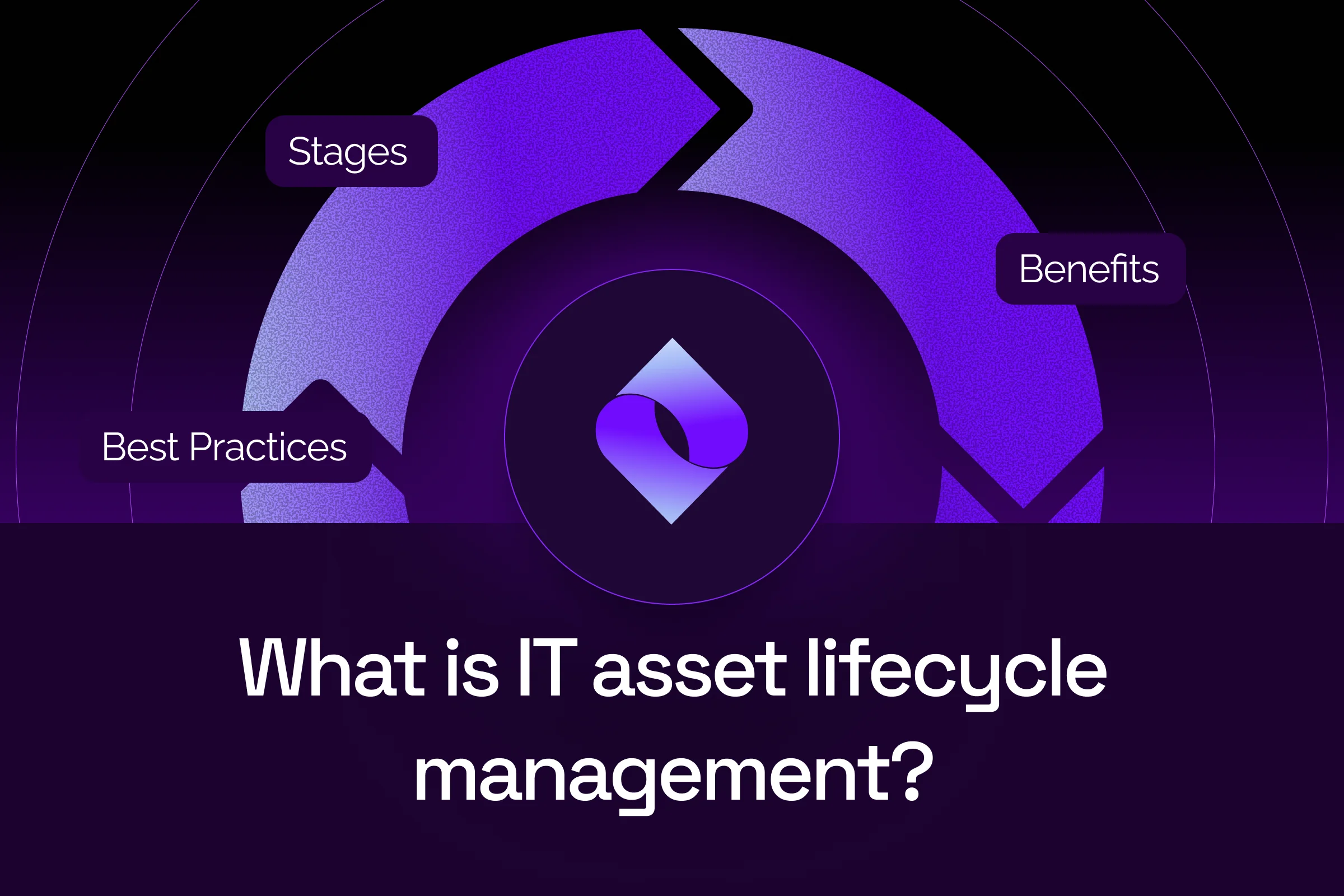
IT asset lifecycle management is the practice of managing each IT asset, including hardware, software, and cloud resources, from planning through disposal, so it delivers the most value at the lowest cost and risk. Most teams track five stages: planning and acquisition, deployment, monitoring, maintenance, and retirement. Accurate lifecycle data keeps the CMDB, and every ticket built on it, reliable.
Key facts about IT asset lifecycle management
TL;DR
On this page: What is ITALM · ITALM vs ITAM · Four components · Five stages · Why the CMDB matters · Benefits · Best practices · Tools · Xurrent ITAM · Getting started · FAQ
Free analyst report: EMA's findings on faster, smarter incident response.
A laptop dies on a Monday morning. The agent opens the ticket and finds no owner, no warranty date, and a model number nobody recognizes. IT asset lifecycle management closes that gap, and this guide covers the stages, benefits, best practices, and tools, with a focus on the data a service desk uses every day.
IT asset lifecycle management is the practice of managing each IT asset, including hardware, software, and cloud resources, from planning through disposal. The goal is to get the most value from every asset at the lowest cost and risk. An IT asset is any technology an organization owns or pays for, such as laptops, servers, routers, software licenses, and cloud accounts.
NIST describes the goal in its NIST IT asset management guide, a 2018 practice guide built for financial services: “An effective IT asset management (ITAM) solution can tie together physical and virtual assets and provide management with a complete picture of what, where, and how assets are being used.”
For the service desk, lifecycle data is working data. Every ticket, change, and AI decision depends on knowing what an asset is, who owns it, and which service it supports.
IT asset management (ITAM) is the overall discipline, covering inventory, finances, contracts, and software licenses across everything an organization owns. IT asset lifecycle management (ITALM) is one view inside ITAM: it follows each asset stage by stage, from the day you plan to buy it until the day it leaves the building.
Standards treat ITAM as a management system. The ISO/IEC 19770-1 ITAM standard states: “This document specifies requirements for an IT asset management system within the context of the organization.” ISO/IEC 19770-1 sets requirements but does not prescribe a sequence of lifecycle steps.
A configuration management database (CMDB) stores configuration items. A configuration item (CI) is any component that supports a service, such as the server behind a payroll app. Raw asset records come in from imports and scans; CIs are the cleaned records that reach the CMDB and affect services.
ITAM, lifecycle management, and the CMDB each answer a different question:
Every IT asset has four components to track: hardware, software, data, and people and ownership. Leave out any one component and the asset record falls short. A laptop with no owner is as hard to support as a laptop with no model number.
The IT asset lifecycle has five common stages: planning and acquisition, deployment and onboarding, monitoring and tracking, maintenance and support, and retirement and disposal. This is a common framework rather than a standard; neither NIST nor ISO defines these exact stages, so adjust the names to fit your team.
Planning and acquisition starts with demand. Before buying, check what you already own, because a spare laptop in storage costs less than a new purchase order. Then estimate total cost of ownership (TCO): the full cost of an asset over its life, including purchase, support, repairs, energy, and disposal.
Read vendor and warranty terms closely, and record warranty and support end dates on day one so nobody has to dig for them during an outage. Plan disposal at purchase, too: decide how you will wipe the data and who will recycle the device.
Deployment and onboarding is when an asset goes into service. Tag it, register it in your inventory, assign an owner and a support team, and link it to the services it supports. Deployment is where many asset records go wrong, because people type them in by hand.
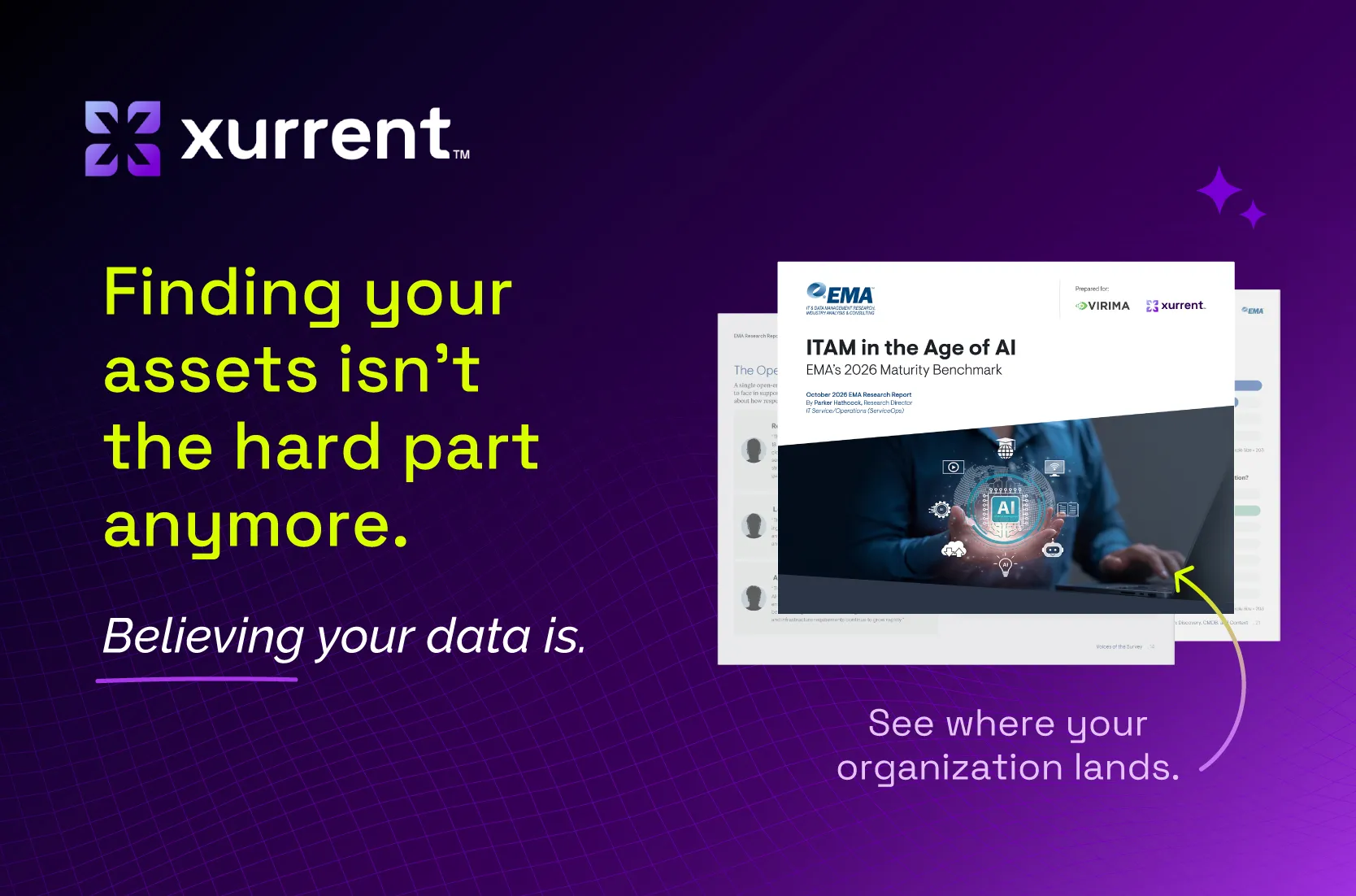
In EMA's ITAM in the Age of AI (2026), 65.5% of respondents said they still populate the CMDB at least partly by hand: 53.5% mix automated and manual methods, and 12.0% work fully by hand. All respondents came from organizations with 1,000 or more employees. The full findings are in EMA's ITAM benchmark report.
Pulling records from tools you already run is a better approach. Asset discovery is the automated process of finding devices and software on the network, and mobile device management (MDM) tools, which manage laptops and phones, already hold much of this data. Pre-built discovery tool integrations import those records instead of retyping them.
Onboarding requests are another good source of asset data. When HR and IT share one service platform, a new hire's laptop request and owner assignment can live in the same workflow.
Monitoring and tracking keeps asset records accurate after deployment. People move, devices get rebuilt, and software gets updated, so records drift unless someone checks them. Scheduled discovery scans compare what they find with what the records say, and reconciliation decides which source wins when two tools report different facts about the same asset.
Reconciliation is a weak spot for many teams. EMA (2026) reports: “Integration (31.0%) and accuracy (27.1%) are the most-cited single biggest gaps in discovery and asset data.”
Asset accuracy also matters for security. The Center for Internet Security (CIS) Control 1 inventory guidance states: “Enterprises cannot defend what they do not know they have.” CIS Safeguard 1.2 also asks for a process to address unauthorized assets on a weekly basis.
Maintenance and support keeps IT assets healthy and covered through patching, repairs, upgrades, and warranty and support date tracking. Reactive maintenance fixes things after they break, while preventive maintenance acts on a schedule or an early warning sign. The same split appears in reactive versus proactive problem management.
Link incidents to assets every time. When five tickets point to the same network switch, that pattern is worth fixing.
Aging hardware is a real risk. In its GAO legacy systems testimony, the U.S. Government Accountability Office described one FEMA network: “the system's devices typically require replacement every 3 to 5 years from the date of purchase. Despite this, at the time, the majority of the hardware was purchased between 8 and 11 years ago.”
GAO also reported that the agency was not certain how many devices made up that system. The GAO case is one network, using 2019 data in a 2021 testimony, so treat it as an example rather than a refresh benchmark. The lesson: set warning thresholds for end of life, warranty, and support dates, so you can renew or replace before coverage runs out.
Retirement and disposal ends an asset's life safely. Assets retire when they reach end of life, fall out of support, break beyond repair, or come back when an employee leaves. Before any device leaves your control, sanitize its data: make stored data infeasible to recover for a given level of effort.
The NIST media sanitization guidelines define three methods: “clear, purge, and destroy.” The current version, SP 800-88 Rev. 2, supersedes Rev. 1. Rev. 2 says the method depends on how confidential the data is, not on the media type, and clarifies that multi-pass overwrite is not needed for the clear method.
NIST also recommends completing a certificate of sanitization for each sanitized device, per your policies. NIST wrote the guidance for federal agencies, and private organizations may use it voluntarily.
Recycle retired devices responsibly. The UN Global E-waste Monitor 2024 reports: “A record 62 million tonnes (Mt) of e-waste was produced in 2022, Up 82% from 2010.” Globally, just 22.3% of that e-waste was documented as formally collected and recycled. Keep the recycler's paperwork with the asset record.
Finally, set the asset record's status to retired, so tickets, changes, and AI stop pointing at a device that no longer exists.
An accurate CMDB holds the IT asset lifecycle together because every ticket, change, and AI decision runs on CMDB data. Agents need to know what's affected and who owns it, and change approvers need to know what a change could touch. Stale data drives wrong actions: an agent reboots the wrong server, or AI routes a ticket to a group that no longer owns the service.
AI raises the stakes for lifecycle data. A person can chase down a missing answer, but an AI agent can't. In EMA's ITAM in the Age of AI (2026), 71.9% reported broad operational AI adoption or beyond, but just 22.2% called their ITAM AI-ready, and 18.5% rated their ITSM and CMDB asset data at 95% accuracy or higher.
AI-ready organizations in the EMA research were more likely than optimized organizations to report 95%+ CMDB accuracy (55.6% versus 7.5%) and a single authoritative source of asset truth (86.7% versus 54.7%). These maturity tiers are self-reported with small bases, so read them as association rather than cause.
Lifecycle asset data belongs inside AI-powered IT service management. IT service management (ITSM) is how IT delivers and supports services, and it is where agents and AI already do the work.
IT asset lifecycle management delivers five benefits: lower total cost of ownership, faster incident and change work, stronger security and compliance, better budgeting, and responsible disposal. Each benefit comes from accurate data at every lifecycle stage, and each shows up in both audits and daily service work.
IT asset lifecycle management best practices follow one model: capture asset data, clean it, and keep it accurate. The six practices below automate capture, reconcile before data reaches the CMDB, set warranty thresholds, assign owners, review dashboards, and plan disposal at purchase.
Most organizations support the IT asset lifecycle with three kinds of tools connected through the CMDB: discovery and MDM tools, a CMDB inside the ITSM platform, and ITAM or financial tools. Few teams cover every lifecycle stage with one tool.
Xurrent ITAM is ITAM for service management, sold with Xurrent ITSM rather than as a stand-alone tool. Xurrent ITAM covers the lifecycle stages the service desk depends on: capturing assets, cleaning the data, and keeping it accurate in the CMDB. Xurrent also offers agentless discovery as an add-on.
Whatever found the asset, it lands in the CMDB the service desk already uses, inside Xurrent unified service management. Explore CMDB and asset management to see how the pieces connect.
“We're very excited about Xurrent Discovery and the potential it brings,” said Chris Parsons, global IT service desk director at GKN Aerospace Services Limited. “Great service delivery runs on great data. Bringing richer discovery data directly into Xurrent will give us the insight to move faster, make smarter decisions and continuously improve how we deliver services across GKN.”
Getting started with IT asset lifecycle management doesn't need a big program. Pick one asset class, connect its data sources, set reconciliation rules, assign owners, and measure accuracy each month, then expand. Lean teams can keep a CMDB healthy without a full-time admin when rules and dashboards handle routine checks.
For setup steps, see the Xurrent asset management and CMDB documentation.
IT asset lifecycle management follows each asset from planning to disposal. The stages give you a map, but accurate data makes the map useful: capture assets automatically, clean the data before it reaches the CMDB, keep it accurate with regular reviews, and sanitize every device before it leaves.
Give your service desk something accurate to work with.