




Blog
Insights & updates from our experts


Resolve plant floor and IT issues before they disrupt production.

Stay audit-ready while resolving issues and reducing operational risk.
Resolve issues quickly with an AI-powered system that automates ticketing.
Unifiy IT, HR, Facilities, Finance, and more on a single, AI-powered service platform.
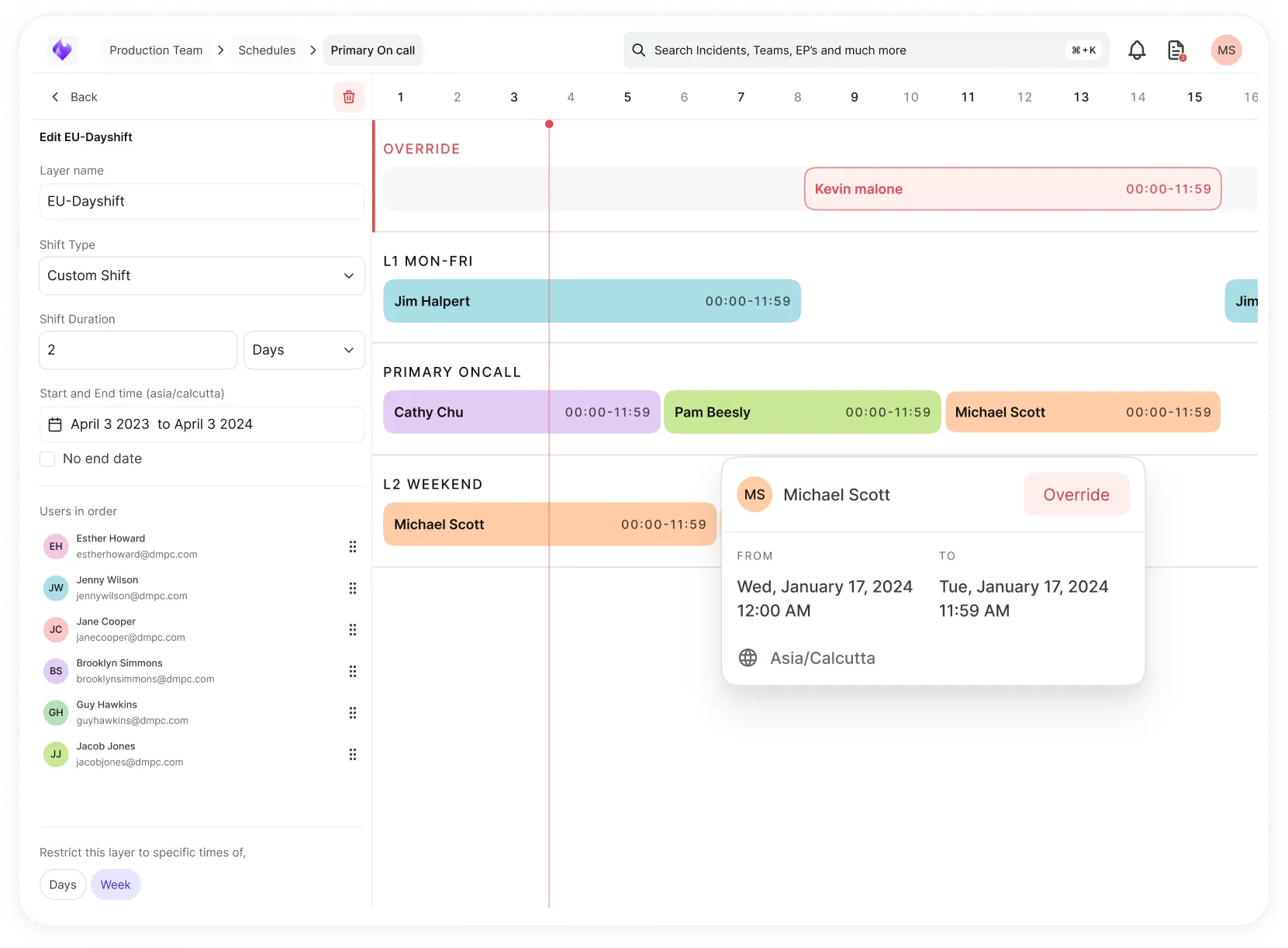
Simplify on-call scheduling, automate escalations, and reduce burnout.
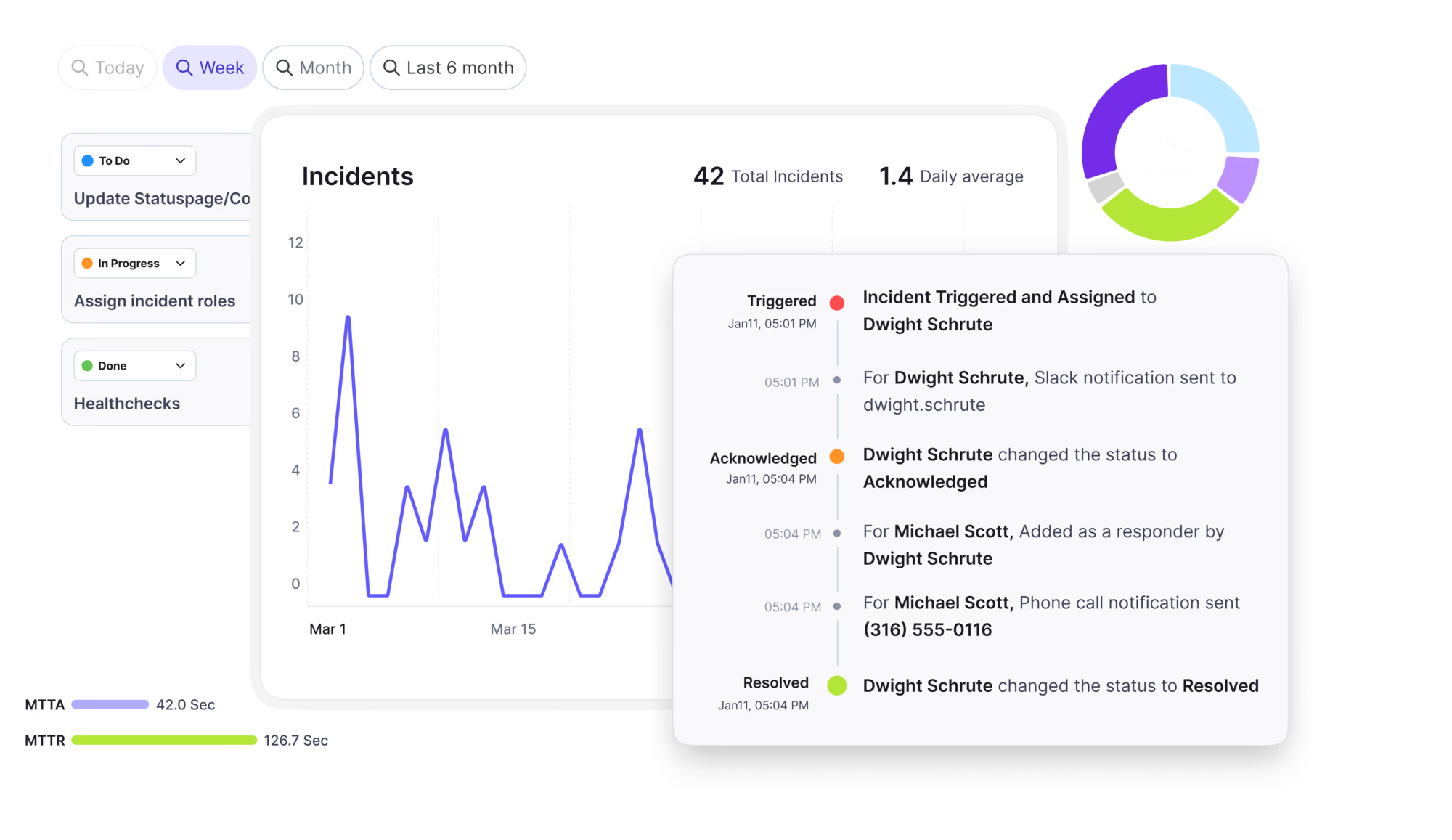
Automate postmortems, AI summaries, and post-incident workflows
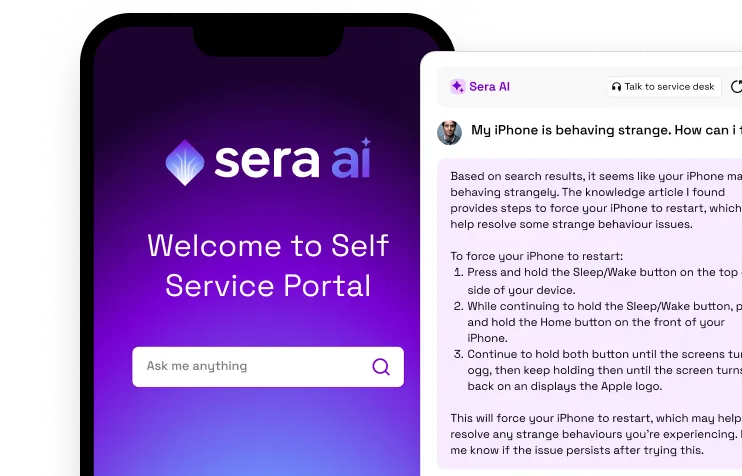
Create, organize, and continuously improve your knowledge base to find the right answers with Sera AI.
We're here to help

The integration with Atlassian Jira using the Xurrent Integration Service is

The integration with Atlassian Jira using the Xurrent Integration Service is

The integration with Atlassian Jira using the Xurrent Integration Service is

The integration with Atlassian Jira using the Xurrent Integration Service is

The integration with Atlassian Jira using the Xurrent Integration Service is

The integration with Atlassian Jira using the Xurrent Integration Service is

The integration with Atlassian Jira using the Xurrent Integration Service is

The integration with Atlassian Jira using the Xurrent Integration Service is
Resolve issues quickly with an AI-powered system that automates ticketing.
Unifiy IT, HR, Facilities, Finance, and more on a single, AI-powered service platform.
Simplify on-call scheduling, automate escalations, and reduce burnout.
Automate postmortems, AI summaries, and post-incident workflows
Create, organize, and continuously improve your knowledge base to find the right answers with Sera AI.
Resolve plant floor and IT issues before they disrupt production.
Stay audit-ready while resolving issues and reducing operational risk.

Detect, respond, and resolve incidents fast to cut downtime and MTTR.

Keep your store online, even during your biggest sales moments.

Protect patient data and resolve issues fast, so care teams stay focused on care.
Standardize service delivery across every store and channel.

We are here to help 24/7

Connect with other Xurrent Users

Get insights and tips on how to get the most out of Xurrent

Apps, APIs, and updates

Xurrent service functionality

Eliminate manual tasks, optimize workflows, and deliver faster resolutions.
Learn how organizations have reduced downtime, improved 50% MTTA & MTTR, and cut costs with Xurrent IMR.
Discover Xurrent IMR's quick support, bidirectional integrations with Jira and Slack, and more cohesive incident response capabilities compared to Opsgenie.
Understand why users value Xurrent IMR for its intuitive interface, efficient incident alerting, customizable On-call schedules, and escalations.

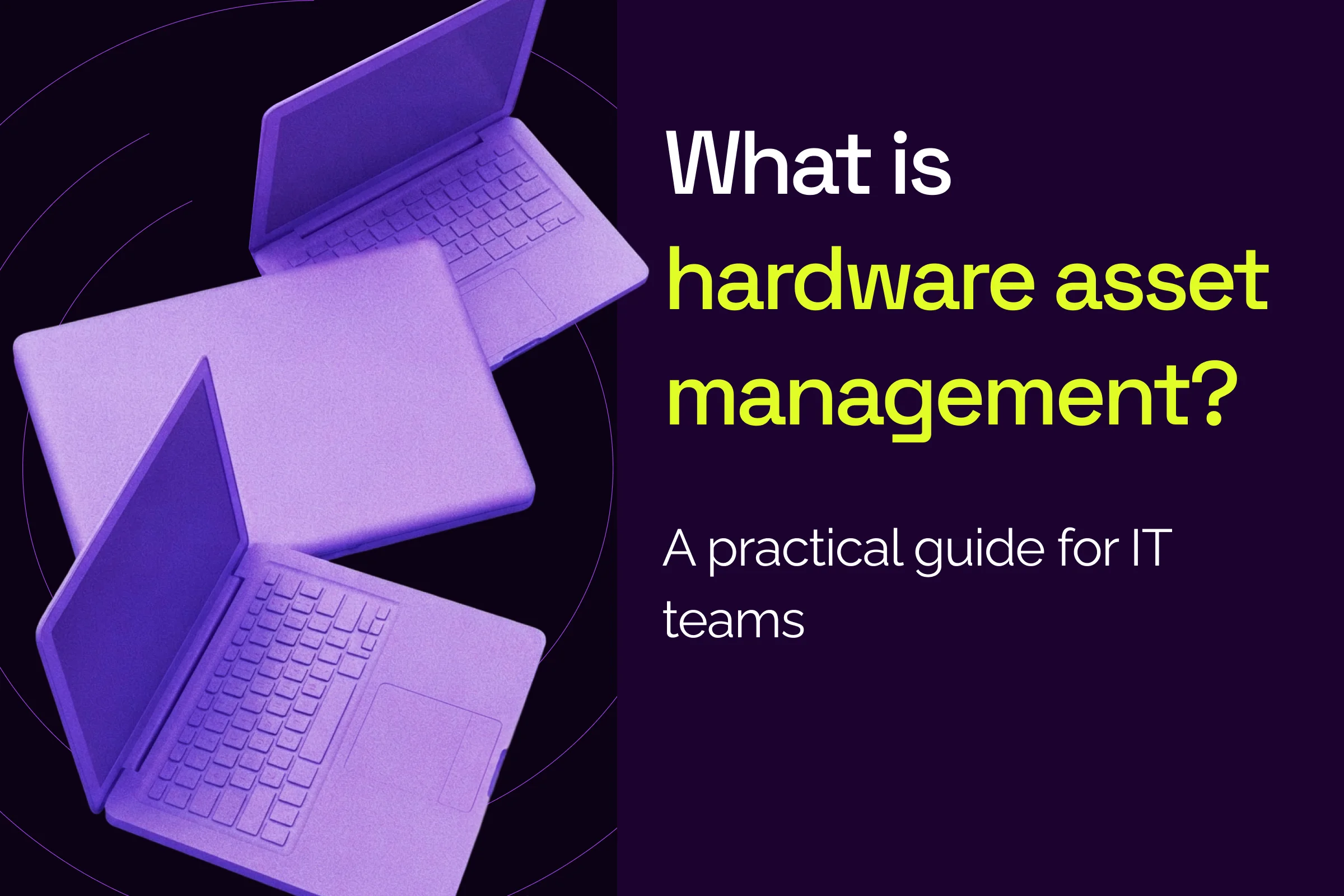
Hardware asset management (HAM) is the practice of tracking every physical IT device, such as laptops, servers, network gear, phones, and printers, from request to retirement. Each HAM record shows a device's owner, location, status, warranty, and age. Service desks depend on HAM data because device records feed the CMDB that tickets, changes, and AI run on.
Key facts about hardware asset management
TL;DR
On this page: What is HAM · Why HAM matters · Lifecycle · Secure disposal · HAM vs ITAM · Security · Challenges · Best practices · 2026 trends · Choosing software · Xurrent ITAM · FAQ
Free analyst report: EMA's findings on faster, smarter incident response.
Hardware asset management (HAM) is the practice of tracking and managing an organization's physical IT devices from request to retirement, including laptops, servers, network gear, phones, and printers. A good HAM record answers five questions about each device: who owns it, where it is, what state it is in, when its warranty ends, and how old it is.
HAM data is the service desk's input. Device records flow into the CMDB, where each tracked item becomes a configuration item (CI) linked to the services it supports. The Xurrent asset management and CMDB guide shows how that setup works in Xurrent.
Hardware asset management pays off in five areas: cost control, security, compliance, service desk speed, and sustainability. Every ticket a service desk works touches a device, so when the record for a laptop, server, or switch is wrong, agents guess and changes miss risks. Each benefit below gets harder to deliver when device records go stale.
Stale hardware data drives wrong actions. An agent reboots the wrong server, or a ticket routes to a group that no longer owns the service. Change approvers face the same risk: a hardware change management process works only when approvers can see every device and service a change could touch.
The hardware asset lifecycle is the path a device takes through an organization, and six stages cover most devices: request, procurement, receiving and inventory, deployment, monitoring and maintenance, and retirement. Request, deployment, and offboarding are the stages most worth automating, because they hand work between teams.
Request, deployment, and offboarding steps are good candidates for automating asset lifecycle workflows. With enterprise service management (ESM), HR and IT run onboarding on one shared workflow, so a new hire's laptop request doesn't stall between teams.
Hardware retirement is the stage where data risk peaks. Before a device is reused, donated, or recycled, its storage needs sanitization, which means removing data so nobody can recover it. NIST SP 800-88 Rev. 2 (2025) defines three sanitization methods: clear, purge, and destroy.
NIST says to use purge instead of clear when possible and to complete a certificate of sanitization for each device. The NIST media sanitization guidelines warn, “In some jurisdictions, simply losing control of sensitive information is enough to be considered a data breach.” The guidance binds federal agencies and is voluntary for private organizations.
Hardware asset management (HAM) covers physical devices only. IT asset management (ITAM) is broader: it adds software, licenses, and cloud resources to the hardware view. HAM answers what you own and where it is; ITAM also answers what runs on each device and what is exposed.
NIST's 2018 reference build for financial services shows where HAM stops. Per the NIST IT asset management guide, tracking devices by bar code “does not answer questions such as ‘What operating systems are our laptops running?’” It also can't answer “Which devices are vulnerable to the latest threat?”
The CMDB is the shared record for both HAM and ITAM. Hardware and software data land there as CIs linked to services, and agents work from that record on every ticket and change.
Hardware asset management supports security because teams can't protect devices they can't see. The Center for Internet Security (CIS) lists asset inventory as Control 1, and Verizon's 2025 breach data shows unmanaged devices in a large share of infostealer cases. Like NIST guidance, the CIS Controls are voluntary for private organizations.
CIS Control 1 asset inventory guidance tells organizations to “actively manage (inventory, track, and correct) all enterprise assets.” CIS also notes that inventory helps teams find “unauthorized and unmanaged assets to remove or remediate.”
The Verizon 2025 Data Breach Investigations Report studied systems hit by infostealers, which are malware that copy saved logins. Per the Verizon 2025 DBIR, “46% of the systems compromised with an infostealer that had possible corporate login data were non-managed devices.”
The Verizon 46% figure covers this infostealer subset, not all breaches or all company devices. Verizon also flags an open question about bring your own device (BYOD) policies: “What we don’t know is if those organizations had a BYOD policy in place or if folks just logged in with whatever computer they had available.”
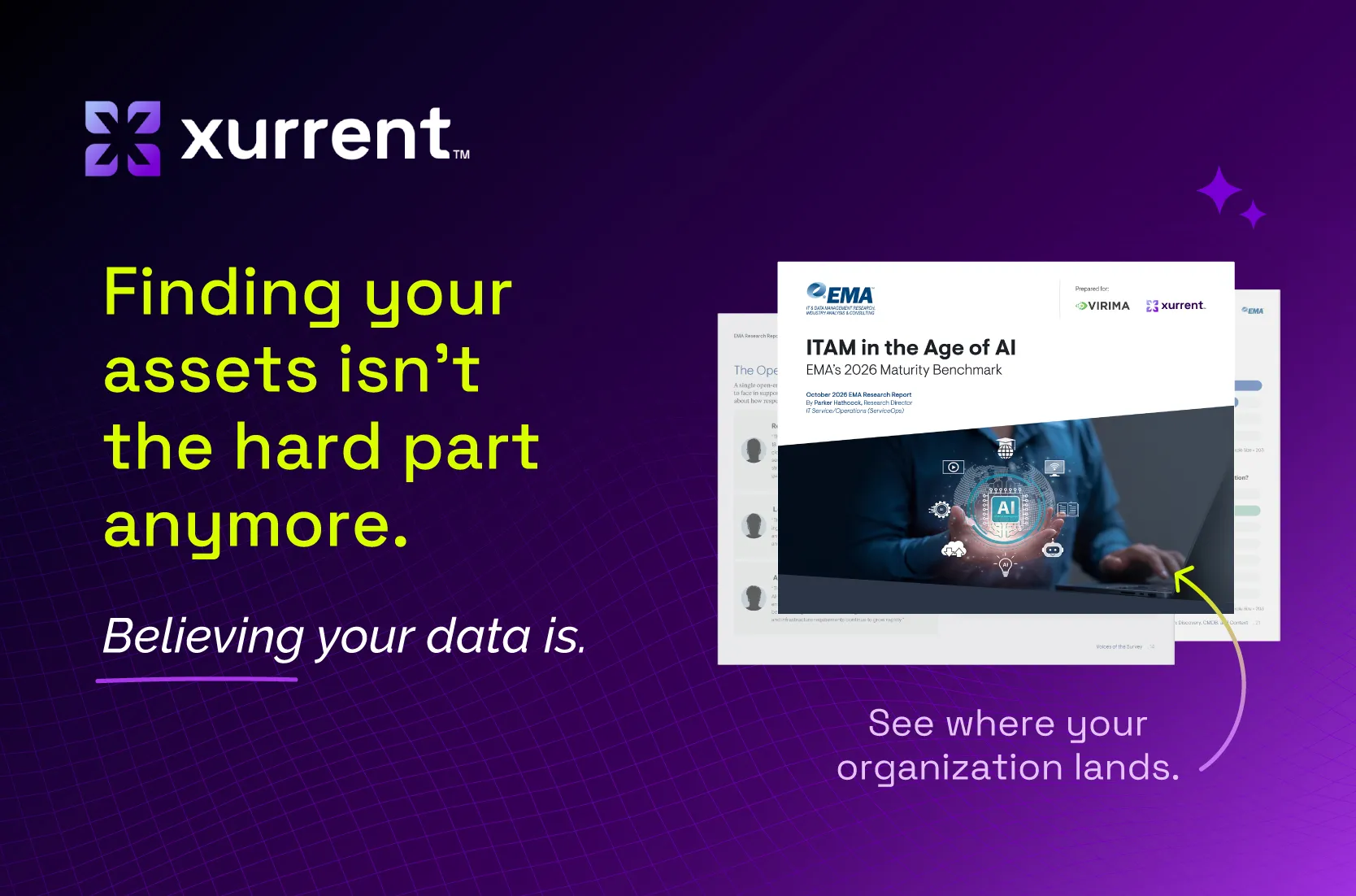
Most hardware asset management programs stall for four reasons: manual data entry, data stuck in silos, records that drift or go missing, and lean teams without a CMDB admin. EMA's ITAM in the Age of AI (2026) shows how common the first three are. All EMA respondents came from organizations with 1,000 or more employees, so smaller teams may see different patterns.
Spreadsheets and hand entry can't keep pace with a growing device fleet. According to EMA (2026), 65.5% still populate the CMDB at least partly by hand.
Mobile device management (MDM) tools, discovery scanners, and purchase records often describe the same laptop three ways. According to EMA (2026), integration is the most-cited gap in discovery and asset data, at 31.0%: data lives in silos and can't be reconciled into one source.
Devices move, break, and change hands faster than records get updated. In EMA (2026), accuracy follows integration as a gap at 27.1%, while coverage, or missing devices, ranks lower at 12.8%. Just 18.5% of respondents rate their IT service management (ITSM) and CMDB asset data at 95% accuracy or higher.
Without a dedicated configuration manager, CMDB upkeep falls to whoever has time. Hardware records loaded once then drift for months.
Hardware asset management best practices follow one model: capture device data, clean it, and keep it accurate. The six practices below cover scope, automated capture, reconciliation, audits, warranty tracking, and disposal planning. Start with the practice that fixes your biggest gap, then add the rest.
CIS also says to address unauthorized assets on a weekly basis. Use that pace for devices that show up without an owner.
Three shifts are changing hardware asset management in 2026: AI is raising the bar for asset data, more devices live off the corporate network, and sustainability is moving into the device lifecycle. Each shift raises the cost of inaccurate hardware records.
Many organizations have adopted AI faster than they've prepared their asset data. According to EMA (2026), 71.9% report broad operational AI adoption or beyond, but 22.2% call their ITAM AI-ready. A person can chase down a missing answer, but an AI agent can't.
In the same EMA research, AI-ready organizations were more likely than optimized organizations to report 95%+ CMDB accuracy (55.6% versus 7.5%), though maturity tiers are self-reported.
Remote and hybrid work means laptops join the corporate network, leave, and come back. The CIS Controls v8 assessment specification notes that “portable end-user devices will periodically join a network and then disappear.” Track off-network devices through an MDM tool that sees them wherever they are.
E-waste keeps growing. The UN Global E-waste Monitor 2024 counted 4.6 million metric tons of small IT and telecom e-waste worldwide in 2022. Across all e-waste types, 22.3% had documented collection and recycling that year.
The EPA cites a 2006 U.S. Geological Survey (USGS) estimate on laptop recycling. Per EPA electronics recycling guidance, recycling one million laptops saves energy equal to “the electricity used by more than 3,500 U.S. homes in a year.” The EPA also suggests upgrading hardware before buying new.
The right hardware asset management software depends on where your device data lives and who uses it. Compare HAM tools on six capabilities: multi-source import, discovery, reconciliation, dashboards, warranty tracking, and service desk integration.
Xurrent ITAM is ITAM for service management. Xurrent ITAM runs inside Xurrent ITSM, so hardware asset data lives where agents and Sera AI already work. It follows three steps: capture assets, clean the data with reconciliation rules, and keep it accurate with Review dashboards.
Agentless Xurrent discovery is available as an add-on for finding devices other tools miss.
Xurrent ITAM starts with a CMDB you can trust and doesn't include procurement, disposal, or software license compliance workflows. Explore Xurrent's IT asset management software to see the details.
“We're very excited about Xurrent Discovery and the potential it brings,” said Chris Parsons, global IT service desk director at GKN Aerospace Services Limited. “Great service delivery runs on great data. Bringing richer discovery data directly into Xurrent will give us the insight to move faster, make smarter decisions and continuously improve how we deliver services across GKN.”
Hardware asset management gives an organization a reliable record of every device it owns, and that record supports cost control, security, and faster service. Start with scope and owners, automate capture, reconcile before data reaches the CMDB, and audit on a schedule.
Give your service desk something accurate to work with.