

Blog
Insights & updates from our experts


Resolve plant floor and IT issues before they disrupt production.

Stay audit-ready while resolving issues and reducing operational risk.
Resolve issues quickly with an AI-powered system that automates ticketing.

Unifiy IT, HR, Facilities, Finance, and more on a single, AI-powered service platform.

Simplify on-call scheduling, automate escalations, and reduce burnout.

Automate postmortems, AI summaries, and post-incident workflows

Create, organize, and continuously improve your knowledge base to find the right answers with Sera AI.

We're here to help

The integration with Atlassian Jira using the Xurrent Integration Service is

The integration with Atlassian Jira using the Xurrent Integration Service is

The integration with Atlassian Jira using the Xurrent Integration Service is

The integration with Atlassian Jira using the Xurrent Integration Service is

The integration with Atlassian Jira using the Xurrent Integration Service is

The integration with Atlassian Jira using the Xurrent Integration Service is

The integration with Atlassian Jira using the Xurrent Integration Service is

The integration with Atlassian Jira using the Xurrent Integration Service is
Resolve issues quickly with an AI-powered system that automates ticketing.
Unifiy IT, HR, Facilities, Finance, and more on a single, AI-powered service platform.
Simplify on-call scheduling, automate escalations, and reduce burnout.
Automate postmortems, AI summaries, and post-incident workflows
Create, organize, and continuously improve your knowledge base to find the right answers with Sera AI.
Resolve plant floor and IT issues before they disrupt production.
Stay audit-ready while resolving issues and reducing operational risk.

Detect, respond, and resolve incidents fast to cut downtime and MTTR.

Keep your store online, even during your biggest sales moments.

Protect patient data and resolve issues fast, so care teams stay focused on care.

Standardize service delivery across every store and channel.

We are here to help 24/7

Connect with other Xurrent Users

Get insights and tips on how to get the most out of Xurrent

Apps, APIs, and updates

Xurrent service functionality

Eliminate manual tasks, optimize workflows, and deliver faster resolutions.
Learn how organizations have reduced downtime, improved 50% MTTA & MTTR, and cut costs with Xurrent IMR.
Discover Xurrent IMR's quick support, bidirectional integrations with Jira and Slack, and more cohesive incident response capabilities compared to Opsgenie.
Understand why users value Xurrent IMR for its intuitive interface, efficient incident alerting, customizable On-call schedules, and escalations.
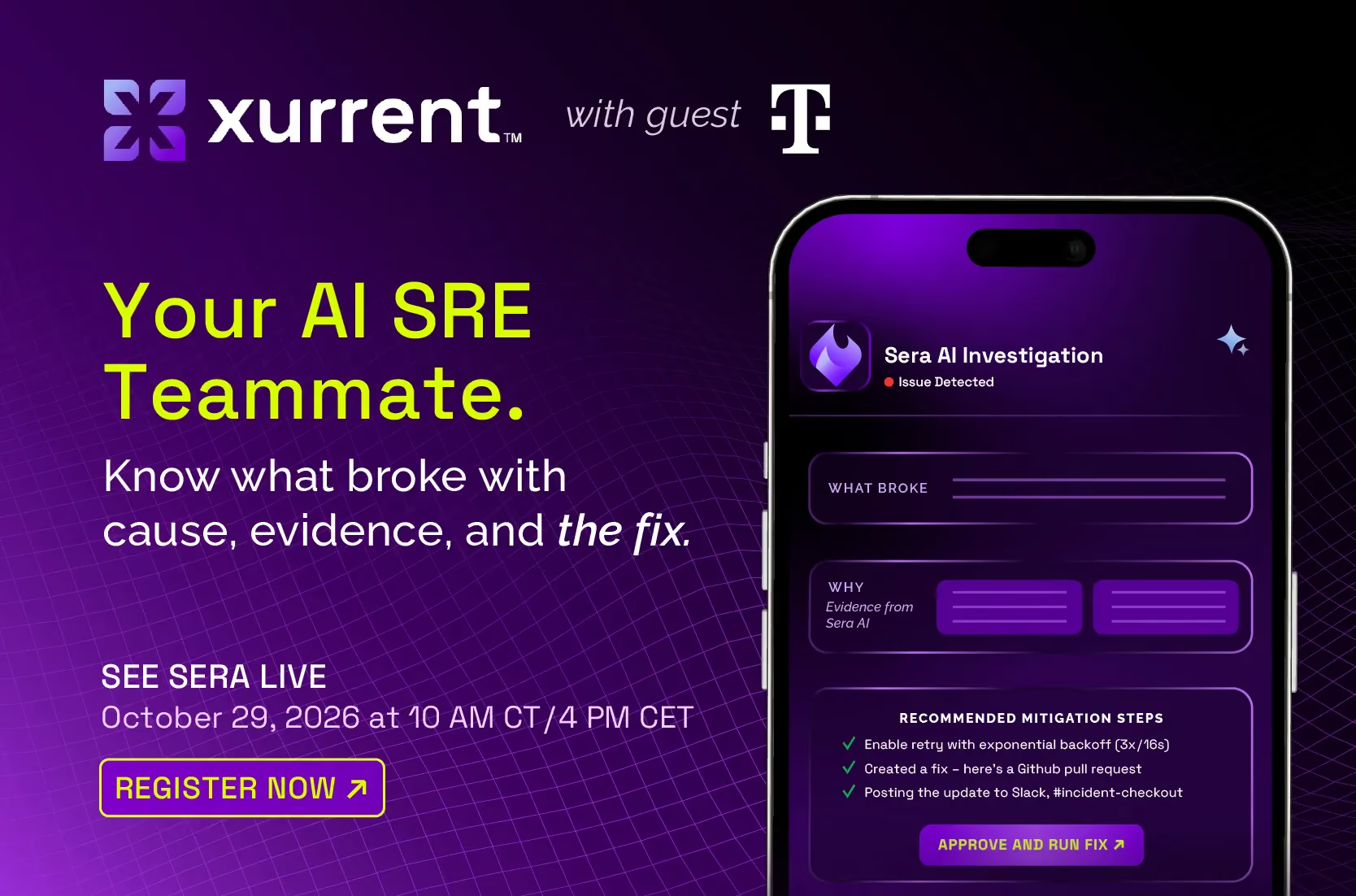
Your team ships more code than it did a year ago, and more of it is written by AI. Keeping all of it running is still the job of the people on call. An AI SRE is the teammate that helps them do it.
It gathers context across your tools, investigates the likely cause, keeps stakeholders updated and drafts the postmortem. Your engineers make every decision. The goal is simple: less time scrambling, more time building systems that don't break in the first place.
This guide covers what an AI SRE is, why it matters now, what it actually does during an incident, how to evaluate one, and how to roll it out without losing your team's trust.
In this guide
An AI SRE is an AI teammate that works alongside your site reliability engineers during incidents. It reads your alerts, telemetry, code changes and incident history, suggests a likely cause with evidence, and handles the coordination work around the fix. The engineer stays in charge of every decision.
The term gets used loosely, so it helps to separate it from the tools it often gets confused with.
The distinction that matters most is the last column. An AI SRE is built to make your engineers faster and better informed, not to take the decision away from them. That's also what practitioners say they want: in interviews with on-call engineers, nobody wanted an agent with unreviewed write access to production.
AI sped up the writing side of engineering. It hasn't sped up the fixing side, and that gap now lands on your on-call team.
Google's 2025 DORA report found that 90% of technology professionals now use AI at work, and over 80% believe it has made them more productive. The same research found that higher AI adoption is associated with an increase in both delivery throughput and delivery instability. More code ships, and more of it breaks.
DORA's follow-up analysis adds two findings that matter for anyone choosing AI tools for incidents:
DORA describes AI as an amplifier: it magnifies the strengths of well-run teams and the weaknesses of struggling ones. For reliability teams, that's the case for an AI SRE in one line. The same technology that increased the load can help the people carrying it.
Source: DORA, Balancing AI tensions, March 2026
A major incident costs more than the downtime. It costs revenue, engineering time, and the focus of your most experienced people. Independent research puts numbers on each.
The toil finding is the one worth pausing on. Catchpoint's own researchers noted that the expectation was AI would reduce toil, not add to it.
Incidents are also getting harder to diagnose. Uptime Institute expects failures to increasingly come not from a single point of failure, but from complex interactions between software, networks and external dependencies. That's exactly the kind of problem that eats the hour after the alert.
Detection is mostly solved. Monitoring catches the symptom, on-call routing finds a person, the phone rings. The expensive part starts after that.
Watch a real incident and most of the first stretch goes to four questions:
Call this stretch time to context: the time between being paged and having a credible first move. It rarely shows up in dashboards, yet it's where incidents are won or lost.
It's also where escalations start. An engineer without context has one reliable option, which is to wake up someone who has it. One incident becomes three people's night. Catchpoint found most organisations run between two and ten monitoring tools, so the context is usually there. It's just spread across too many places to assemble quickly.
The usual fixes don't close the gap:
A good AI SRE doesn't do one trick. It shows up at each stage of an incident, in the order an incident actually happens, and carries what it learns from one stage into the next. Here's how that works with Sera, the AI SRE teammate inside Xurrent IMR.
Sera also works where your team already works: it can be brought into Claude through MCP, so engineers can pull incident context into the tools they use every day.
Of the five, investigation is where the time goes and where an AI SRE earns its place. It's also where incidents most often mislead people.
Take a common case: order confirmation emails stop sending, and the alert fires on the notification service. The obvious move is to dig into email delivery. But the real cause sits upstream: the order service has stopped creating confirmed orders, so the notification service has nothing to send. An investigation that reads the surrounding signals and recent changes points the engineer at the right service first. The engineer still makes the call, just with a much better starting point.
Xurrent IMR customers report results like these from their published case studies. Each reflects that customer's use of the platform, and individual results vary.
The loudest pitch in this market is autonomy: AI that fixes incidents with no human in the loop. It's worth being careful with that promise.
When it goes wrong in production, a human name is on it. That's why engineers draw the line where they do. In interviews with on-call practitioners, none wanted an agent with unreviewed write access to production. What they wanted was help that does the work around the decision, so they can make the decision faster and with better information.
Teams that adopt AI in incidents well tend to climb in order, one rung at a time:
Skipping rungs is how adoption stalls. A tool that tries to act before it has earned trust gets switched off, and the team goes back to doing everything by hand.
The boundary that works in practice isn't severity, it's reversibility. "Can this be undone?" is a better test for what an agent may touch than "how serious is this incident?" It maps to real risk. Uptime Institute makes a related point: operators are investing in automation to manage complexity, but more automation can cause different classes of problems. Autonomy is something a team grants, not something a vendor switches on.
"AI investigations" now appears on almost every vendor's website. A lot of it means a summary of the alert you already read. These questions separate an AI SRE that helps from one that just sounds helpful. Use them on any vendor, including us.
Does it actually investigate?
Can you check its work?
Does it fit how your team works?
Is your data safe?
A quick test during any demo: ask the vendor to show you a case where their AI was uncertain. DORA's research found that AI tools often struggle to signal uncertainty. A tool that can show you "I'm not sure" is usually more trustworthy than one that's always confident.
The teams that get value from an AI SRE quickly don't start with the AI. They start by giving it something good to reason over.
If you already run Xurrent IMR, much of this foundation is in place: alert correlation, change correlation and incident history are part of the platform Sera works from.
There's no industry standard yet for measuring whether AI helped in a specific incident. That includes us. Until one exists, track a few proxies before and after rollout.
DORA's guidance applies here too: measure impact, not output. A tool that produces more summaries isn't automatically helping. A tool that gets your team to the right answer sooner, with fewer people woken up, is.
The direction most teams want isn't an AI that replaces SREs. It's SREs spending their time on resilient systems instead of scrambling through incidents. Three things have to improve for that to happen.
Investigations that work for every team, not just the best-instrumented ones. Today, the quality of an AI investigation depends heavily on how well a system is instrumented and how much incident history exists. Teams with thin telemetry get thin answers. Closing that gap, so a mid-size team gets the same quality of investigation as a team with a dedicated observability group, is the biggest open problem in this category.
Autonomy that teams grant, rung by rung. The path forward isn't an AI that acts without asking. It's an AI that takes on more of the response as a team chooses to hand it over, starting with reversible actions, with approval and an audit trail at every step. The unit of progress is trust, not capability.
Learning that compounds. Every resolved incident should make the next similar one shorter. The long-term prize isn't faster incidents, it's fewer of them: patterns surfaced early enough that teams fix the underlying cause instead of rediscovering it each quarter.
That's where Xurrent is putting its engineering effort. This describes our direction and investment, not a commitment to specific features or dates.
The summary: we're some way from systems that keep themselves running. We're much closer to systems that stop asking your best engineers to start from scratch at 2am.
An AI teammate that works alongside your site reliability engineers during incidents. It gathers context across your tools, suggests a likely cause with evidence, keeps stakeholders updated and drafts the postmortem. The engineer makes every decision.
No. It removes the repetitive work around the decision so your engineers can spend their time on judgment calls and on building more resilient systems. The engineer stays accountable for what reaches production.
AIOps focuses on reducing alert noise through correlation and de-duplication. An AI SRE starts there and continues: investigating the cause, coordinating the response, and closing the loop with a postmortem. They're complementary, and most teams want both.
A general model has read the public internet and none of your incidents. An AI SRE reasons over your telemetry, your changes and your incident history, which is where the answer usually lives. DORA's own guidance recommends linking AI directly to your internal data for exactly this reason.
It shouldn't, unless your team has explicitly granted it. The model that works is: the AI proposes, the engineer approves and runs. Treat any vendor selling full autonomy out of the box with caution.
No. On-call and alerting are table stakes, and an AI SRE adds the part that comes after the alert. You can run them alongside each other and migrate on your own timeline.
It depends on your foundation. Teams with alert correlation and change data already connected tend to see useful investigations quickly. Teams starting with heavy alert noise should fix that first, since noise degrades anything built on top of it.
You check its work. A good AI SRE shows a confidence level and the evidence behind every conclusion, so an engineer can verify it in seconds. If a tool can't show you why it reached a conclusion, treat its conclusions carefully
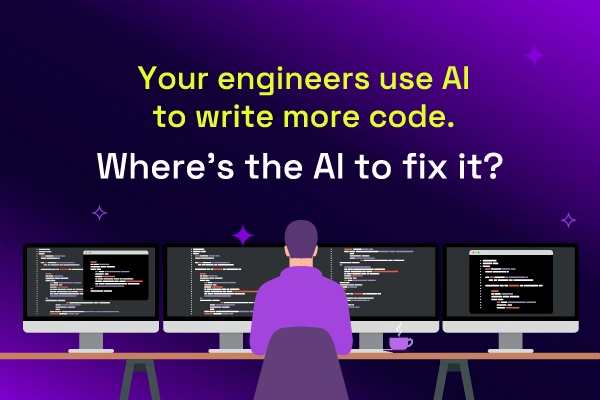
Google's 2025 DORA report found that 90% of technology professionals now use AI at work, and more than 80% say it has made them more productive. With code assistants and agents, the speed at which code gets written has changed more in eighteen months than in the decade before.
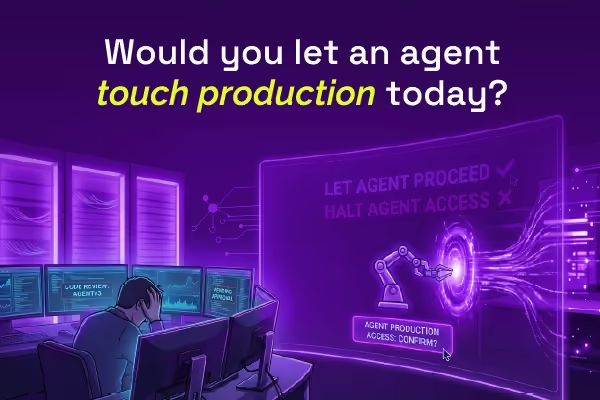
Most AI SREs are pattern matchers trained on public data. They know what a memory leak looks like in the abstract. They don't know that your payments-api has a flaky liveness probe everyone ignores, that the checkout team owns the retry policy, or that the last three "database incidents" were actually cache misconfigurations. That knowledge lives in your postmortems, your Slack channels, and the heads of two senior engineers.
Most AI SREs are pattern matchers trained on public data. They know what a memory leak looks like in the abstract. They don't know that your payments-api has a flaky liveness probe everyone ignores, that the checkout team owns the retry policy, or that the last three "database incidents" were actually cache misconfigurations. That knowledge lives in your postmortems, your Slack channels, and the heads of two senior engineers.