

Blog
Insights & updates from our experts


Resolve plant floor and IT issues before they disrupt production.

Stay audit-ready while resolving issues and reducing operational risk.
Resolve issues quickly with an AI-powered system that automates ticketing.

Unifiy IT, HR, Facilities, Finance, and more on a single, AI-powered service platform.

Simplify on-call scheduling, automate escalations, and reduce burnout.

Automate postmortems, AI summaries, and post-incident workflows

Create, organize, and continuously improve your knowledge base to find the right answers with Sera AI.

We're here to help

The integration with Atlassian Jira using the Xurrent Integration Service is

The integration with Atlassian Jira using the Xurrent Integration Service is

The integration with Atlassian Jira using the Xurrent Integration Service is

The integration with Atlassian Jira using the Xurrent Integration Service is

The integration with Atlassian Jira using the Xurrent Integration Service is

The integration with Atlassian Jira using the Xurrent Integration Service is

The integration with Atlassian Jira using the Xurrent Integration Service is

The integration with Atlassian Jira using the Xurrent Integration Service is
Resolve issues quickly with an AI-powered system that automates ticketing.
Unifiy IT, HR, Facilities, Finance, and more on a single, AI-powered service platform.
Simplify on-call scheduling, automate escalations, and reduce burnout.
Automate postmortems, AI summaries, and post-incident workflows
Create, organize, and continuously improve your knowledge base to find the right answers with Sera AI.
Resolve plant floor and IT issues before they disrupt production.
Stay audit-ready while resolving issues and reducing operational risk.

Detect, respond, and resolve incidents fast to cut downtime and MTTR.

Keep your store online, even during your biggest sales moments.

Protect patient data and resolve issues fast, so care teams stay focused on care.

Standardize service delivery across every store and channel.

We are here to help 24/7

Connect with other Xurrent Users

Get insights and tips on how to get the most out of Xurrent

Apps, APIs, and updates

Xurrent service functionality

Eliminate manual tasks, optimize workflows, and deliver faster resolutions.
Learn how organizations have reduced downtime, improved 50% MTTA & MTTR, and cut costs with Xurrent IMR.
Discover Xurrent IMR's quick support, bidirectional integrations with Jira and Slack, and more cohesive incident response capabilities compared to Opsgenie.
Understand why users value Xurrent IMR for its intuitive interface, efficient incident alerting, customizable On-call schedules, and escalations.
Think about the best person you've ever worked an incident with.
They didn't take over. They didn't need a briefing. They showed up already knowing what was going on, pointed you at the thing that mattered, kept everyone else off your back, and wrote it up afterwards without being asked. You still made the calls. You just made them faster, and you weren't alone.
That's the bar we set for Sera.
Most AI in operations is built as a tool: you point it at something and it does one job. That's useful, but it isn't how incidents work. An incident is a chain of moments, each one needing something different, all of them under pressure.
A teammate carries context from one moment to the next. It remembers what it saw when the alert fired when you ask it a question an hour later. That's the difference we care about, and it's why Sera is one teammate rather than five separate features.
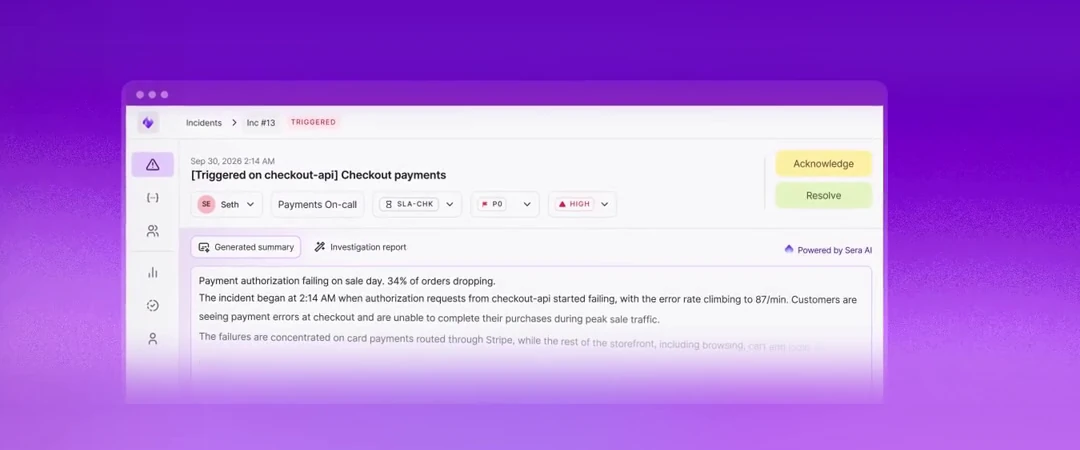
Sera Summary. The moment an incident opens, Sera tells you what's going on in plain English: what's failing, which service, who's affected. You start with the picture instead of a raw alert payload.
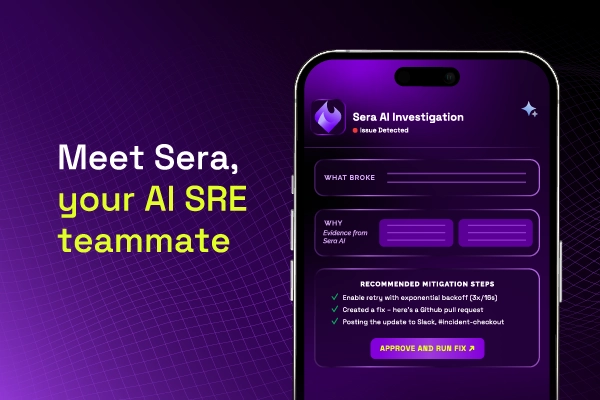
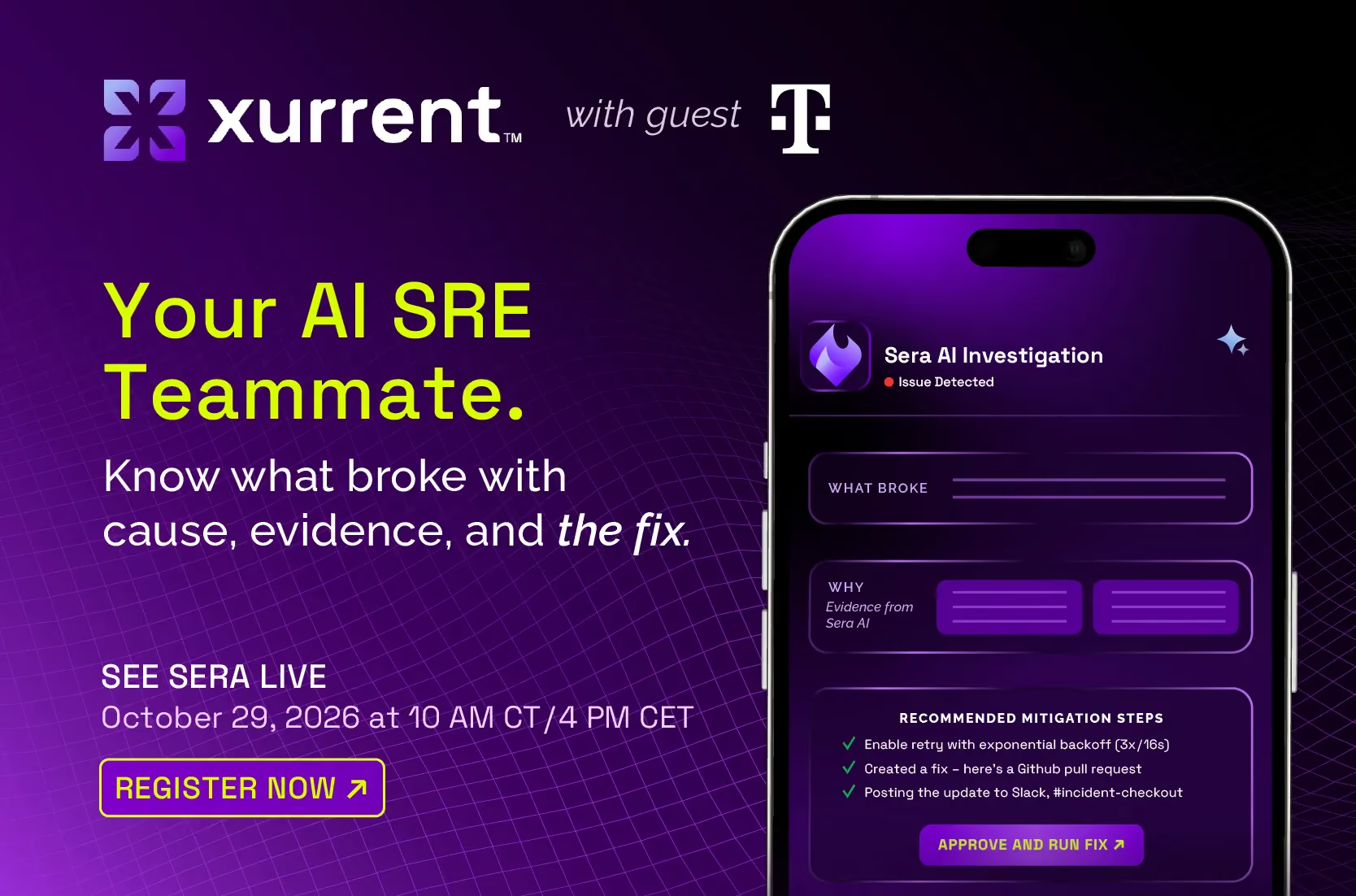
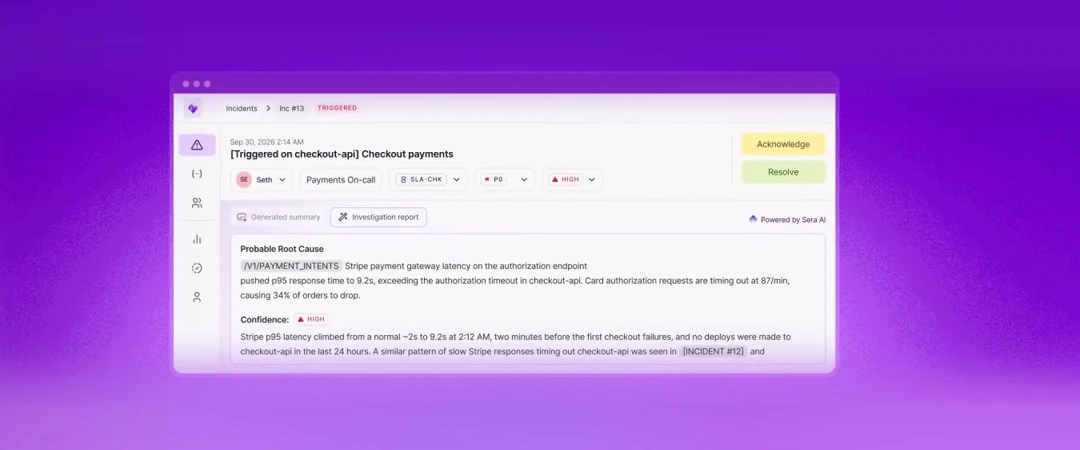
Sera Investigate. This is where the time usually goes, and where Sera does its most important work. It reads the alert, correlates related alerts into one incident, searches your past incidents for similar ones, and checks recent code changes in GitHub. You get a probable cause, a confidence level, the evidence behind it, mitigation steps in order of urgency, and a link to the exact pull request and line that likely caused it.
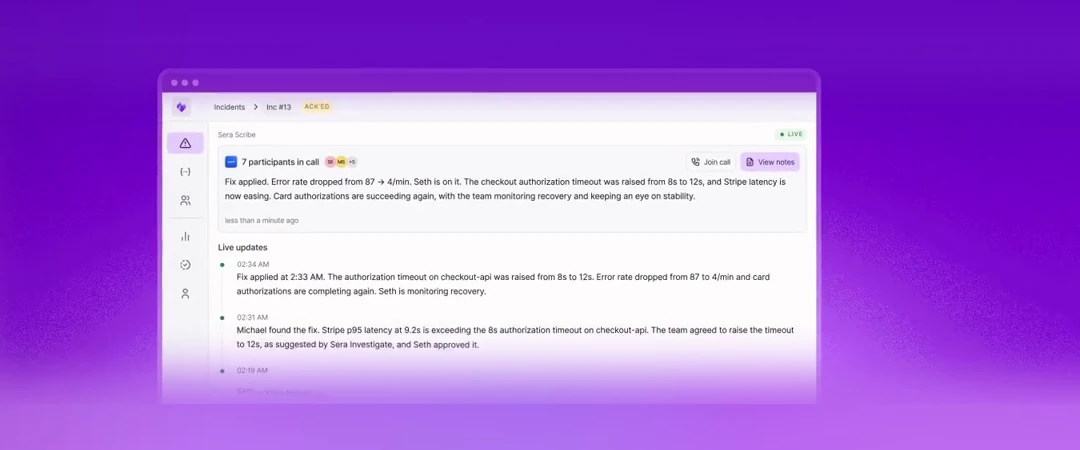
Sera Scribe. When the war room forms, Sera joins the Zoom or Teams call, writes a live timeline and keeps stakeholders updated. Nobody pulls you off the fix to ask for a status.
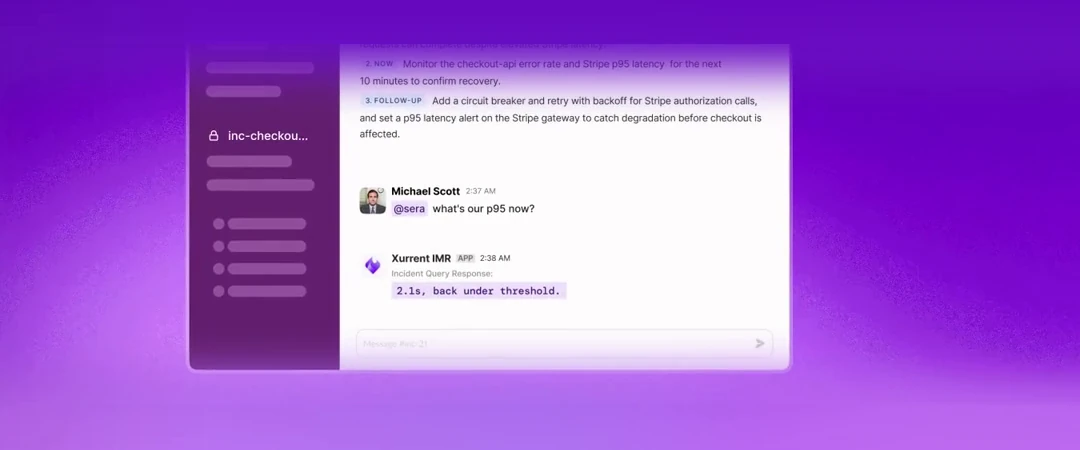
Sera Querier. Mid-incident, you need a specific answer. @mention Sera in Slack with a plain-language question, like "what's the threshold on this alert?", and get the exact answer from the incident data.
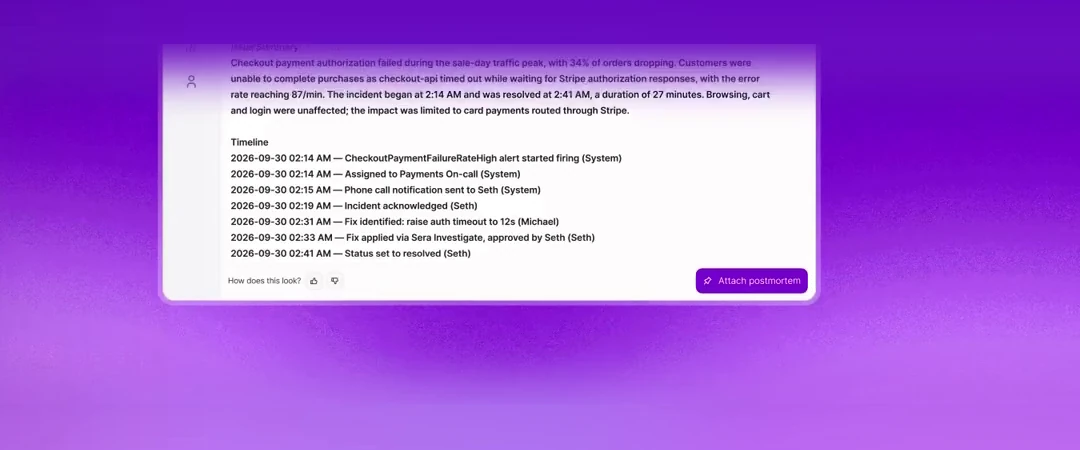
Sera Postmortems. When it's resolved, Sera drafts the postmortem from everything it already gathered: the timeline, the call, the investigation. You review and edit. You don't start from a blank page at the end of a long day.
We made one decision early and haven't moved on it: Sera doesn't make changes to production on its own.
When something goes wrong in production, a human name is on it. Engineers know that, and they're right to be careful about any tool that wants to act without asking. So Sera suggests, and you decide. It shows its confidence and its evidence for every conclusion, so you can check its reasoning in seconds. When it isn't sure, it tells you.
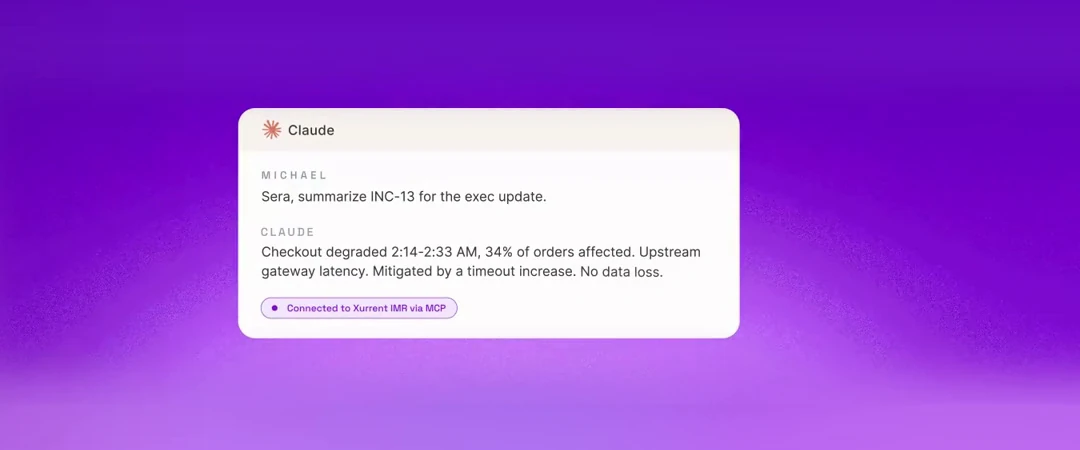
Sera lives inside Xurrent IMR, and it meets you where you already are: in the IMR app, in Slack, on your incident calls, and inside Claude through MCP. You don't need a new tab to live in during an incident.
Engineering got a lot of AI this year. Most of it went to writing code faster. The people who keep that code running got very little.
We think that's backwards. Reliability is the hardest job in software, and the people who do it deserve help that respects how they work: help that knows their systems, shows its reasoning, and leaves the decisions to them.
That's Sera. Your AI SRE teammate.
Google's 2025 DORA report found that 90% of technology professionals now use AI at work, and more than 80% say it has made them more productive. With code assistants and agents, the speed at which code gets written has changed more in eighteen months than in the decade before.