



Blog
Insights & updates from our experts


Resolve plant floor and IT issues before they disrupt production.

Stay audit-ready while resolving issues and reducing operational risk.
Resolve issues quickly with an AI-powered system that automates ticketing.
Unifiy IT, HR, Facilities, Finance, and more on a single, AI-powered service platform.
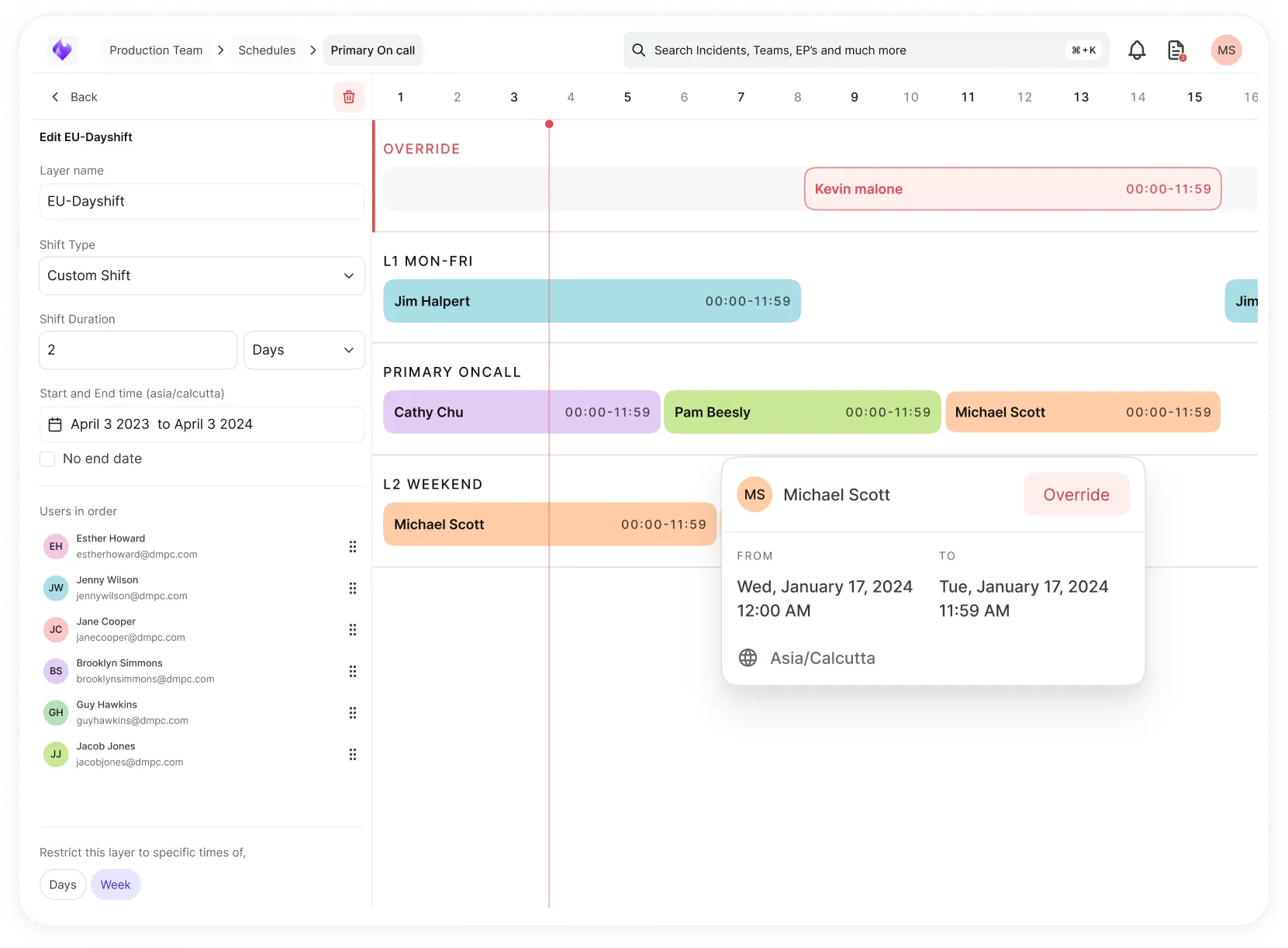
Simplify on-call scheduling, automate escalations, and reduce burnout.
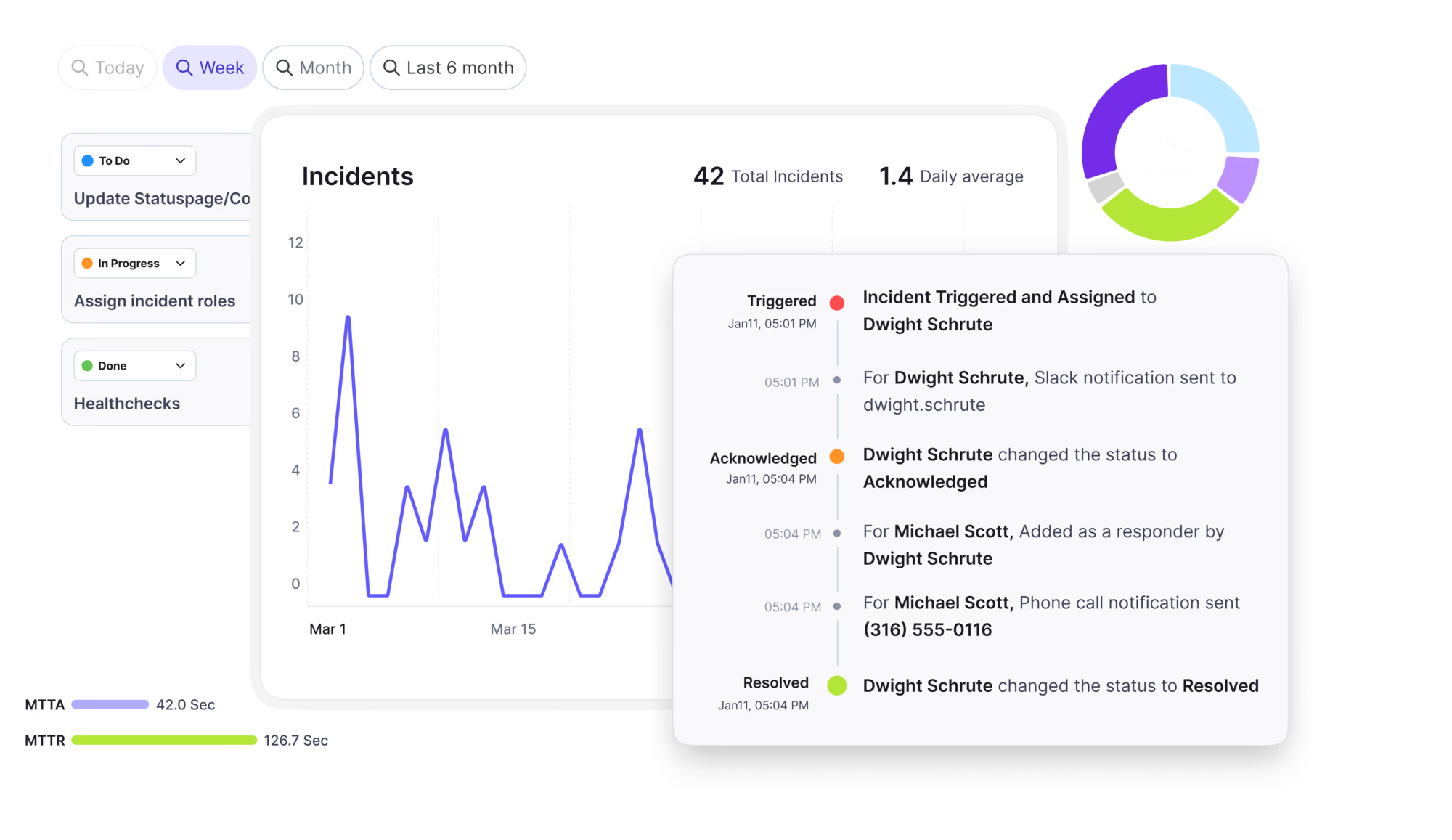
Automate postmortems, AI summaries, and post-incident workflows
Create, organize, and continuously improve your knowledge base to find the right answers with Sera AI.
We're here to help

The integration with Atlassian Jira using the Xurrent Integration Service is

The integration with Atlassian Jira using the Xurrent Integration Service is

The integration with Atlassian Jira using the Xurrent Integration Service is

The integration with Atlassian Jira using the Xurrent Integration Service is

The integration with Atlassian Jira using the Xurrent Integration Service is

The integration with Atlassian Jira using the Xurrent Integration Service is

The integration with Atlassian Jira using the Xurrent Integration Service is

The integration with Atlassian Jira using the Xurrent Integration Service is
Resolve issues quickly with an AI-powered system that automates ticketing.
Unifiy IT, HR, Facilities, Finance, and more on a single, AI-powered service platform.
Simplify on-call scheduling, automate escalations, and reduce burnout.
Automate postmortems, AI summaries, and post-incident workflows
Create, organize, and continuously improve your knowledge base to find the right answers with Sera AI.
Resolve plant floor and IT issues before they disrupt production.
Stay audit-ready while resolving issues and reducing operational risk.

Detect, respond, and resolve incidents fast to cut downtime and MTTR.

Keep your store online, even during your biggest sales moments.

Protect patient data and resolve issues fast, so care teams stay focused on care.
Standardize service delivery across every store and channel.

We are here to help 24/7

Connect with other Xurrent Users

Get insights and tips on how to get the most out of Xurrent

Apps, APIs, and updates

Xurrent service functionality

Eliminate manual tasks, optimize workflows, and deliver faster resolutions.
Learn how organizations have reduced downtime, improved 50% MTTA & MTTR, and cut costs with Xurrent IMR.
Discover Xurrent IMR's quick support, bidirectional integrations with Jira and Slack, and more cohesive incident response capabilities compared to Opsgenie.
Understand why users value Xurrent IMR for its intuitive interface, efficient incident alerting, customizable On-call schedules, and escalations.

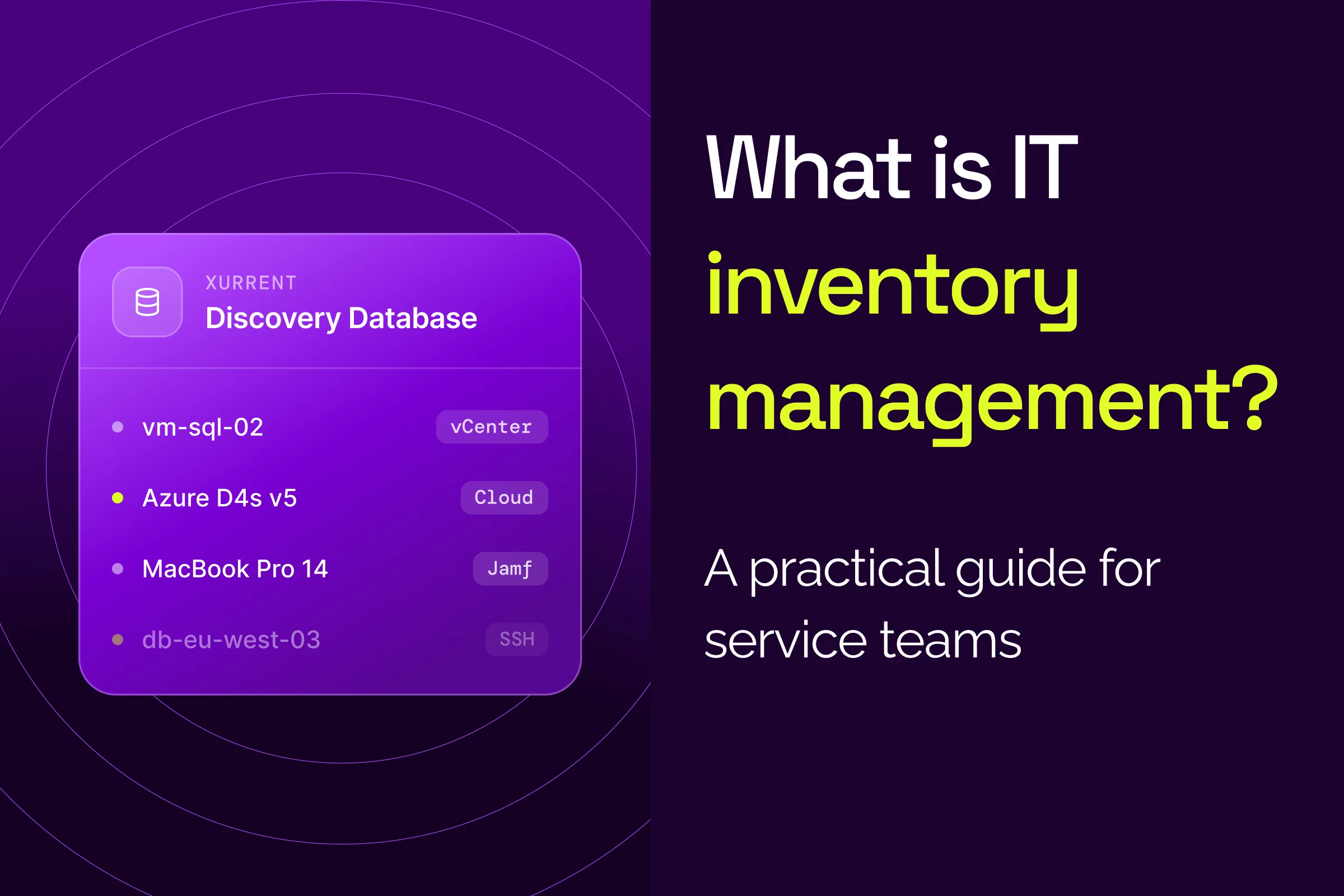
IT inventory management is the ongoing process of finding, recording, and updating every hardware, software, cloud, network, and supplier asset that IT supports. It gives service desk, change, and security teams one accurate list of what exists, where it runs, and who owns it. That list is the base layer for an accurate CMDB.
Key facts about IT inventory management
TL;DR
On this page: What is IT inventory management · Inventory vs ITAM vs CMDB · What to include · Step by step · Audit cadence · 80/20 rule · Security · FAQ
Free analyst report: EMA's findings on faster, smarter incident response.
IT inventory management is the process of finding, recording, and keeping current every hardware, software, cloud, and network asset IT supports. The result is an accurate list of what the organization has, where each asset runs, and who owns it. Security frameworks such as NIST CSF 2.0 treat that list as a baseline control.
NIST CSF 2.0 asset management outcome ID.AM-01 reads: “Inventories of hardware managed by the organization are maintained.” Outcome ID.AM-02 applies the same rule to software, services, and systems.
An accurate IT inventory supports three kinds of service work:
Stale inventory data drives wrong actions. An agent reboots the wrong server, or AI routes a ticket to a group that no longer owns the service. A person can chase down a missing answer, but an AI agent can't. Inventory data belongs inside AI-powered IT service management, where incidents, changes, and requests already run.
IT inventory, IT asset management (ITAM), and a configuration management database (CMDB) do three different jobs. An IT inventory is the list of what you have. ITAM manages those assets over their life for value and risk. A CMDB stores configuration items (CIs), the components services depend on, plus the relationships between them.
Xurrent ITAM is ITAM for service management. Xurrent ITAM focuses on keeping the CMDB accurate, so agents and AI act on data they can trust.
An IT inventory list should cover five asset categories, and every record should answer two questions: what is it, and who owns it? The CIS Controls set the minimum fields: six for each hardware record in Safeguard 1.1 and four for each software record in Safeguard 2.1.
The five IT inventory categories:
CIS Safeguard 1.1 asks each hardware record to capture six fields:
For software, CIS Safeguard 2.1 adds the title, publisher, initial install or use date, and business purpose.
Xurrent's CMDB and asset management features turn accurate inventory records into CIs linked to the services that depend on them.
IT inventory management works as a repeatable four-step loop: capture assets from every source, clean and reconcile the data, assign an owner to every record, and keep the inventory accurate with scheduled reviews. Most inventories drift when the CMDB is loaded once and never updated, and the loop prevents that drift.
Capturing IT assets means pulling records automatically from every tool that sees devices, instead of typing them into a spreadsheet. Manual entry can't keep pace with new laptops, virtual machines, and departing devices.
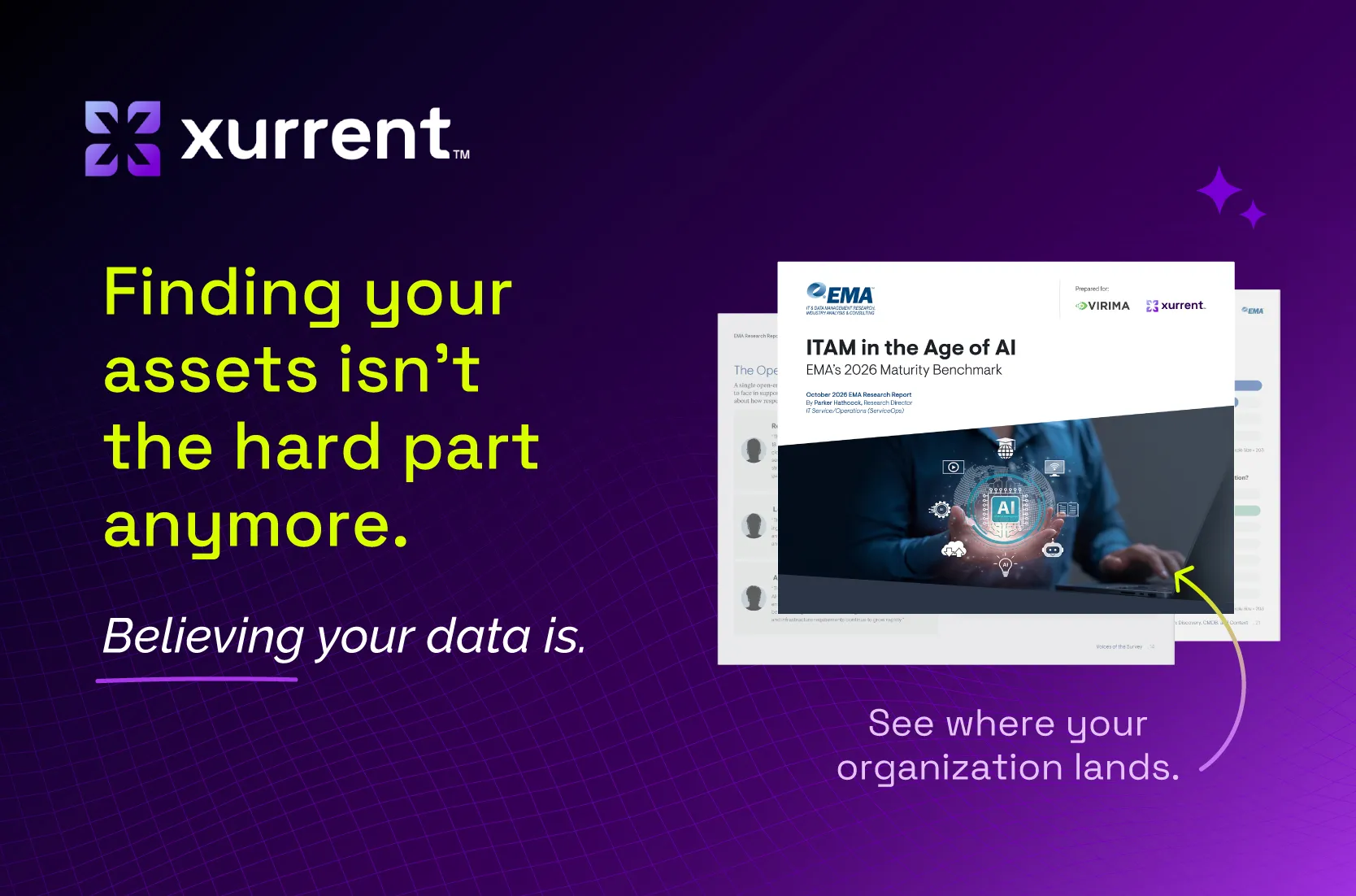
Manual CMDB work is still common. According to EMA's ITAM in the Age of AI (2026), 65.5% still populate the CMDB at least partly by hand: 53.5% mix automated and manual methods, and 12.0% work fully by hand, among organizations with 1,000+ employees.
Three IT asset capture methods work together:
CIS Safeguard 1.3 in the active discovery guidance says to configure active discovery to “execute daily, or more frequently.”
More asset data sources mean more conflicts. A device management tool reports one hostname, a monitoring tool another, and a spreadsheet a third. No single tool sees every asset, so records need reconciling before they reach the CMDB.
In Xurrent, API-based integration connectors bring every source into one place. Reconciliation rules then import records automatically or flag changes for review in the reconciliation queue. You decide what gets into the CMDB, so bad data never quietly overwrites good data.
Every IT inventory record needs a named owner and department, per CIS Safeguard 1.1. An asset without an owner is a dead end during an outage. Ownership tells the team who to call during an incident and who approves a change.
Set asset ownership at intake and review it when people change roles. Ownership data reaches beyond IT: if HR runs onboarding and offboarding through enterprise service management, those requests depend on knowing which devices belong to whom.
An IT inventory audit catches drift before it turns into outages or surprise renewals. Scheduled syncs keep data current between audits, and review dashboards show where the CMDB is slipping before agents or AI feel it.
EMA's ITAM in the Age of AI (2026) found that 18.5% of respondents rate their ITSM and CMDB asset data at 95% accuracy or higher. The same report found that 71.9% report broad operational AI adoption or beyond, but only 22.2% call their ITAM AI-ready.
In the same EMA research, AI-ready organizations were more likely to report 95%+ CMDB accuracy than optimized organizations (55.6% versus 7.5%). Tiers are self-reported with small bases, so treat this as association, not causation.
Xurrent's asset review dashboards track status, warranty, age, and value, plus incomplete and aging data. The Checkmk inventory sync shows how monitoring data keeps CMDB hosts current.
The CIS Controls set three IT inventory audit cadences: run active discovery daily or more often, address unauthorized assets weekly, and review and update the full inventory at least twice a year. Use these cadences as the minimum baseline, and run scans more often where assets change fastest.