



Blog
Insights & updates from our experts


Resolve plant floor and IT issues before they disrupt production.

Stay audit-ready while resolving issues and reducing operational risk.
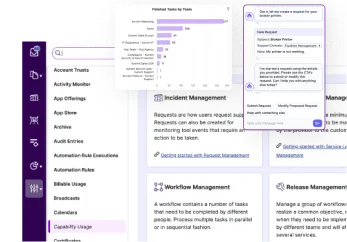
Resolve issues quickly with an AI-powered system that automates ticketing.
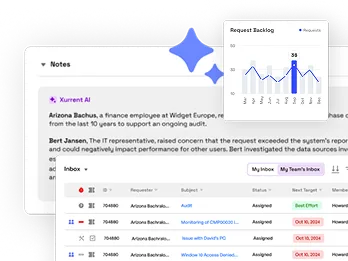
Unifiy IT, HR, Facilities, Finance, and more on a single, AI-powered service platform.
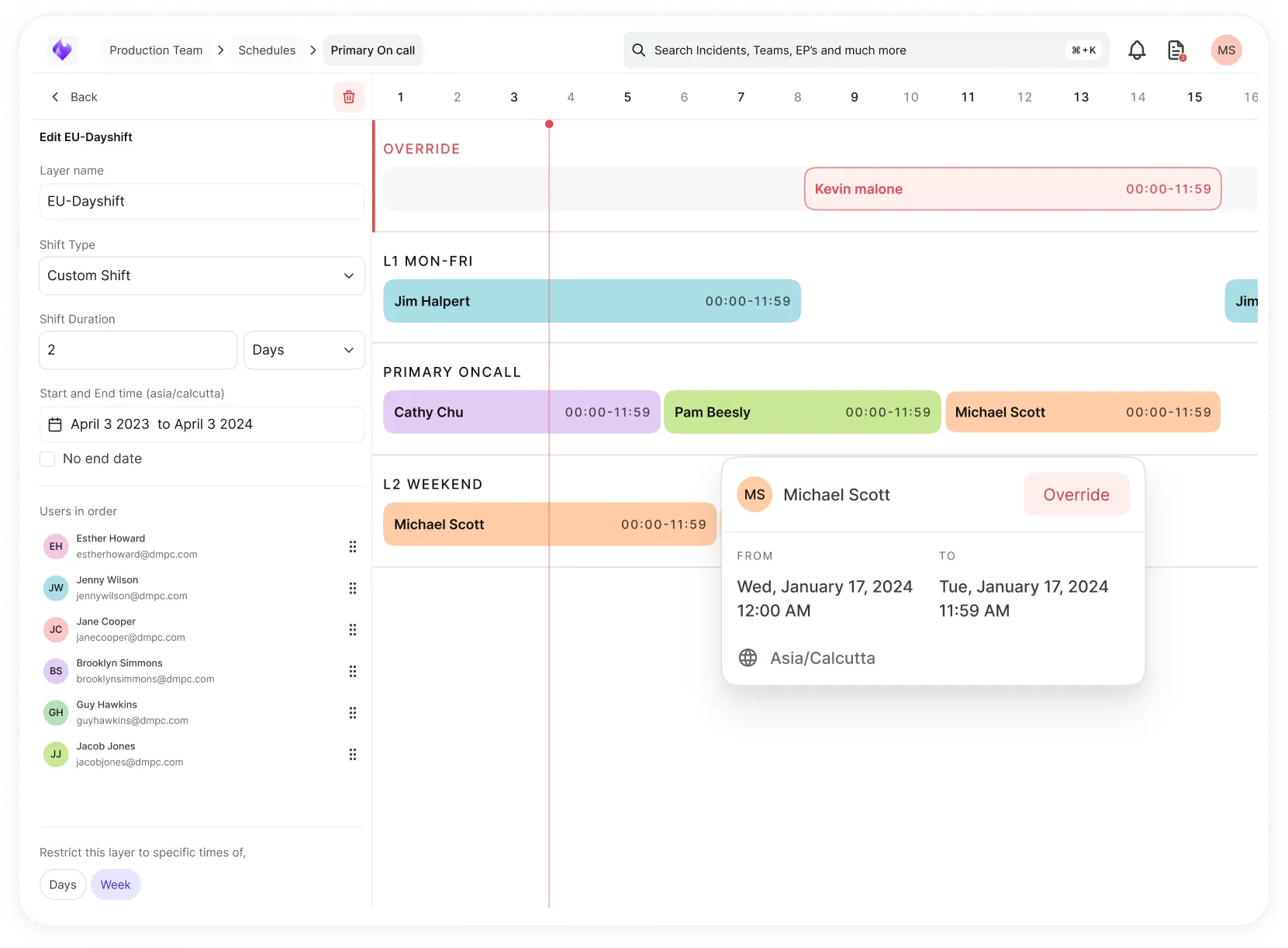
Simplify on-call scheduling, automate escalations, and reduce burnout.
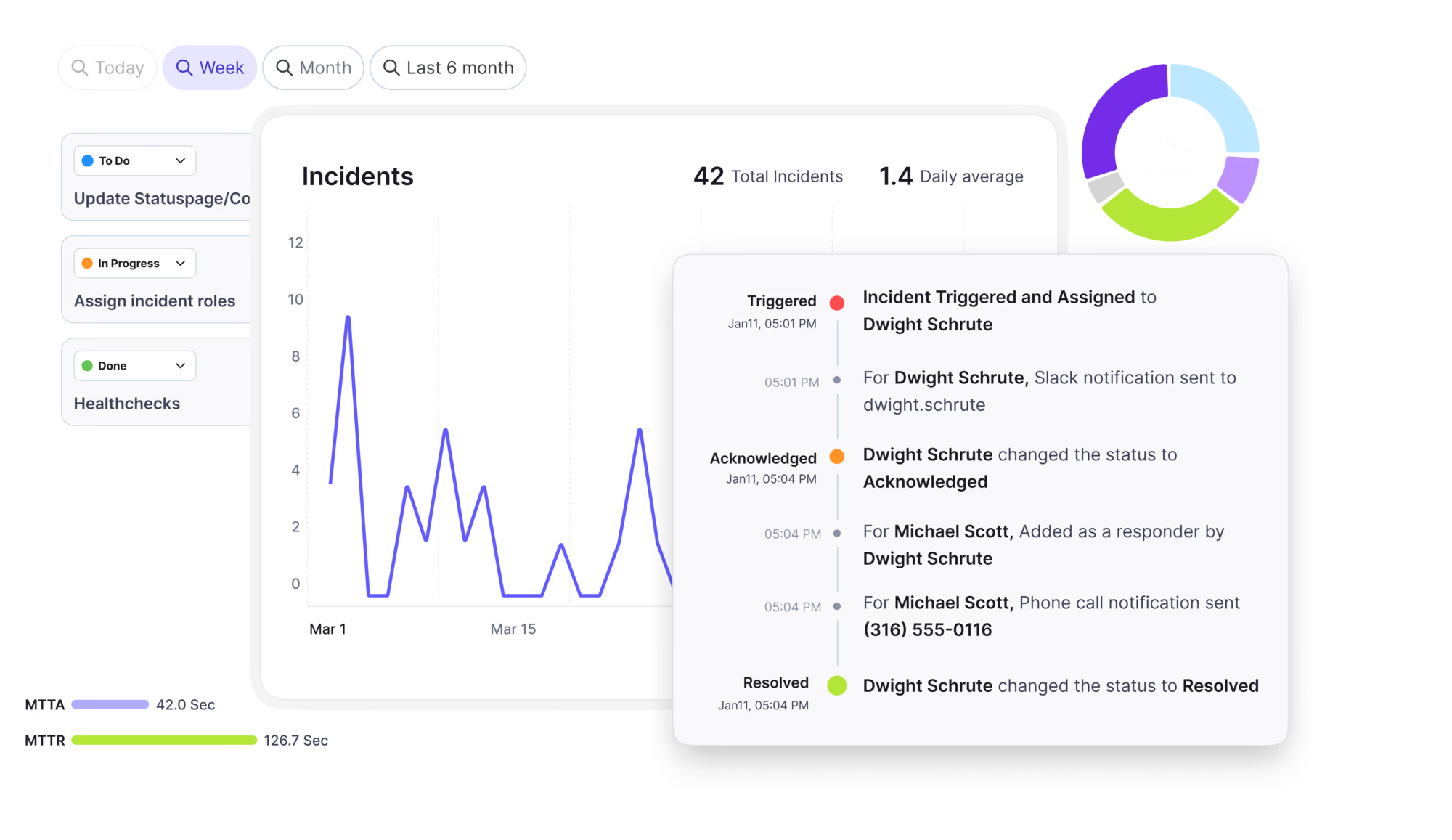
Automate postmortems, AI summaries, and post-incident workflows
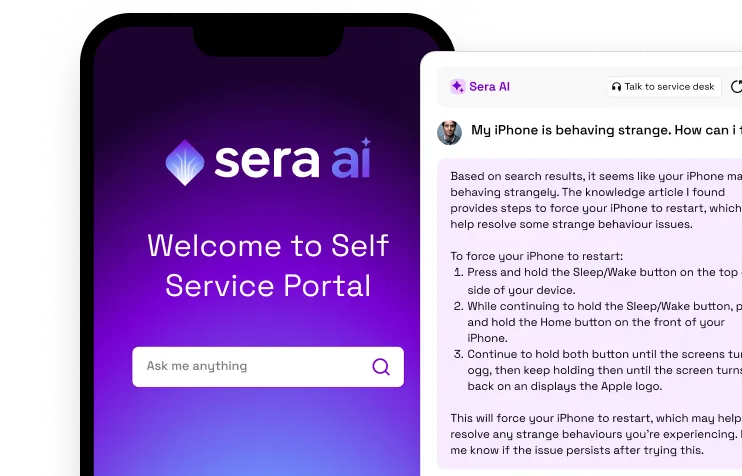
Create, organize, and continuously improve your knowledge base to find the right answers with Sera AI.
We're here to help

The integration with Atlassian Jira using the Xurrent Integration Service is
The integration with Atlassian Jira using the Xurrent Integration Service is

The integration with Atlassian Jira using the Xurrent Integration Service is

The integration with Atlassian Jira using the Xurrent Integration Service is

The integration with Atlassian Jira using the Xurrent Integration Service is

The integration with Atlassian Jira using the Xurrent Integration Service is

The integration with Atlassian Jira using the Xurrent Integration Service is

The integration with Atlassian Jira using the Xurrent Integration Service is
Resolve issues quickly with an AI-powered system that automates ticketing.
Unifiy IT, HR, Facilities, Finance, and more on a single, AI-powered service platform.
Simplify on-call scheduling, automate escalations, and reduce burnout.
Automate postmortems, AI summaries, and post-incident workflows
Create, organize, and continuously improve your knowledge base to find the right answers with Sera AI.
Resolve plant floor and IT issues before they disrupt production.
Stay audit-ready while resolving issues and reducing operational risk.

Detect, respond, and resolve incidents fast to cut downtime and MTTR.

Keep your store online, even during your biggest sales moments.

Protect patient data and resolve issues fast, so care teams stay focused on care.
Standardize service delivery across every store and channel.

We are here to help 24/7

Connect with other Xurrent Users

Get insights and tips on how to get the most out of Xurrent

Apps, APIs, and updates

Xurrent service functionality

Eliminate manual tasks, optimize workflows, and deliver faster resolutions.
Learn how organizations have reduced downtime, improved 50% MTTA & MTTR, and cut costs with Xurrent IMR.
Discover Xurrent IMR's quick support, bidirectional integrations with Jira and Slack, and more cohesive incident response capabilities compared to Opsgenie.
Understand why users value Xurrent IMR for its intuitive interface, efficient incident alerting, customizable On-call schedules, and escalations.

IT asset management (ITAM) is the practice of tracking every hardware, software, cloud, and virtual asset an organization owns, from purchase to disposal. Service desk, security, and finance teams use ITAM records to know what they own, where it is, who uses it, and what it costs. Accuracy matters most when tickets, changes, and AI agents run on CMDB data.
Key facts about IT asset management
TL;DR
On this page: What is ITAM · ITAM vs SAM vs CMDB vs ITSM · Types of IT assets · Core components · Lifecycle · Benefits · Service desk · Challenges · Best practices · Choosing a system · Xurrent ITAM · FAQ
Most IT teams can't say exactly what they own. Laptops change hands, cloud accounts multiply, and spreadsheets fall out of date. Stale asset data is a quiet form of debt: every wrong record costs time later, during an outage, an audit, or a renewal. This guide covers the asset types, the lifecycle, the benefits, common challenges, and how to choose an ITAM system.
Free analyst report: EMA's findings on faster, smarter incident response.
IT asset management (ITAM) is the practice of tracking and managing an organization's hardware, software, and cloud assets across their lifecycle. ITAM tells the business what it owns, where each asset is, who uses it, and what it costs. ITAM is also called information technology asset management or technology asset management.
NIST's 2018 practice guide, SP 1800-5B, defines it this way: “ITAM refers to a set of policies and procedures that an organization uses to track, audit, and monitor the state of its IT assets, and maintain system configurations.”
The international standard for ITAM is ISO/IEC 19770-1. Per the standard, “ISO/IEC 19770-1:2017 specifies requirements for an IT asset management system within the context of the organization.” In plain terms, ISO/IEC 19770-1 describes what a well-run ITAM program needs to fit the business.
ITAM and IT service management (ITSM) meet in the configuration management database (CMDB). A CMDB is a central record of the IT items that support services and how they connect. Each item in a CMDB is a configuration item (CI), such as a server, an app, or a network switch.
Not every IT asset needs to be a CI. A spare keyboard in a closet is an asset, but it doesn't affect any service. Xurrent's asset and CMDB documentation explains how asset records and CIs fit together.
ITAM tracks what IT owns, software asset management (SAM) is the part of ITAM focused on software licenses, a CMDB records how IT items support services, and ITSM delivers the services people use. The four work together: ITSM depends on ITAM and CMDB data to know what each ticket or change affects.
SAM can run as its own program or as part of ITAM. In this guide, SAM means the license-focused part of ITAM.
IT asset management covers four asset types: hardware, software, cloud and SaaS, and digital or virtual assets. Each type needs different details tracked, from serial numbers on laptops to renewal dates on licenses and expiry dates on certificates. An ITAM system should hold all four types in one place, so no team sees only its own slice.
The four core components of ITAM
IT asset management rests on four jobs: asset tracking and discovery, inventory management, license management, and lifecycle management. Each component answers one question about IT assets, from “what is running on our network?” to “when should we replace this device?” Together, the four components keep asset records complete, current, and cost-effective.
License management is often run as software asset management (SAM), covering software licenses, usage, and vendor audits.
The IT asset lifecycle has four stages: plan and acquire, deploy and assign, maintain and monitor, and retire and dispose. Each stage connects to service desk work, such as a new-hire request or a repair ticket. Workflow automation can handle onboarding, offboarding, and assignment requests, so lifecycle steps run without manual handoffs.
The plan-and-acquire stage starts with need. Decide what people require, set a budget, and pick approved models so support stays simple. Record each asset the moment it's bought, capturing the serial number, cost, vendor, and warranty terms before the device ships.
The deploy-and-assign stage sets up the asset and gives it to someone. Assign an owner and, where it matters, the service the asset supports. If the asset affects a service, record it in the CMDB as a CI. A CI link lets an agent see who is affected when a shared server fails.
Deployment often starts outside IT. Enterprise service management (ESM) applies service management practices beyond IT, so HR, IT, and other teams work on one platform. With ESM, a new-hire request from HR can start device setup in IT.
The maintain-and-monitor stage keeps assets healthy while they're in use. Apply patches, log repairs, and keep warranty and support dates current. Watch last-seen dates, too: a laptop that hasn't checked in for weeks may be lost, stolen, or sitting in a drawer.
Warranty tracking is also a service risk. A server past its support date can fail with no vendor help, which turns a quick fix into an outage.
The retire-and-dispose stage ends an asset's life safely. Wipe all data, update the asset record, and recycle the hardware responsibly. Accurate disposal records show where each retired device went.
E-waste disposal is a growing problem. The UNITAR Global E-waste Monitor 2024 reports: “A record 62 million tonnes (Mt) of e-waste was produced in 2022.” The same report found that “less than one quarter (22.3%) of the year's e-waste mass was documented as having been properly collected and recycled in 2022,” leaving “US$ 62 billion worth of recoverable natural resources unaccounted for.”
The UNITAR 2022 figures cover all global e-waste, including household items. The WHO e-waste fact sheet notes: “Common items in e-waste streams include computers, mobile phones, large household appliances, and medical equipment.”
IT asset management delivers four main benefits: lower costs, stronger security, easier audits, and faster service. Every ITAM benefit comes from the same source, which is knowing exactly what the organization owns. Security frameworks from NIST and the Center for Internet Security both treat asset inventory as a foundation of cybersecurity.
In 2018, NIST's National Cybersecurity Center of Excellence published SP 1800-5, a voluntary practice guide built on a financial services example. The NIST IT asset management guide states that “ITAM enhances visibility for security analysts, which leads to better asset utilization and security.”
The Center for Internet Security lists asset inventory first among its 18 voluntary controls. In the CIS Controls asset inventory guidance, Control 1 begins: “Actively manage (inventory, track, and correct) all enterprise assets.” The goal is to “accurately know the totality of assets that need to be monitored and protected within the enterprise.”
IT asset management matters to the service desk because every ticket, change, and AI action depends on CMDB data. Accurate asset records let agents route tickets to the right owner and let change approvers see real impact. When CMDB records drift, agents act on wrong data, and AI agents can't detect the error.
Agents need to know what's affected and who owns it. Change approvers need to know what a change could touch. A shared, accurate view of assets and owners is the core of modern IT service management.
Stale CMDB data drives wrong actions. An agent might reboot the wrong server. A ticket might go to a group that no longer owns the service.
AI raises the stakes for asset accuracy. A person can chase down a missing answer, but an AI agent can't. Teams adding AI to service management need accurate asset data even more.
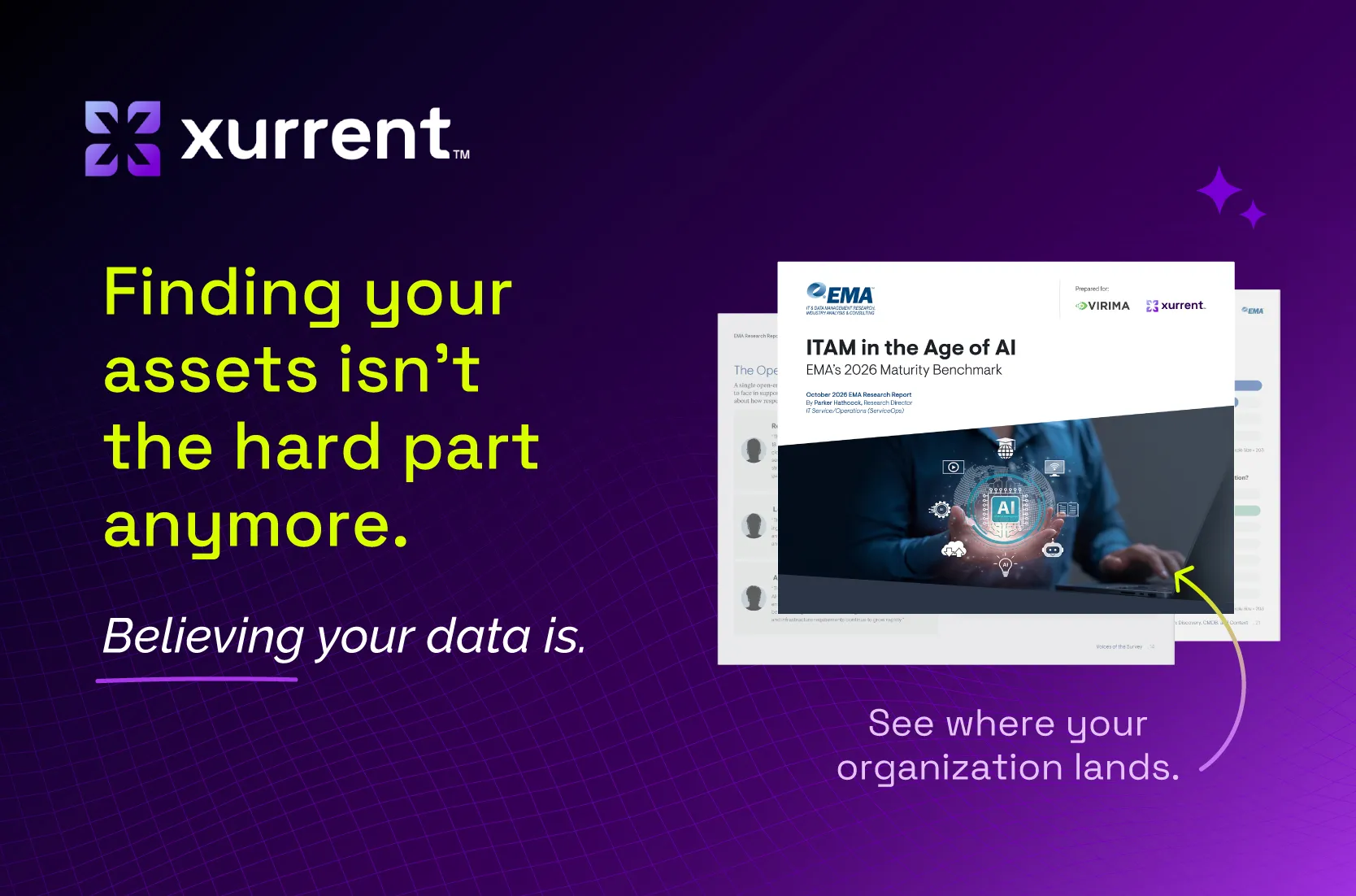
EMA's 2026 research shows the gap. In EMA's ITAM in the Age of AI (2026), 71.9% of respondents report broad operational AI adoption or beyond, but only 22.2% characterize their ITAM as AI-ready. The same report found that just 18.5% rate their ITSM and CMDB asset data at 95% accuracy or higher. All EMA respondents came from organizations with 1,000 or more employees, so smaller companies may look different.
The most common IT asset management challenges are too many data sources, manual updates that cause drift, and waste from assets nobody can see. All three come down to data: asset records arrive from too many places, change faster than people update them, or miss assets entirely. Each challenge below includes its cause and supporting research.
Many IT teams use several tools to find assets. A network scanner sees servers, while a mobile device management (MDM) tool manages phones and laptops. Each discovery tool holds part of the picture, and their records often disagree.
Fixing conflicting discovery data takes reconciliation. Reconciliation means comparing records from different sources and deciding which version is correct before it reaches the CMDB. In EMA's ITAM in the Age of AI (2026), 33.0% of respondents named consolidating data from multiple discovery tools as a top CMDB accuracy challenge, and 30.5% named a lack of automated reconciliation.
CMDB drift happens when asset records stop matching reality. A laptop changes hands or a server moves, and nobody updates the CMDB.
Manual CMDB work is still common. According to EMA (2026), 65.5% still populate the CMDB at least partly by hand: 53.5% mix automated and manual methods, and 12.0% work fully by hand. Reconciliation is often manual too, with 44.8% reconciling conflicting asset data by hand and 46.3% using automated, rules-based reconciliation.
CMDB drift gets worse when infrastructure changes faster than records are updated. EMA (2026) found that 32.0% named change outpacing updates as a top CMDB accuracy challenge.
Some IT assets are hard to see at all. Unused software licenses and forgotten SaaS subscriptions keep costing money long after anyone needs them.
In the Flexera 2025 State of ITAM report, “Thirty-five percent of respondents say SaaS waste has increased over the past year.” Flexera sells ITAM software, and the 2025 survey covered 506 IT professionals.
IT asset visibility is also declining across organizations. In the Flexera 2026 State of ITAM report, a vendor survey of 512 respondents, “Complete IT asset visibility dropped to 36%.”
Shadow AI adds another blind spot. Shadow AI means AI tools that employees use without IT approval. A Gartner shadow AI survey of 302 cybersecurity leaders found that “69% of organizations suspect or have evidence that employees are using prohibited public GenAI.” The Gartner figure covers public generative AI tools only.
IT asset management best practices follow one model: capture asset data, clean it, and keep it accurate. Start by automating discovery and setting reconciliation rules, then build habits such as named owners, quarterly audits, and a few tracked metrics. A clean CMDB stays clean only when someone keeps checking it.
The right IT asset management system keeps asset data accurate with the least manual work. Compare ITAM systems on six criteria: discovery sources and integrations, data reconciliation, ITSM connection, deployment safety, pricing predictability, and reporting. Then ask each vendor to walk through the criteria using a sample of your own asset data.
A short trial with real asset data shows more about an ITAM system than a slide deck.
Xurrent ITAM is IT asset management for service management, sold with Xurrent ITSM. Xurrent ITAM builds a CMDB that service teams can trust in three steps: capture assets from existing tools and Xurrent discovery, clean them with reconciliation rules, and keep them accurate with Review dashboards. It focuses on the assets the service desk depends on.
Xurrent ITAM imports assets through API-based connectors in Xurrent iPaaS, the Xurrent integration platform, included with Xurrent ITSM. Xurrent ITAM integrates with N-able, Lansweeper, Microsoft Intune, Virima, Checkmk, Jamf, Raynet, and Datadog (host and asset records only).
Xurrent discovery is an agentless scanner sold as an add-on to Xurrent ITSM. Xurrent discovery runs WMI, SSH, and SNMP scans on endpoints, servers, and network devices, and includes cloud discovery for AWS, GCP, and Azure. Scans run on a schedule you set.
Xurrent discovery scans run from the Xurrent Discovery Hub, which sits inside your network on Linux, Windows, or macOS. The Discovery Hub is agentless, outbound-only, and read-only. It connects out over HTTPS port 443, needs no inbound firewall rules, and installs nothing on the devices it scans.
As of November 2026, Xurrent discovery has a limited-time introductory rate of $15,000 per year, flat, with unlimited usage. Flat pricing keeps discovery costs predictable as the environment grows.
Xurrent reconciliation rules can automate CI imports or flag changes for review in the reconciliation queue. For example, a rule can flag Intune devices within 30 days of end of life. Xurrent Review dashboards track status, warranty, age, and value, and warranty management sets thresholds by product category.
Xurrent ITAM focuses on the assets the service desk depends on, rather than procurement or disposal workflows. Teams that need full procurement or disposal tracking may pair Xurrent ITAM with a dedicated tool.
“We're very excited about Xurrent Discovery and the potential it brings,” said Chris Parsons, global IT service desk director at GKN Aerospace Services Limited. “Great service delivery runs on great data. Bringing richer discovery data directly into Xurrent will give us the insight to move faster, make smarter decisions and continuously improve how we deliver services across GKN.”
Explore Xurrent IT asset management features to see how Xurrent ITAM fits your CMDB.
IT asset management starts with one goal: know what the organization owns, where it is, and who uses it. Track all four asset types, follow each asset through its lifecycle, and put accuracy first. Accurate asset data makes every ticket, change, and AI decision more reliable.
Give your service desk something accurate to work with. For more research, read the free EMA analyst report on faster, smarter incident response.