






Blog
Insights & updates from our experts


Resolve plant floor and IT issues before they disrupt production.

Stay audit-ready while resolving issues and reducing operational risk.
Resolve issues quickly with an AI-powered system that automates ticketing.
Unifiy IT, HR, Facilities, Finance, and more on a single, AI-powered service platform.
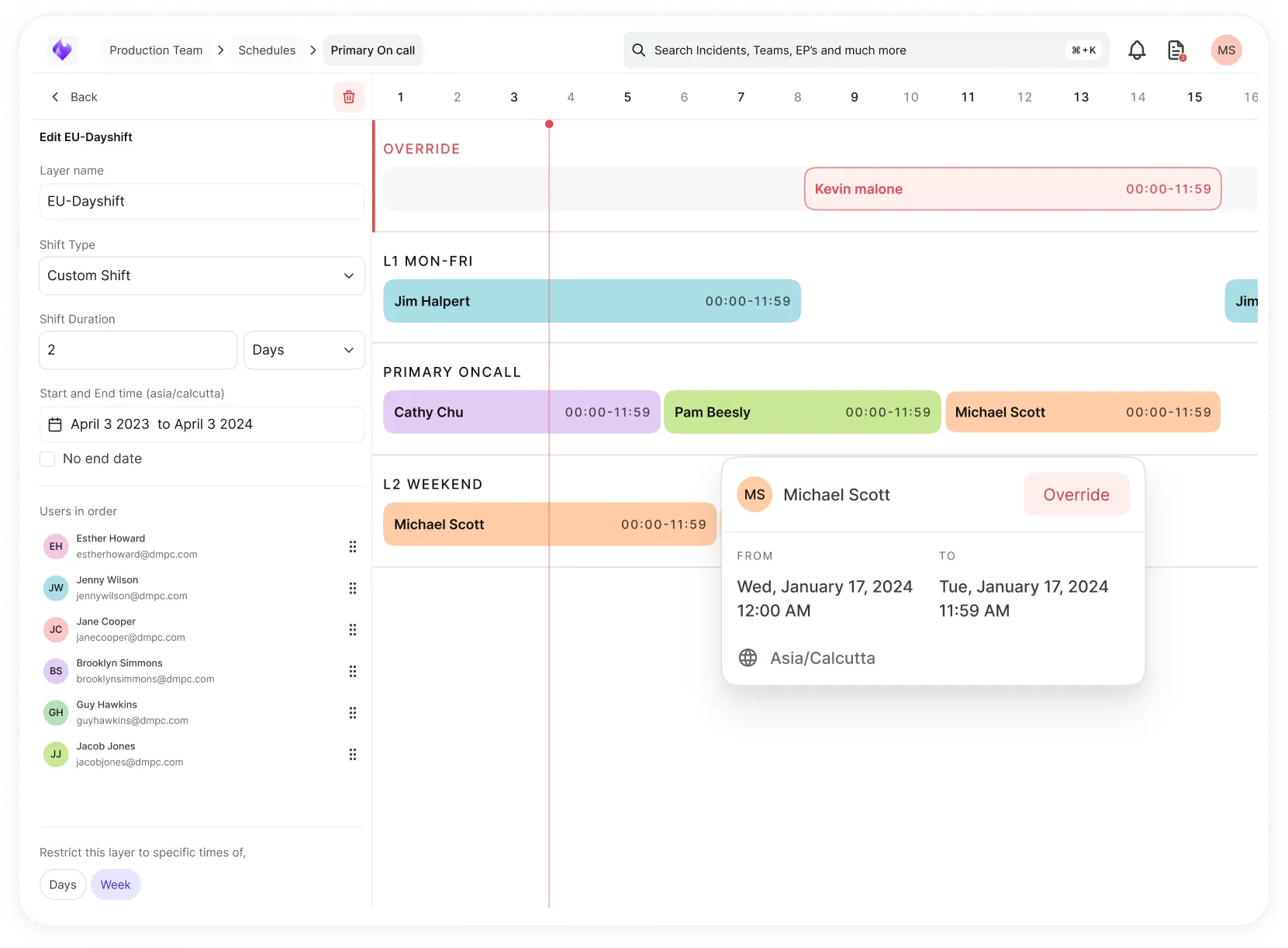
Simplify on-call scheduling, automate escalations, and reduce burnout.
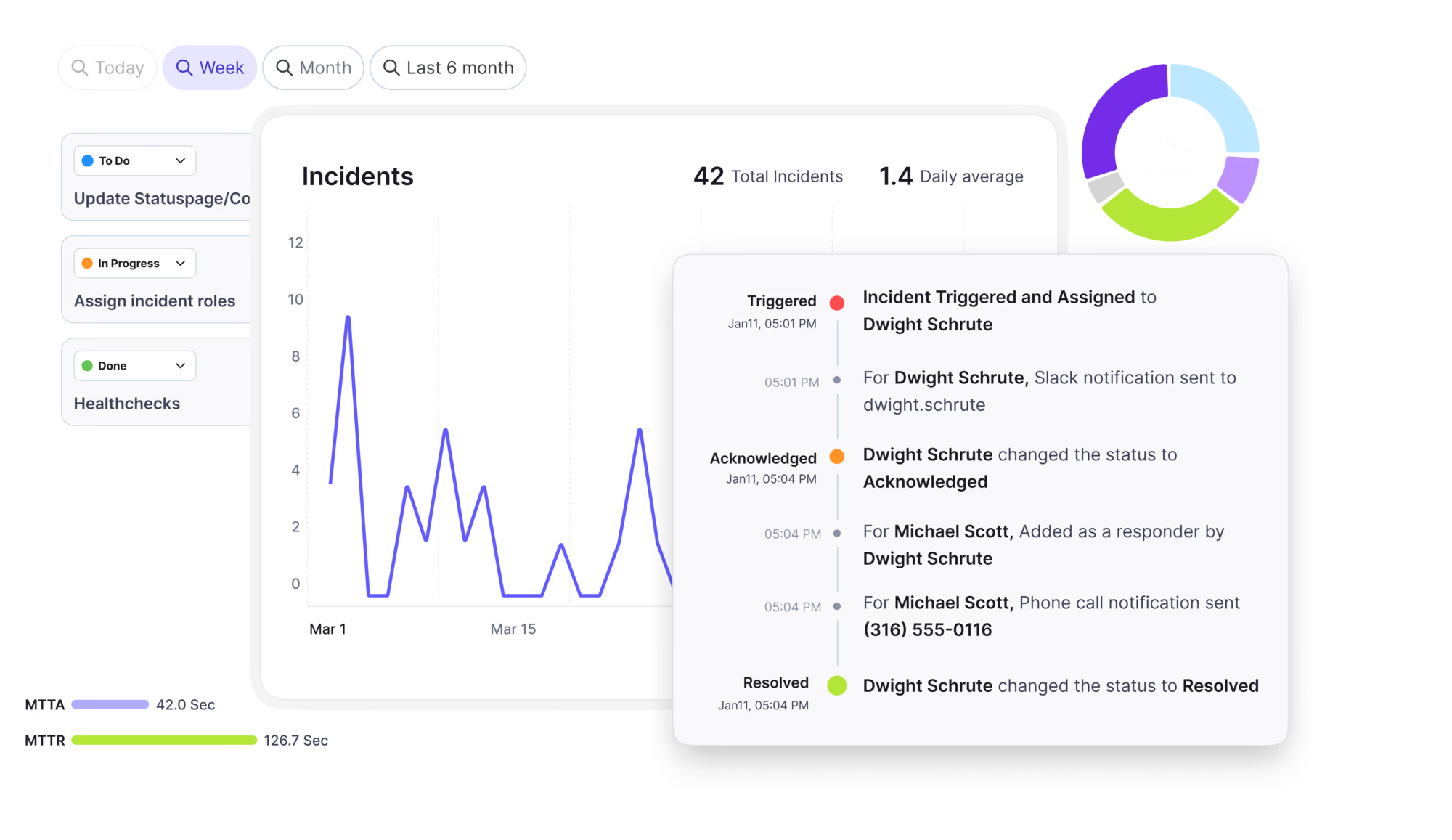
Automate postmortems, AI summaries, and post-incident workflows
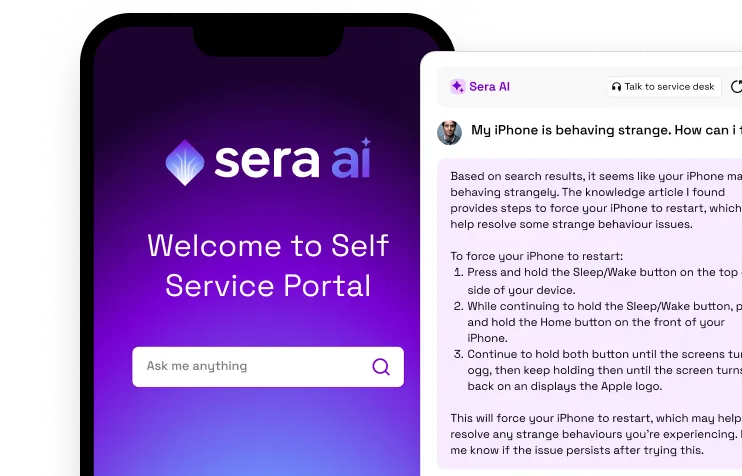
Create, organize, and continuously improve your knowledge base to find the right answers with Sera AI.
We're here to help

The integration with Atlassian Jira using the Xurrent Integration Service is

The integration with Atlassian Jira using the Xurrent Integration Service is

The integration with Atlassian Jira using the Xurrent Integration Service is

The integration with Atlassian Jira using the Xurrent Integration Service is

The integration with Atlassian Jira using the Xurrent Integration Service is

The integration with Atlassian Jira using the Xurrent Integration Service is

The integration with Atlassian Jira using the Xurrent Integration Service is

The integration with Atlassian Jira using the Xurrent Integration Service is
Resolve issues quickly with an AI-powered system that automates ticketing.
Unifiy IT, HR, Facilities, Finance, and more on a single, AI-powered service platform.
Simplify on-call scheduling, automate escalations, and reduce burnout.
Automate postmortems, AI summaries, and post-incident workflows
Create, organize, and continuously improve your knowledge base to find the right answers with Sera AI.
Resolve plant floor and IT issues before they disrupt production.
Stay audit-ready while resolving issues and reducing operational risk.

Detect, respond, and resolve incidents fast to cut downtime and MTTR.

Keep your store online, even during your biggest sales moments.

Protect patient data and resolve issues fast, so care teams stay focused on care.

Standardize service delivery across every store and channel.

We are here to help 24/7

Connect with other Xurrent Users

Get insights and tips on how to get the most out of Xurrent

Apps, APIs, and updates

Xurrent service functionality

Eliminate manual tasks, optimize workflows, and deliver faster resolutions.
Learn how organizations have reduced downtime, improved 50% MTTA & MTTR, and cut costs with Xurrent IMR.
Discover Xurrent IMR's quick support, bidirectional integrations with Jira and Slack, and more cohesive incident response capabilities compared to Opsgenie.
Understand why users value Xurrent IMR for its intuitive interface, efficient incident alerting, customizable On-call schedules, and escalations.

Set up Native Discovery, scan your network without installing agents, and find the right starting task.
Native Discovery finds the devices on your network and reports what it learns to CI Reconciliation, where you review it before it changes your CMDB. A small program called an XT Hub runs on a server inside your network and reads devices over SNMP, SSH and WMI. Nothing is installed on the devices themselves.
Everything lives in the Asset Discovery console, organized into tabs:
XT Hubs are managed under Settings > Asset Discovery > XT Hubs.
One way to hold it together: XT Hubs do the scanning, credential sets let them into devices, scan templates say what to scan, and each scan is one run whose results go to CI Reconciliation.
The protocol decides which kind of credential set and which scan template you use. A scan template uses one protocol.
| Protocol | Use it for | What the hub needs |
|---|---|---|
| SNMP | Switches, routers, firewalls, printers and other devices without a login | A community string (v1, v2c) or a user (v3) |
| SSH | Linux, Unix and macOS machines | An account that may log in, with a password or a private key |
| WMI | Windows machines | An account that may query WMI on the target |
Pick the task that matches what you are trying to do:
The checklist opens one step at a time, because each step needs the one before it. Register the hub first, because a credential set is delivered to a hub. Add a credential set second, because it decides the protocol. Create the scan template third, because it pairs the hub, the credentials and the IP ranges. Start the scan last. A registered hub only counts as complete once it has enrolled, which happens when the install command has run on the server.
An account administrator registers the first XT Hub. Administrators and configuration managers can edit hubs, scan templates and credential sets. Auditors can read them.