






Blog
Insights & updates from our experts


Resolve plant floor and IT issues before they disrupt production.

Stay audit-ready while resolving issues and reducing operational risk.
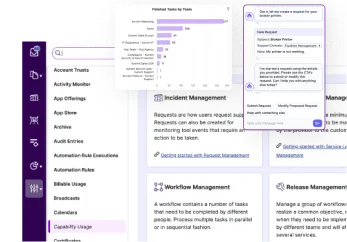
Resolve issues quickly with an AI-powered system that automates ticketing.
Unifiy IT, HR, Facilities, Finance, and more on a single, AI-powered service platform.
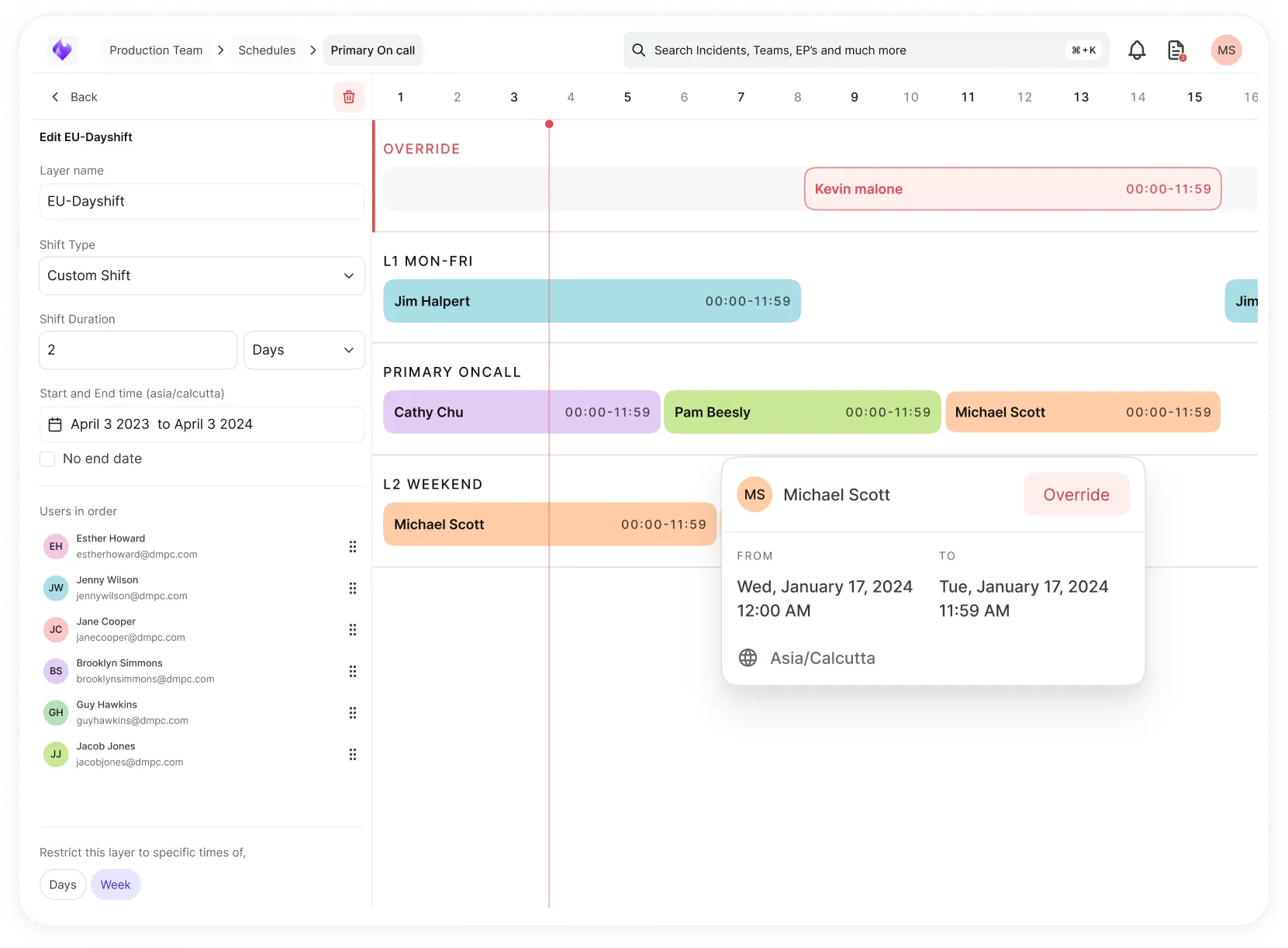
Simplify on-call scheduling, automate escalations, and reduce burnout.
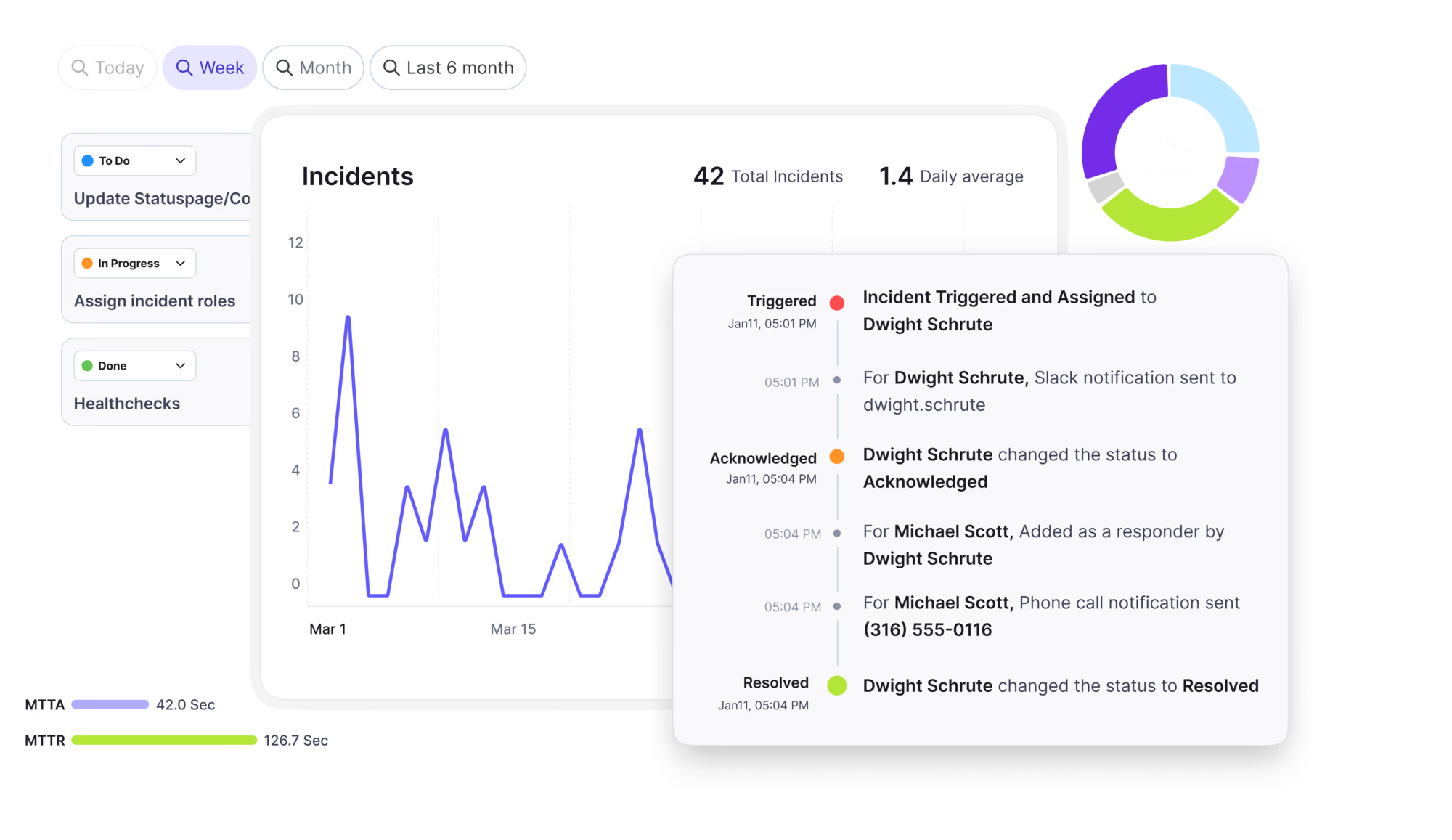
Automate postmortems, AI summaries, and post-incident workflows
Create, organize, and continuously improve your knowledge base to find the right answers with Sera AI.
We're here to help

The integration with Atlassian Jira using the Xurrent Integration Service is

The integration with Atlassian Jira using the Xurrent Integration Service is

The integration with Atlassian Jira using the Xurrent Integration Service is

The integration with Atlassian Jira using the Xurrent Integration Service is

The integration with Atlassian Jira using the Xurrent Integration Service is

The integration with Atlassian Jira using the Xurrent Integration Service is

The integration with Atlassian Jira using the Xurrent Integration Service is

The integration with Atlassian Jira using the Xurrent Integration Service is
Resolve issues quickly with an AI-powered system that automates ticketing.
Unifiy IT, HR, Facilities, Finance, and more on a single, AI-powered service platform.
Simplify on-call scheduling, automate escalations, and reduce burnout.
Automate postmortems, AI summaries, and post-incident workflows
Create, organize, and continuously improve your knowledge base to find the right answers with Sera AI.
Resolve plant floor and IT issues before they disrupt production.
Stay audit-ready while resolving issues and reducing operational risk.

Detect, respond, and resolve incidents fast to cut downtime and MTTR.

Keep your store online, even during your biggest sales moments.

Protect patient data and resolve issues fast, so care teams stay focused on care.

Standardize service delivery across every store and channel.

We are here to help 24/7

Connect with other Xurrent Users

Get insights and tips on how to get the most out of Xurrent

Apps, APIs, and updates

Xurrent service functionality

Eliminate manual tasks, optimize workflows, and deliver faster resolutions.
Learn how organizations have reduced downtime, improved 50% MTTA & MTTR, and cut costs with Xurrent IMR.
Discover Xurrent IMR's quick support, bidirectional integrations with Jira and Slack, and more cohesive incident response capabilities compared to Opsgenie.
Understand why users value Xurrent IMR for its intuitive interface, efficient incident alerting, customizable On-call schedules, and escalations.

Match what you see to a likely cause and fix it.
Find the row that matches what you see. Run every check on the hub server, because that is where discovery connects from. For the meaning of each failure status, see Reading Scan Results and Discovery Failures.
| What you see | Likely cause | What to do |
|---|---|---|
| Hub is Down, or a scan stays Waiting | No contact from the hub for 15 minutes: stopped service, changed proxy or firewall, or the host was off | On the hub server run xt-hub status and xt-hub check, follow the remedy shown, then xt-hub start if the service is stopped. |
| Scan shows Failed | A scan-level problem such as a range that is too wide or a failed upload | Read xt-hub logs -since 2h, fix the cause, then select Retry this scan. |
| Every address unreachable | The hub's network path, or the wrong range | Run the test for the protocol from the hub server against one device. Check that the template names the right ranges. |
| SNMP times out although the community is correct | Firewall, device allow list or community mismatch all look the same over UDP | Allow the hub's address on the device and for UDP 161. Check the community and its case. |
| SNMP v3 authentication fails | Wrong user, passphrase or privacy setting, or a device clock problem | Check protocols and passphrases, and the device time. On large ranges, stop the scan, correct the credential and test one device first, because each failed attempt can count toward a lockout. |
| SSH host key changed | The host was rebuilt or the address was reused. The hub does not send the password to an unrecognized key. | Confirm the change is expected, compare the fingerprint in the failure detail with the host, then run xt-hub accept-host-key on the hub server. |
| SSH password is correct but rejected | Wrong secret, an allow list on the host, or too many early failures | Test ssh from the hub server. Check the account's allowed sources. |
| SSH login works but the scan reports refused, expired or no shell | An account restriction on the host: expired password, extra factor required, or no shell | Lift the restriction for the discovery account. |
| Windows password is correct but rejected | Token filtering on a local administrator account | Use a domain account or the built-in Administrator, or adjust remote token filtering for the discovery account. |
| Windows certificate error, or only some hosts work | The WinRM HTTPS certificate is not trusted, or the credential requires encryption a host cannot meet | Add the issuing CA certificate to the credential set, or fix the listener. |
| Kerberos error, clock skew or no domain controller | Domain sign-in problem | Check time sync and that the hub can reach a domain controller. Set KDC and Realm if they cannot be found. |
| Device found but serial, hardware or software missing | The account could read the device but not everything on it | Raise the account's rights for the data that is missing, within least privilege. |
| Account locked out, or credential not tried | Lockout protection stopped the hub after repeated refusals | Correct the credential, test on one device, then scan. |
| Scan is slow, or results are partial | A time or size limit was reached | Split the ranges into smaller scans. |
If the cause is still unclear, run xt-hub diagnose on the hub server and attach the bundle to a request to Xurrent Support, together with the Discovery Failures rows for two or three affected devices. Do not send passwords or community strings; support does not need them.