





Blog
Insights & updates from our experts


Resolve plant floor and IT issues before they disrupt production.

Stay audit-ready while resolving issues and reducing operational risk.
Resolve issues quickly with an AI-powered system that automates ticketing.
Unifiy IT, HR, Facilities, Finance, and more on a single, AI-powered service platform.
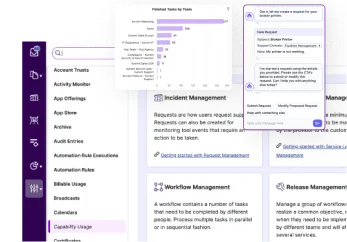
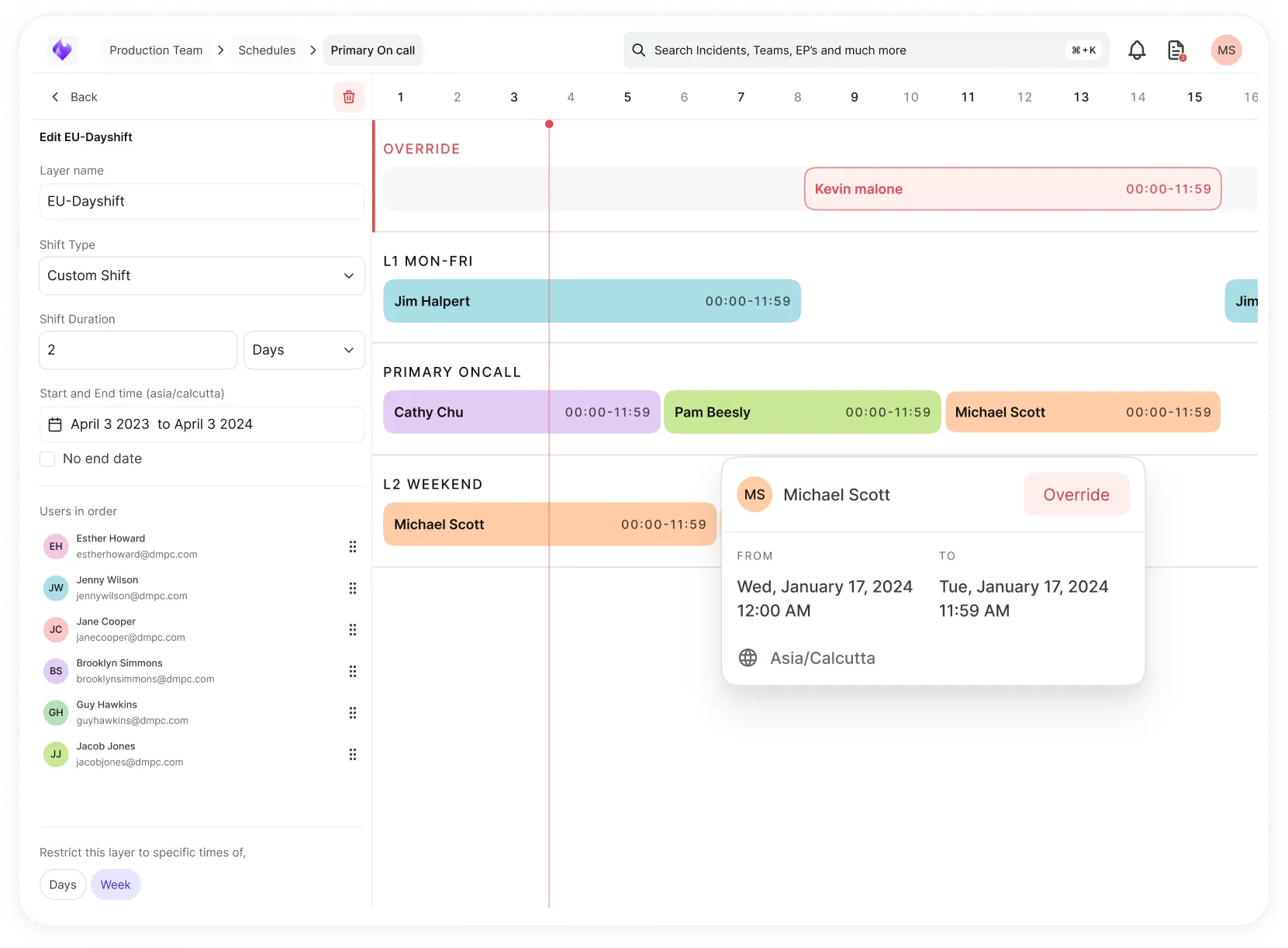
Simplify on-call scheduling, automate escalations, and reduce burnout.
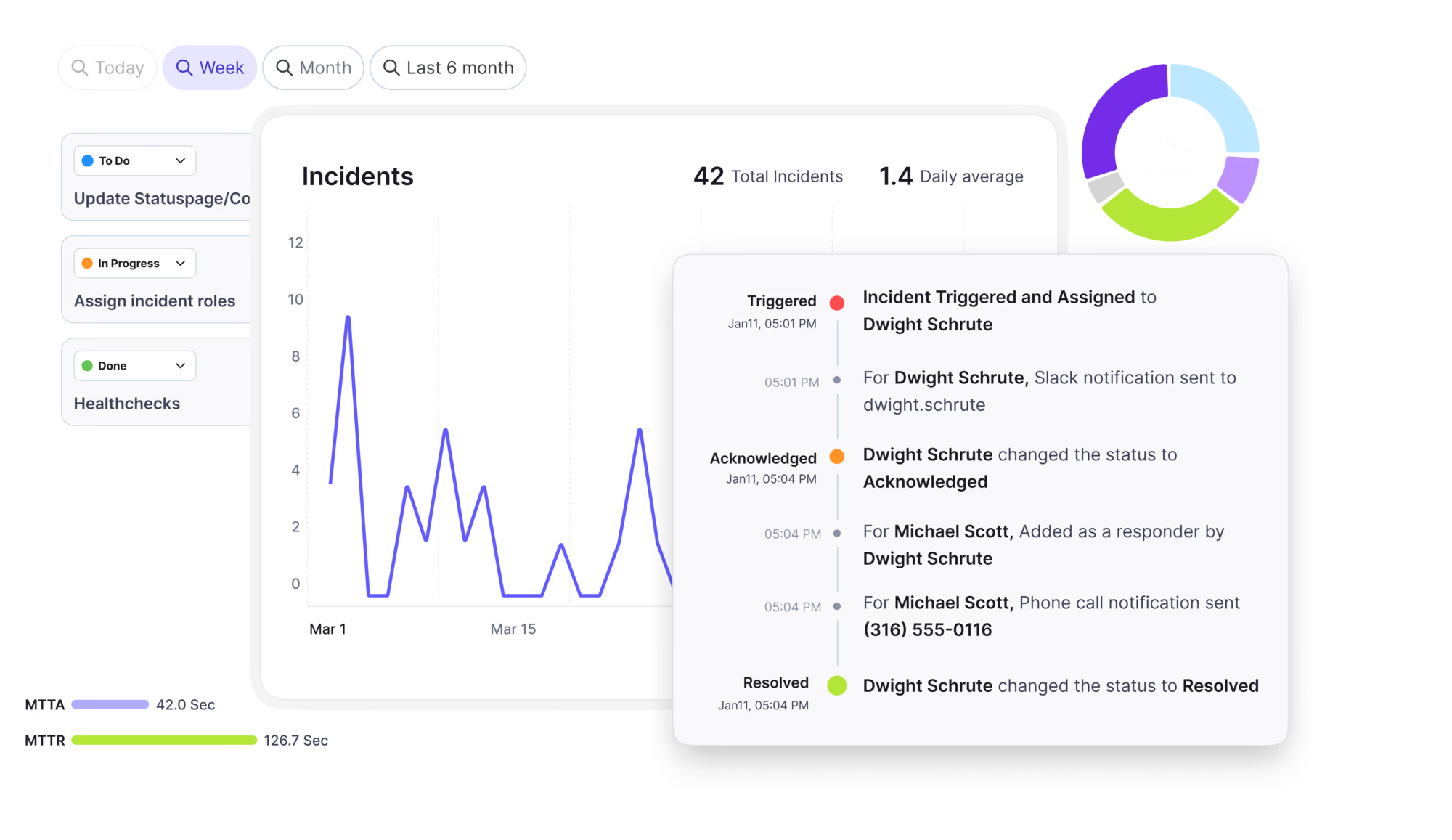
Automate postmortems, AI summaries, and post-incident workflows
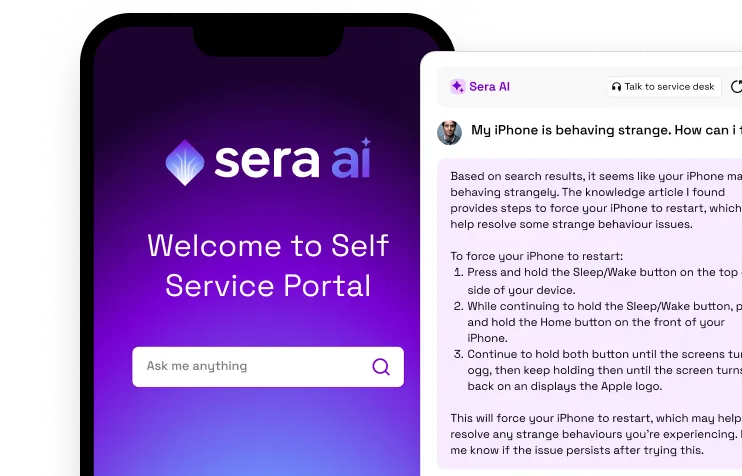
Create, organize, and continuously improve your knowledge base to find the right answers with Sera AI.
We're here to help

The integration with Atlassian Jira using the Xurrent Integration Service is

The integration with Atlassian Jira using the Xurrent Integration Service is

The integration with Atlassian Jira using the Xurrent Integration Service is

The integration with Atlassian Jira using the Xurrent Integration Service is

The integration with Atlassian Jira using the Xurrent Integration Service is

The integration with Atlassian Jira using the Xurrent Integration Service is

The integration with Atlassian Jira using the Xurrent Integration Service is

The integration with Atlassian Jira using the Xurrent Integration Service is
Resolve issues quickly with an AI-powered system that automates ticketing.
Unifiy IT, HR, Facilities, Finance, and more on a single, AI-powered service platform.
Simplify on-call scheduling, automate escalations, and reduce burnout.
Automate postmortems, AI summaries, and post-incident workflows
Create, organize, and continuously improve your knowledge base to find the right answers with Sera AI.
Resolve plant floor and IT issues before they disrupt production.
Stay audit-ready while resolving issues and reducing operational risk.

Detect, respond, and resolve incidents fast to cut downtime and MTTR.

Keep your store online, even during your biggest sales moments.

Protect patient data and resolve issues fast, so care teams stay focused on care.

Standardize service delivery across every store and channel.

We are here to help 24/7

Connect with other Xurrent Users

Get insights and tips on how to get the most out of Xurrent

Apps, APIs, and updates

Xurrent service functionality

Eliminate manual tasks, optimize workflows, and deliver faster resolutions.
Learn how organizations have reduced downtime, improved 50% MTTA & MTTR, and cut costs with Xurrent IMR.
Discover Xurrent IMR's quick support, bidirectional integrations with Jira and Slack, and more cohesive incident response capabilities compared to Opsgenie.
Understand why users value Xurrent IMR for its intuitive interface, efficient incident alerting, customizable On-call schedules, and escalations.

Give the hub a way to read your devices, and choose the right type for each protocol.
A credential set holds the secrets a hub presents to a device so it can read that device. Secrets are encrypted for the hub and are never shown again after you save them. A credential set belongs to one protocol, and the protocol cannot be changed after it is saved.
Fields marked with an asterisk in the product are required. Use the least privilege that still lets the hub read the device.
| Type | When to choose it | Fields |
|---|---|---|
| SNMP v2c (recommended) | Most devices still support it. Authenticates with a community string. | Community string *, Port (161) |
| SNMP v1 | Only for devices too old to offer anything else. | Community string *, Port (161) |
| SNMP v3 | Adds a per-user login and optional encryption. The only version with per-user authentication. | Username *, Authentication protocol, Authentication password, Privacy protocol, Privacy password, Context, Port (161) |
Many devices ship with the community string public. Change it where you can, and use a string scoped to the hub's address. For SNMP v3, use the same security level (no authentication, authentication, or authentication with privacy) that the device requires.
| Type | When to choose it | Fields |
|---|---|---|
| SSH password (recommended) | Logs in with a username and password. | Username *, Password *, Port (22) |
| SSH key | Logs in with a private key, optionally protected by a passphrase. | Username *, Private key *, Passphrase, Port (22) |
The hub runs a fixed set of read-only commands and does not open a terminal. Where a command needs elevated rights it uses sudo without a password prompt, so grant the account passwordless sudo for only the commands discovery needs.
| Field | Purpose |
|---|---|
| Username *, Password * | A domain or local account that may query WMI on the target |
| Domain | The account's domain. Leave empty for a local account. |
| Transport security | require_encrypted makes the hub use only a verified encrypted channel and report a host that cannot meet it. allow_cleartext permits fallback. |
| CA certificate | The certificate authority that signed the targets' WinRM HTTPS certificates, when it is not already trusted by the hub |
| Authentication mechanism | automatic (default), kerberos or ntlm |
| KDC, Realm | Domain controllers and realm for Kerberos sign-in, when the hub cannot find them itself |
| Credential source | Read each device's local administrator password from LAPS in a directory instead of using one shared password. Needs the directory address (an ldaps URL), a reading account and its password, and optionally a base DN. When used, the shared Password and Domain fields are not needed. |
If a credential is refused repeatedly, the hub stops offering it so a wrong password does not lock an account across your estate. Devices that were not attempted for this reason are reported with the status credentials_unavailable. Correct the credential, test it on one device, then scan the range. The credential set record holds the lockout protection settings.