






Blog
Insights & updates from our experts


Resolve plant floor and IT issues before they disrupt production.

Stay audit-ready while resolving issues and reducing operational risk.
Resolve issues quickly with an AI-powered system that automates ticketing.
Unifiy IT, HR, Facilities, Finance, and more on a single, AI-powered service platform.
Simplify on-call scheduling, automate escalations, and reduce burnout.
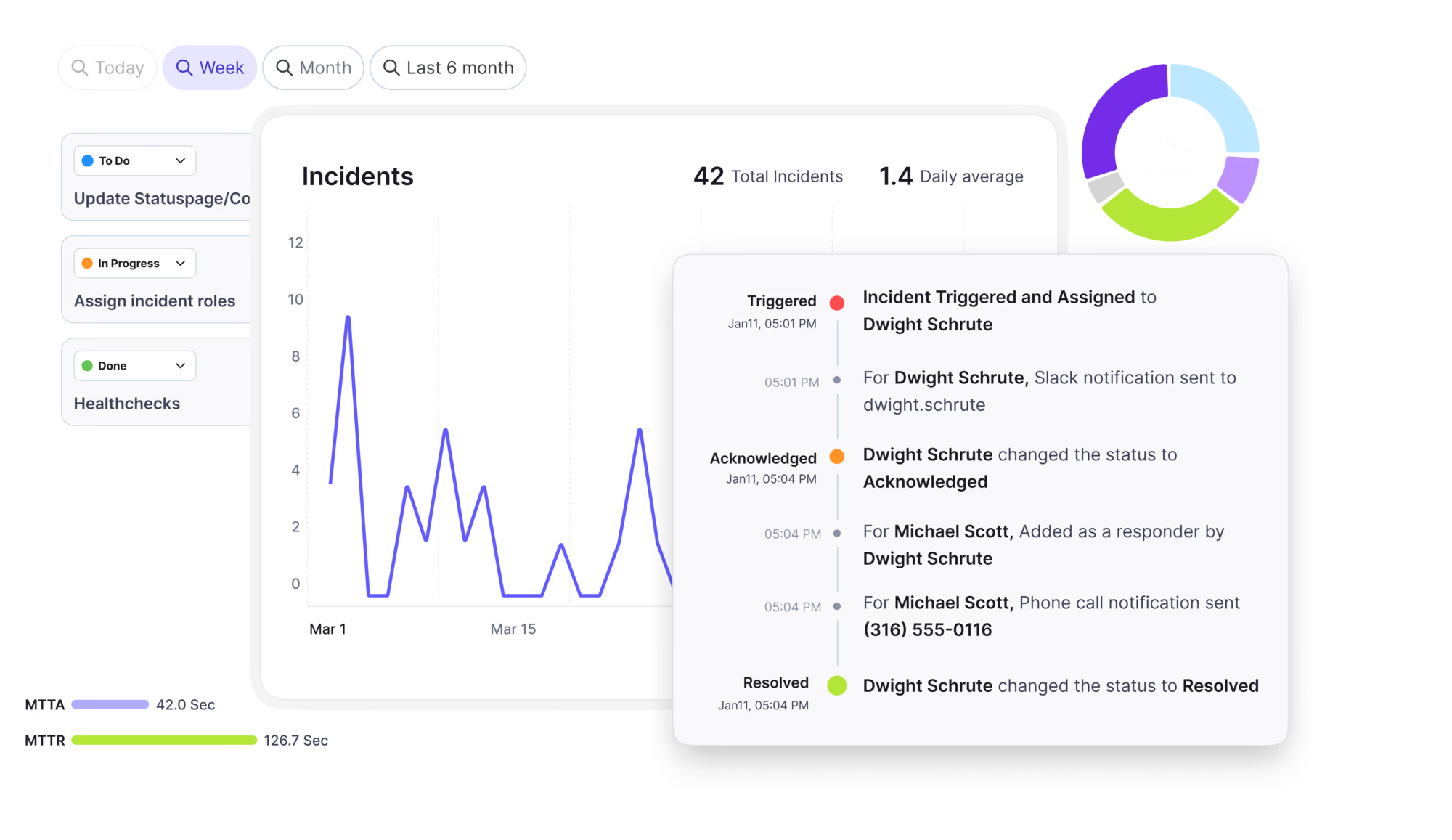
Automate postmortems, AI summaries, and post-incident workflows
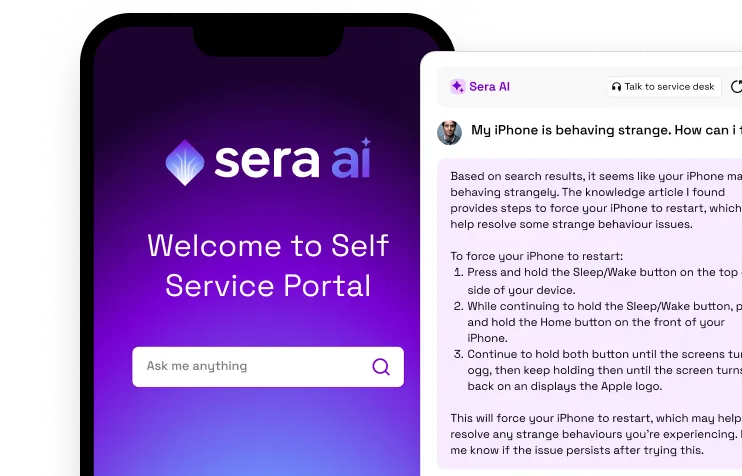
Create, organize, and continuously improve your knowledge base to find the right answers with Sera AI.
We're here to help

The integration with Atlassian Jira using the Xurrent Integration Service is

The integration with Atlassian Jira using the Xurrent Integration Service is

The integration with Atlassian Jira using the Xurrent Integration Service is

The integration with Atlassian Jira using the Xurrent Integration Service is

The integration with Atlassian Jira using the Xurrent Integration Service is

The integration with Atlassian Jira using the Xurrent Integration Service is

The integration with Atlassian Jira using the Xurrent Integration Service is

The integration with Atlassian Jira using the Xurrent Integration Service is
Resolve issues quickly with an AI-powered system that automates ticketing.
Unifiy IT, HR, Facilities, Finance, and more on a single, AI-powered service platform.
Simplify on-call scheduling, automate escalations, and reduce burnout.
Automate postmortems, AI summaries, and post-incident workflows
Create, organize, and continuously improve your knowledge base to find the right answers with Sera AI.
Resolve plant floor and IT issues before they disrupt production.
Stay audit-ready while resolving issues and reducing operational risk.

Detect, respond, and resolve incidents fast to cut downtime and MTTR.

Keep your store online, even during your biggest sales moments.

Protect patient data and resolve issues fast, so care teams stay focused on care.

Standardize service delivery across every store and channel.

We are here to help 24/7

Connect with other Xurrent Users

Get insights and tips on how to get the most out of Xurrent

Apps, APIs, and updates

Xurrent service functionality

Eliminate manual tasks, optimize workflows, and deliver faster resolutions.
Learn how organizations have reduced downtime, improved 50% MTTA & MTTR, and cut costs with Xurrent IMR.
Discover Xurrent IMR's quick support, bidirectional integrations with Jira and Slack, and more cohesive incident response capabilities compared to Opsgenie.
Understand why users value Xurrent IMR for its intuitive interface, efficient incident alerting, customizable On-call schedules, and escalations.

What the infrastructure team must open and configure before the first scan.
All connections start at the hub's server, not at Xurrent and not at your computer. If a device can be reached from your laptop but not from the hub server, discovery will fail for that device. Run every test below on the hub server.
| Connection | Port | Notes |
|---|---|---|
| SNMP, hub to device | UDP 161, or the port in the credential set | Connectionless. Check the return path through stateful firewalls and endpoint security. |
| SSH, hub to device | TCP 22, or the port in the credential set | Allow the hub's address specifically. |
| WMI over WinRM, hub to device | TCP 5986 (HTTPS, preferred) and TCP 5985 (HTTP) | The hub prefers the encrypted listener. |
| WMI over DCOM, hub to device | TCP 135 and the dynamic RPC range (49152 to 65535 by default) | Used only where the hub's own operating system supports it. |
| Hub to Xurrent | Outbound HTTPS (TCP 443) | No inbound rule is required. |
xt-hub accept-host-key <address> <fingerprint>.| Protocol | Test |
|---|---|
| SNMP | snmpwalk -v2c -c <community> <ip> 1.3.6.1.2.1.1.1.0 (needs the net-snmp tools) |
| SSH | nc -vz <ip> 22 or ssh -p 22 <user>@<ip> |
| WMI | nc -vz <ip> 5986, nc -vz <ip> 5985, nc -vz <ip> 135. On a Windows hub use Test-NetConnection <ip> -Port 5986. A port check does not prove the account works, so run a real scan against one device. |
For the credentials each protocol needs, see Discovery Credential Sets.