





Blog
Insights & updates from our experts


Resolve plant floor and IT issues before they disrupt production.

Stay audit-ready while resolving issues and reducing operational risk.
Resolve issues quickly with an AI-powered system that automates ticketing.
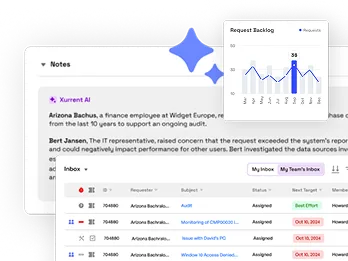
Unifiy IT, HR, Facilities, Finance, and more on a single, AI-powered service platform.
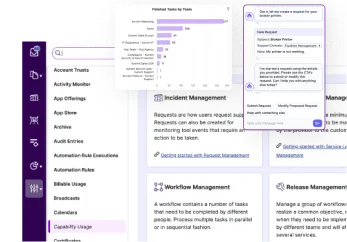
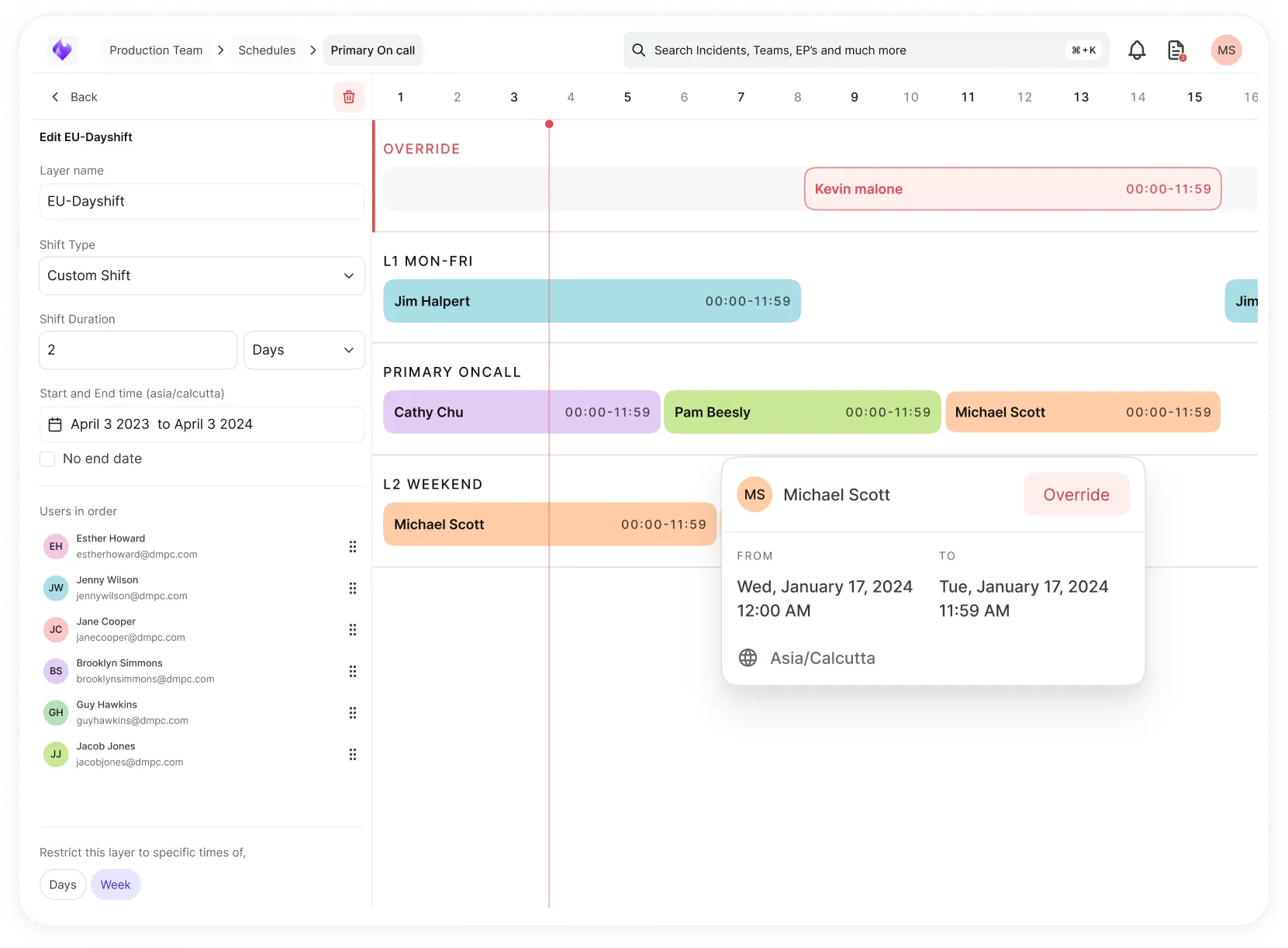
Simplify on-call scheduling, automate escalations, and reduce burnout.
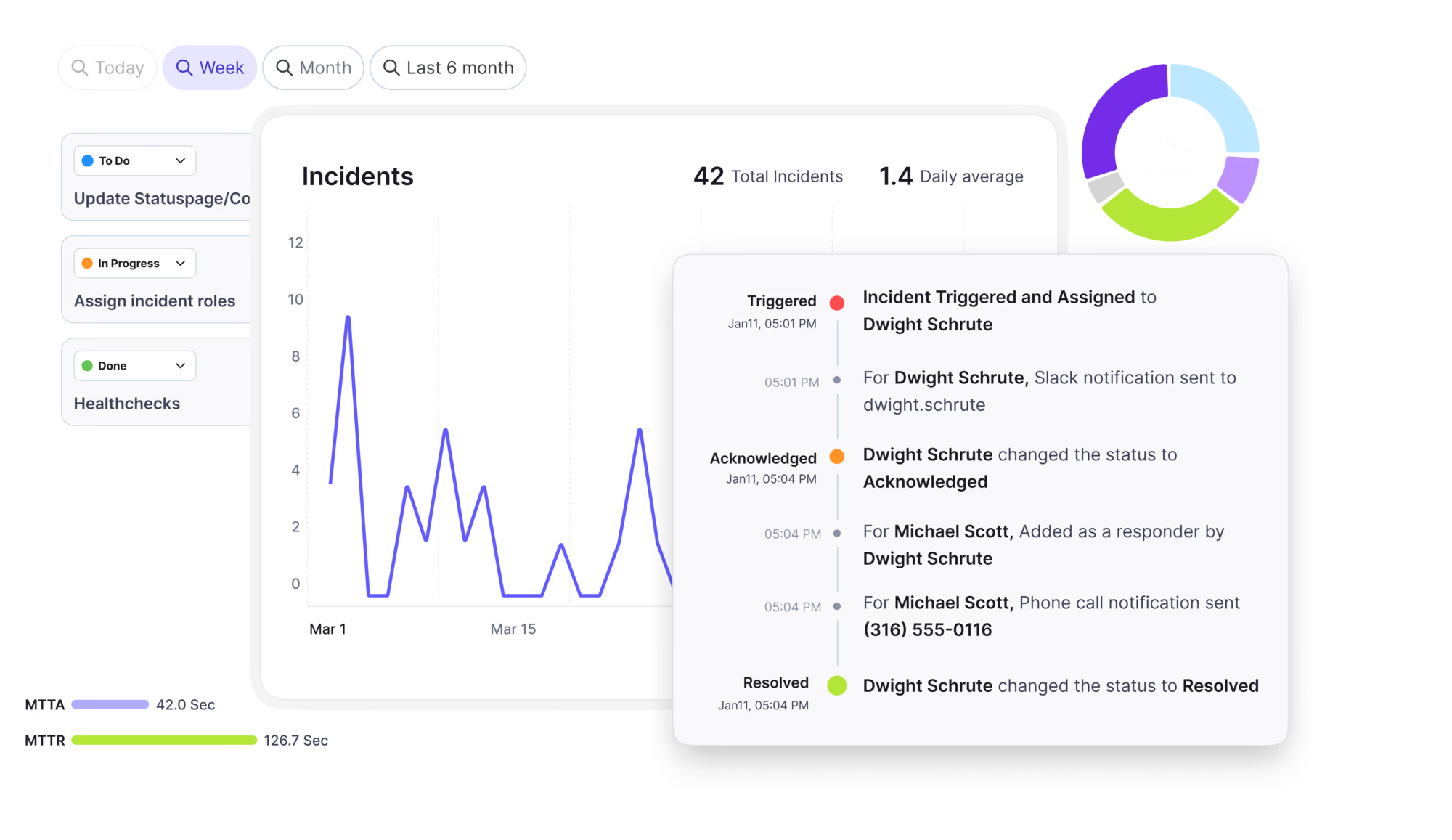
Automate postmortems, AI summaries, and post-incident workflows
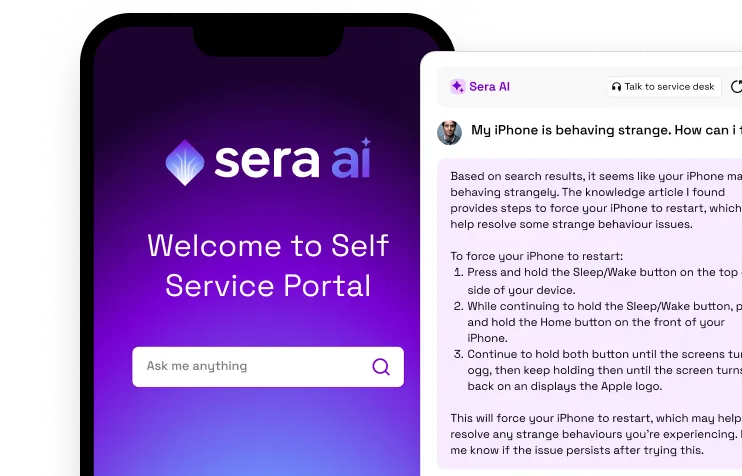
Create, organize, and continuously improve your knowledge base to find the right answers with Sera AI.
We're here to help

The integration with Atlassian Jira using the Xurrent Integration Service is

The integration with Atlassian Jira using the Xurrent Integration Service is

The integration with Atlassian Jira using the Xurrent Integration Service is

The integration with Atlassian Jira using the Xurrent Integration Service is

The integration with Atlassian Jira using the Xurrent Integration Service is

The integration with Atlassian Jira using the Xurrent Integration Service is

The integration with Atlassian Jira using the Xurrent Integration Service is

The integration with Atlassian Jira using the Xurrent Integration Service is
Resolve issues quickly with an AI-powered system that automates ticketing.
Unifiy IT, HR, Facilities, Finance, and more on a single, AI-powered service platform.
Simplify on-call scheduling, automate escalations, and reduce burnout.
Automate postmortems, AI summaries, and post-incident workflows
Create, organize, and continuously improve your knowledge base to find the right answers with Sera AI.
Resolve plant floor and IT issues before they disrupt production.
Stay audit-ready while resolving issues and reducing operational risk.

Detect, respond, and resolve incidents fast to cut downtime and MTTR.

Keep your store online, even during your biggest sales moments.

Protect patient data and resolve issues fast, so care teams stay focused on care.

Standardize service delivery across every store and channel.

We are here to help 24/7

Connect with other Xurrent Users

Get insights and tips on how to get the most out of Xurrent

Apps, APIs, and updates

Xurrent service functionality

Eliminate manual tasks, optimize workflows, and deliver faster resolutions.
Learn how organizations have reduced downtime, improved 50% MTTA & MTTR, and cut costs with Xurrent IMR.
Discover Xurrent IMR's quick support, bidirectional integrations with Jira and Slack, and more cohesive incident response capabilities compared to Opsgenie.
Understand why users value Xurrent IMR for its intuitive interface, efficient incident alerting, customizable On-call schedules, and escalations.

See what a scan found, what happens to it next, and why some devices failed.
Results are uploaded as one file when the scan finishes, so a running scan shows no devices yet. Open the scan to see its progress, its timing (hub queue, run time) and its result summary.
Each discovered device is processed into CI Reconciliation. The scan page reports how many devices were found and how many are new or already known, and links to Review CI Reconciliations. Each device ends in one of these outcomes:
| Outcome | Meaning |
|---|---|
| Staged for reconciliation | Queued for you to review before the CMDB changes |
| Held for review | Needs a decision from a person |
| Unchanged | The device matched its configuration item, so no review is needed |
| Rejected during processing | The result could not be used. The scan page gives the reason. |
If CI Reconciliation is not enabled in account settings, results are held and processed as soon as it is. If two devices report the same source ID, only one is added for review. Give each device its own source ID and scan again. See Getting Started with Reconciliation for the review process, and Reconciling Discovered Devices and AI Product Suggestions for how discovered products and operating systems are chosen.
Every address in the scan gets a result, including those that failed. The Discovery Failures section of the scan lists each failed address with a port, a status, a reason and a short detail. The same rows appear on the configuration item the address resolved to. Failures are kept for 30 days after the scan was created, and a later success for the same address replaces the failure.
| Status | In plain words | Usually fixed by |
|---|---|---|
succeeded | The device was read | Nothing |
partial | The device answered, but a time or size limit cut the read short | Service Desk with the infrastructure team |
unreachable | The hub could not reach the device or its listener | Network team |
timeout | The device did not answer in time | Network or device team |
auth_failed | The device answered and refused the credential or account | Device or account team |
malformed | The device answered in a way the hub could not complete | Device team |
credentials_unavailable | The hub held back a credential after repeated refusals, or could not fetch it | Credential owner |
failed | Cause unknown, a hub fault, or an unsupported platform | Xurrent Support |
Group the failed rows by reason. One reason across many devices points to a shared cause such as a credential, a firewall or a hub setting. Different reasons on single devices point to problems with those devices. See Troubleshooting Native Discovery for what to check.