





Blog
Insights & updates from our experts


Resolve plant floor and IT issues before they disrupt production.

Stay audit-ready while resolving issues and reducing operational risk.
Resolve issues quickly with an AI-powered system that automates ticketing.
Unifiy IT, HR, Facilities, Finance, and more on a single, AI-powered service platform.
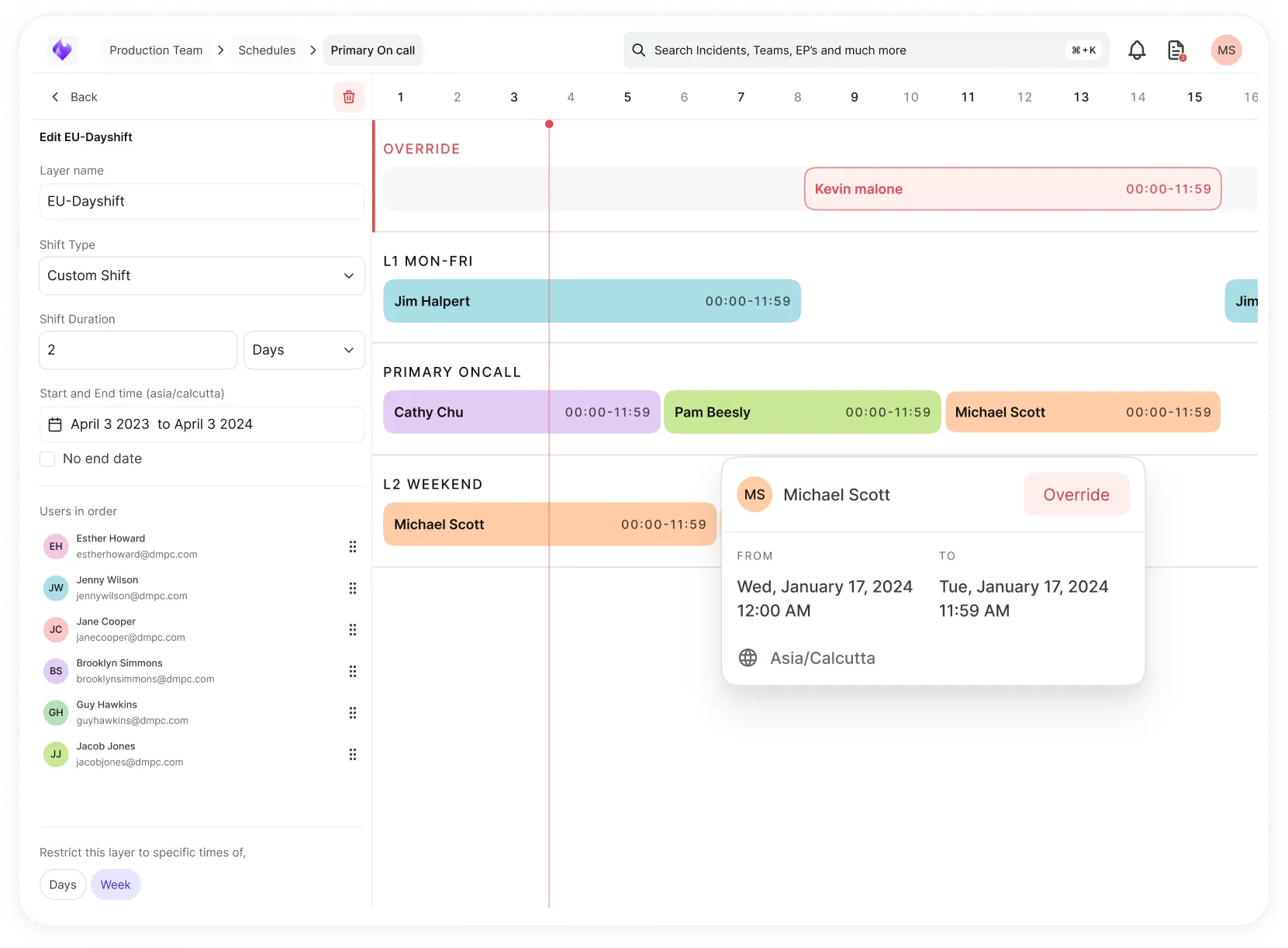
Simplify on-call scheduling, automate escalations, and reduce burnout.
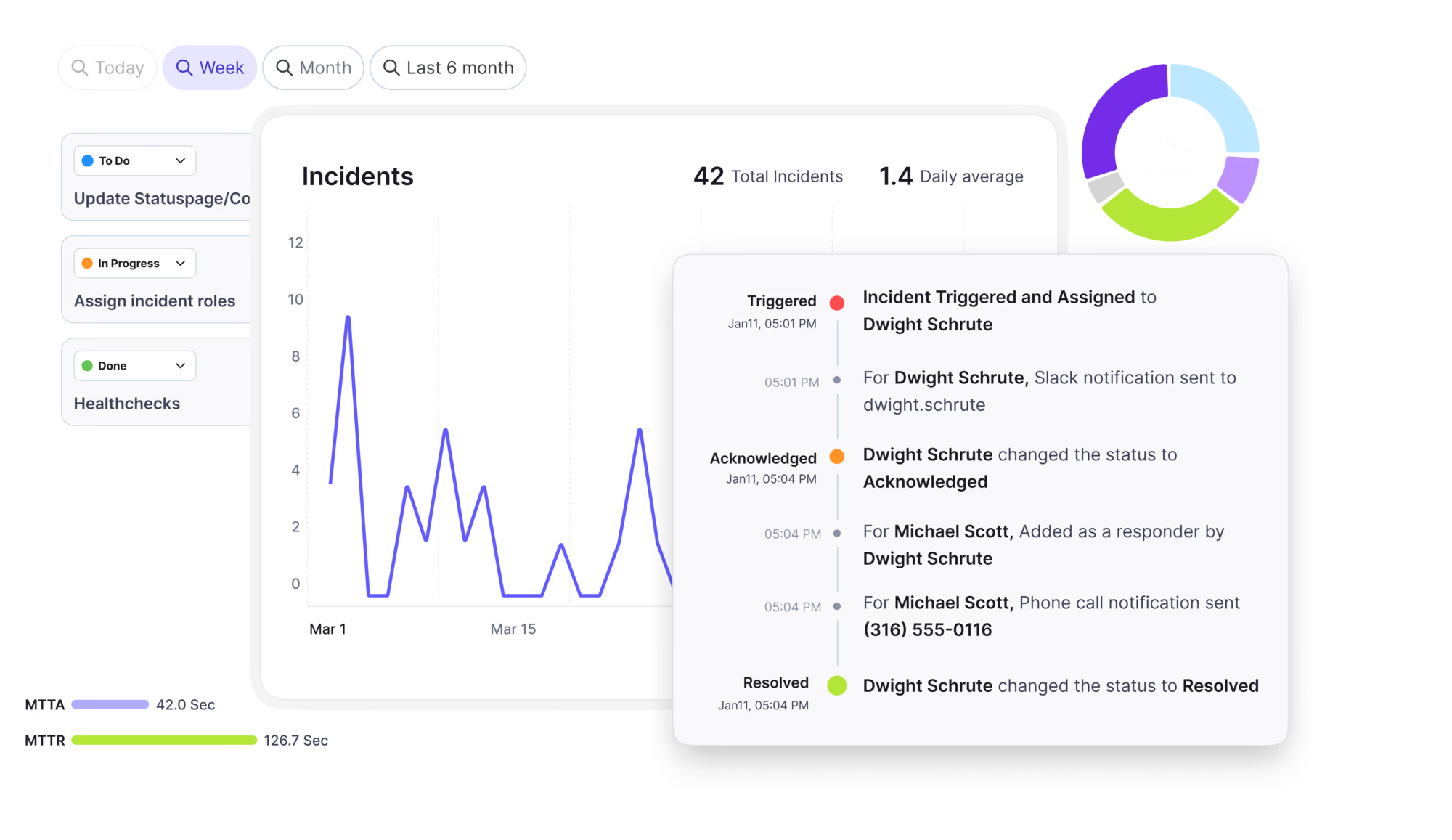
Automate postmortems, AI summaries, and post-incident workflows
Create, organize, and continuously improve your knowledge base to find the right answers with Sera AI.
We're here to help

The integration with Atlassian Jira using the Xurrent Integration Service is

The integration with Atlassian Jira using the Xurrent Integration Service is

The integration with Atlassian Jira using the Xurrent Integration Service is

The integration with Atlassian Jira using the Xurrent Integration Service is

The integration with Atlassian Jira using the Xurrent Integration Service is

The integration with Atlassian Jira using the Xurrent Integration Service is

The integration with Atlassian Jira using the Xurrent Integration Service is

The integration with Atlassian Jira using the Xurrent Integration Service is
Resolve issues quickly with an AI-powered system that automates ticketing.
Unifiy IT, HR, Facilities, Finance, and more on a single, AI-powered service platform.
Simplify on-call scheduling, automate escalations, and reduce burnout.
Automate postmortems, AI summaries, and post-incident workflows
Create, organize, and continuously improve your knowledge base to find the right answers with Sera AI.
Resolve plant floor and IT issues before they disrupt production.
Stay audit-ready while resolving issues and reducing operational risk.

Detect, respond, and resolve incidents fast to cut downtime and MTTR.

Keep your store online, even during your biggest sales moments.

Protect patient data and resolve issues fast, so care teams stay focused on care.

Standardize service delivery across every store and channel.

We are here to help 24/7

Connect with other Xurrent Users

Get insights and tips on how to get the most out of Xurrent

Apps, APIs, and updates

Xurrent service functionality

Eliminate manual tasks, optimize workflows, and deliver faster resolutions.
Learn how organizations have reduced downtime, improved 50% MTTA & MTTR, and cut costs with Xurrent IMR.
Discover Xurrent IMR's quick support, bidirectional integrations with Jira and Slack, and more cohesive incident response capabilities compared to Opsgenie.
Understand why users value Xurrent IMR for its intuitive interface, efficient incident alerting, customizable On-call schedules, and escalations.

See how reconciliation chooses a product and operating system for each discovered device, and how AI suggestions are used.
Every device a scan finds goes through CI Reconciliation before it changes your CMDB. This page explains how the review chooses an operating system and a product for a discovered device, which settings control it, and how AI suggestions are used. For the review process itself, see Getting Started with Reconciliation.
Reconciliation first looks for a configuration item in your account that matches what the scan found. An existing configuration item always wins. If the operating system is already a software CI in your account, for example HP-UX 11i v3, the device is linked to it and no catalog panel appears.
When no software CI matches, the review falls back to Xurrent's catalog of known products. The Operating system row then shows Not found, left unchanged, with an unticked checkbox to create it, and your choice is sent with Approve. For a scanned macOS 27.0.1, approval creates the product Apple macOS, the release macOS 27 and the version macOS 27.0.1, all in production, with the version as a child of the release. The device is then linked to macOS 27.0.1 and not to the release, because the scan reported an exact version.
Xurrent maintains the catalog. It covers desktop, server, Linux, Unix, mainframe, hypervisor, mobile and network operating systems, and new versions are added without a software release. It is not part of your account: an entry is copied into your account only when discovery finds that operating system and the review is approved.
Account administrators manage these settings on the CI Reconciliation page in account settings. The page appears only when configuration management is on.
| Setting | What it does |
|---|---|
| Enable CI Reconciliation | Processes discovery results into reviews. While it is off, results are held and processed as soon as it is turned on. |
| Automatically create known operating systems | When on, the review row says the CI is created on approval and shows no checkbox. For example, Red Hat Enterprise Linux 9.4 is created under the release Red Hat Enterprise Linux 9. |
| Suggest products with AI | Lets discovery propose a product for a device that does not match one in your catalog. See AI product suggestions below. |
| Automatically add standard discovery fields | Adds the standard discovery fields to the configuration items it reconciles. |
Scanned devices often report a brand and model that do not map cleanly to a product. The default naming rule joins brand and model, so a Dell desktop can come out as Dell Dell Pro Tower QCT1250, and a scan that names no maker gives no useful product. When Suggest products with AI is on, discovery groups devices by fingerprint, which is the set of identity attributes the scan reads, and asks an AI model for a suggested product name, brand and category. Devices with the same fingerprint share one suggestion.
| Device | Default mapping | AI suggestion |
|---|---|---|
| Dell desktop (WMI) | Dell Dell Pro Tower QCT1250, with the maker repeated | Dell Pro Tower QCT1250, Dell, Desktop PC or Workstation |
| Hyper-V virtual machines (WMI) | Microsoft, Virtual Machine | Microsoft Hyper-V Virtual Machine |
| Apple M1 Mac (SNMP) | No maker, category Router | Apple Mac (M1), Laptop PC |
| HP JetDirect print server (SNMP) | HP, category Server | HP Ethernet Multi-Environment, Other Type of Hardware |
Suggestions are not always complete. In the examples above, the Mac suggestion repeats Mac (M1) in the model field because the scan names no model, and the HP print server receives the correct maker but a general category where a printer category would fit better. Check the brand, model and category in the review and correct them before you approve.