






Blog
Insights & updates from our experts


Resolve plant floor and IT issues before they disrupt production.

Stay audit-ready while resolving issues and reducing operational risk.
Resolve issues quickly with an AI-powered system that automates ticketing.
Unifiy IT, HR, Facilities, Finance, and more on a single, AI-powered service platform.
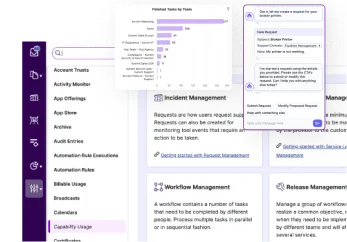
Simplify on-call scheduling, automate escalations, and reduce burnout.
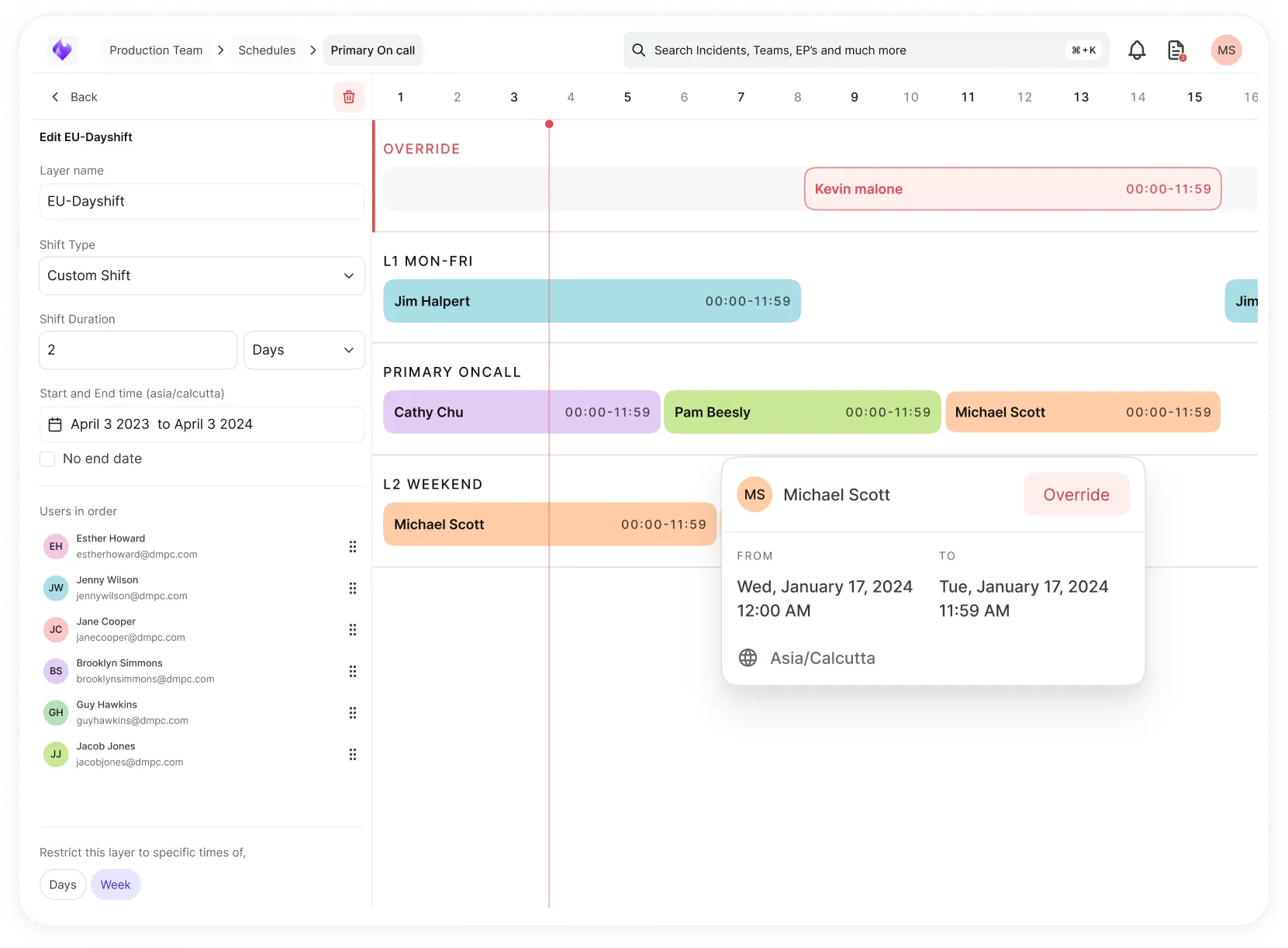
Automate postmortems, AI summaries, and post-incident workflows
Create, organize, and continuously improve your knowledge base to find the right answers with Sera AI.
We're here to help

The integration with Atlassian Jira using the Xurrent Integration Service is

The integration with Atlassian Jira using the Xurrent Integration Service is

The integration with Atlassian Jira using the Xurrent Integration Service is

The integration with Atlassian Jira using the Xurrent Integration Service is

The integration with Atlassian Jira using the Xurrent Integration Service is

The integration with Atlassian Jira using the Xurrent Integration Service is

The integration with Atlassian Jira using the Xurrent Integration Service is

The integration with Atlassian Jira using the Xurrent Integration Service is
Resolve issues quickly with an AI-powered system that automates ticketing.
Unifiy IT, HR, Facilities, Finance, and more on a single, AI-powered service platform.
Simplify on-call scheduling, automate escalations, and reduce burnout.
Automate postmortems, AI summaries, and post-incident workflows
Create, organize, and continuously improve your knowledge base to find the right answers with Sera AI.
Resolve plant floor and IT issues before they disrupt production.
Stay audit-ready while resolving issues and reducing operational risk.

Detect, respond, and resolve incidents fast to cut downtime and MTTR.

Keep your store online, even during your biggest sales moments.

Protect patient data and resolve issues fast, so care teams stay focused on care.

Standardize service delivery across every store and channel.

We are here to help 24/7

Connect with other Xurrent Users

Get insights and tips on how to get the most out of Xurrent

Apps, APIs, and updates

Xurrent service functionality

Eliminate manual tasks, optimize workflows, and deliver faster resolutions.
Learn how organizations have reduced downtime, improved 50% MTTA & MTTR, and cut costs with Xurrent IMR.
Discover Xurrent IMR's quick support, bidirectional integrations with Jira and Slack, and more cohesive incident response capabilities compared to Opsgenie.
Understand why users value Xurrent IMR for its intuitive interface, efficient incident alerting, customizable On-call schedules, and escalations.

Create, update and search Xurrent IMR incidents, raise alerts, look up on-call users, and trigger runbooks from incident events.
Alpha: this connector is available as Xurrent IMR Connector - Alpha. Its actions and fields may change before general availability.
Connects Xurrent iPaaS runbooks to Xurrent IMR (formerly Zenduty) for incident management and response. Runbooks can create, update, read and search incidents, add notes, raise alerts, look up who is on call, and list teams and services. A webhook trigger starts a runbook whenever an incident is triggered, acknowledged or resolved in Xurrent IMR.
| Field | Required | Description |
|---|---|---|
| API Key | Yes | Your Xurrent IMR API token. It is sent as Authorization: Token <API key> on every request. |
| Base URL | No | Overrides the Xurrent IMR address. Leave empty to use the default, https://www.zenduty.com. |
The trigger endpoint can be secured in two ways. Both are optional, but if neither is configured the endpoint accepts any request, so configure at least one.
| Option | How it works |
|---|---|
| Webhook Secret (HMAC SHA256) | Set a secret on the inbound connection and the same secret in Xurrent IMR. Xurrent IMR signs each request and sends the Base64-encoded digest in the X-SIGNATURE header. Requests with a missing or wrong signature are rejected. |
| Basic auth | Set a username and password on the inbound connection. Xurrent IMR sends them in the Authorization: Basic … header. |
Starts a runbook when Xurrent IMR sends an incident event through an outgoing webhook. Supported event types: triggered, acknowledged and resolved.
Setup: create the inbound connection in iPaaS, then configure an outgoing webhook integration in Xurrent IMR that posts to the trigger endpoint. Add the webhook secret or basic auth credentials on both sides.
The incident's unique_id is used as the job context identifier, so all jobs for one incident can be found together.
| Field | Type | Description |
|---|---|---|
| event_type | String | triggered, acknowledged or resolved |
| incident_number | Integer | Incident number |
| unique_id | String | Incident unique ID |
| title | String | Incident title |
| summary | String | Incident summary |
| incident_key | String | Incident key |
| status | Integer | 1 Triggered, 2 Acknowledged, 3 Resolved |
| priority | Integer | Priority |
| urgency | Integer | 0 Low, 1 High |
| creation_date | String | When the incident was created |
| acknowledged_date | String | When the incident was acknowledged |
| resolved_date | String | When the incident was resolved |
| assigned_to | Object | username, first_name, last_name, email |
| merged_with | String | Incident this one was merged into |
| context_window_start | String | Start of the context window |
| context_window_end | String | End of the context window |
| service | Object | name, unique_id, escalation_policy, team, status, summary, description, creation_date, auto_resolve_timeout, acknowledgement_timeout, created_by |
The job fails if the request has no body, the body is not a JSON object, or it contains no incident data.
Creates a new incident.
| Input | Type | Required | Description |
|---|---|---|---|
| title | String | Yes | Incident title |
| summary | String | No | Incident summary |
| service_id | String | Yes | Unique ID of the Xurrent IMR service |
| escalation_policy_id | String | No | Unique ID of the escalation policy |
| assigned_to | String | No | Username to assign the incident to |
| status | Integer | No | 1 Triggered, 2 Acknowledged, 3 Resolved |
| priority_id | String | No | Unique ID of the team priority |
| urgency | Integer | No | 0 Low, 1 High |
Output: unique_id, incident_number, title, summary, status, creation_date, urgency, assigned_to, assigned_to_name, incident_key.
Updates an existing incident. Only the fields you fill in are changed.
| Input | Type | Required | Description |
|---|---|---|---|
| unique_id | String | Yes | Unique ID of the incident to update |
| title | String | No | New title |
| summary | String | No | New summary |
| assigned_to | String | No | Username to assign the incident to |
| status | Integer | No | 1 Triggered, 2 Acknowledged, 3 Resolved |
| escalation_policy_id | String | No | Unique ID of the escalation policy |
| priority_id | String | No | Unique ID of the team priority |
| urgency | Integer | No | 0 Low, 1 High |
Output: same fields as Create Incident.
Retrieves one incident by its incident number.
| Input | Type | Required | Description |
|---|---|---|---|
| incident_number | Integer | Yes | The incident number to retrieve |
Output: same fields as Create Incident.
Searches incidents with filters. Returns one page per iteration; the action continues while has_next_page is true.
| Input | Type | Required | Description |
|---|---|---|---|
| status | Integer | No | -1 Open (triggered and acknowledged), 0 All, 1 Triggered, 2 Acknowledged, 3 Resolved |
| team_ids | String[] | No | Team unique IDs |
| service_ids | String[] | No | Service unique IDs |
| escalation_policy_ids | String[] | No | Escalation policy unique IDs |
| user_ids | String[] | No | Usernames |
| from_date | Date time | No | Start of the date range |
| to_date | Date time | No | End of the date range |
| priority_ids | String[] | No | Priority unique IDs |
| tag_ids | String[] | No | Tag unique IDs |
| all_teams | Integer | No | 1 to include incidents from all teams, 0 otherwise |
Output: has_next_page, and incidents, a list with unique_id, incident_number, title, summary, status, urgency, creation_date, resolved_date, acknowledged_date, assigned_to, assigned_to_name, service, escalation_policy, incident_key.
Adds a note to an existing incident.
| Input | Type | Required | Description |
|---|---|---|---|
| incident_number | Integer | Yes | The incident to add the note to |
| note | String | Yes | Note content |
Output: unique_id, note, creation_date, user.
Sends an alert to a service integration through the Xurrent IMR Events API. Depending on the integration's rules, the alert creates a new incident or is added to an existing one.
| Input | Type | Required | Description |
|---|---|---|---|
| integration_key | String | Yes | Integration key of the target service integration |
| message | String | Yes | Alert message; becomes the incident title |
| alert_type | String | Yes | critical, error, warning, info, acknowledged or resolved |
| summary | String | No | Alert summary |
| entity_id | String | No | Deduplication key; alerts with the same entity ID are grouped into one incident |
| payload | Object | No | Additional JSON metadata to include with the alert |
| urls | Object[] | No | Related links, each with link_url and link_text |
Output: unique_id, incident (incident number), incident_created, entity_id, alert_type, message.
Returns who is currently on call for a team, per escalation policy.
| Input | Type | Required | Description |
|---|---|---|---|
| team_id | String | Yes | Unique ID of the team |
Output: escalation_policies, each with unique_id, name and oncalls (escalation rules with position, delay and the on-call users' username, first_name, last_name, email).
Lists all teams in the Xurrent IMR account. No input.
Output: teams, each with unique_id, name, owner, creation_date.
Lists the services of a team.
| Input | Type | Required | Description |
|---|---|---|---|
| team_id | String | Yes | Unique ID of the team |
Output: services, each with unique_id, name, team, status, escalation_policy, summary.
| HTTP status | Behavior |
|---|---|
| 429 Too Many Requests | Wait and retry |
| 503 Service Unavailable | Wait and retry |
| 401 / 403 | Fail the job immediately (credential or permission problem) |
| 400 and other errors | Fail the job with the status and response body from Xurrent IMR |
A response that is not valid JSON also fails the job.
entity_id on Create Alert so repeated alerts for the same problem are grouped into one incident instead of creating many.event_type in runbooks that start from the Incident Webhook trigger, because one endpoint receives triggered, acknowledged and resolved events.