





Blog
Insights & updates from our experts


Resolve plant floor and IT issues before they disrupt production.

Stay audit-ready while resolving issues and reducing operational risk.
Resolve issues quickly with an AI-powered system that automates ticketing.
Unifiy IT, HR, Facilities, Finance, and more on a single, AI-powered service platform.
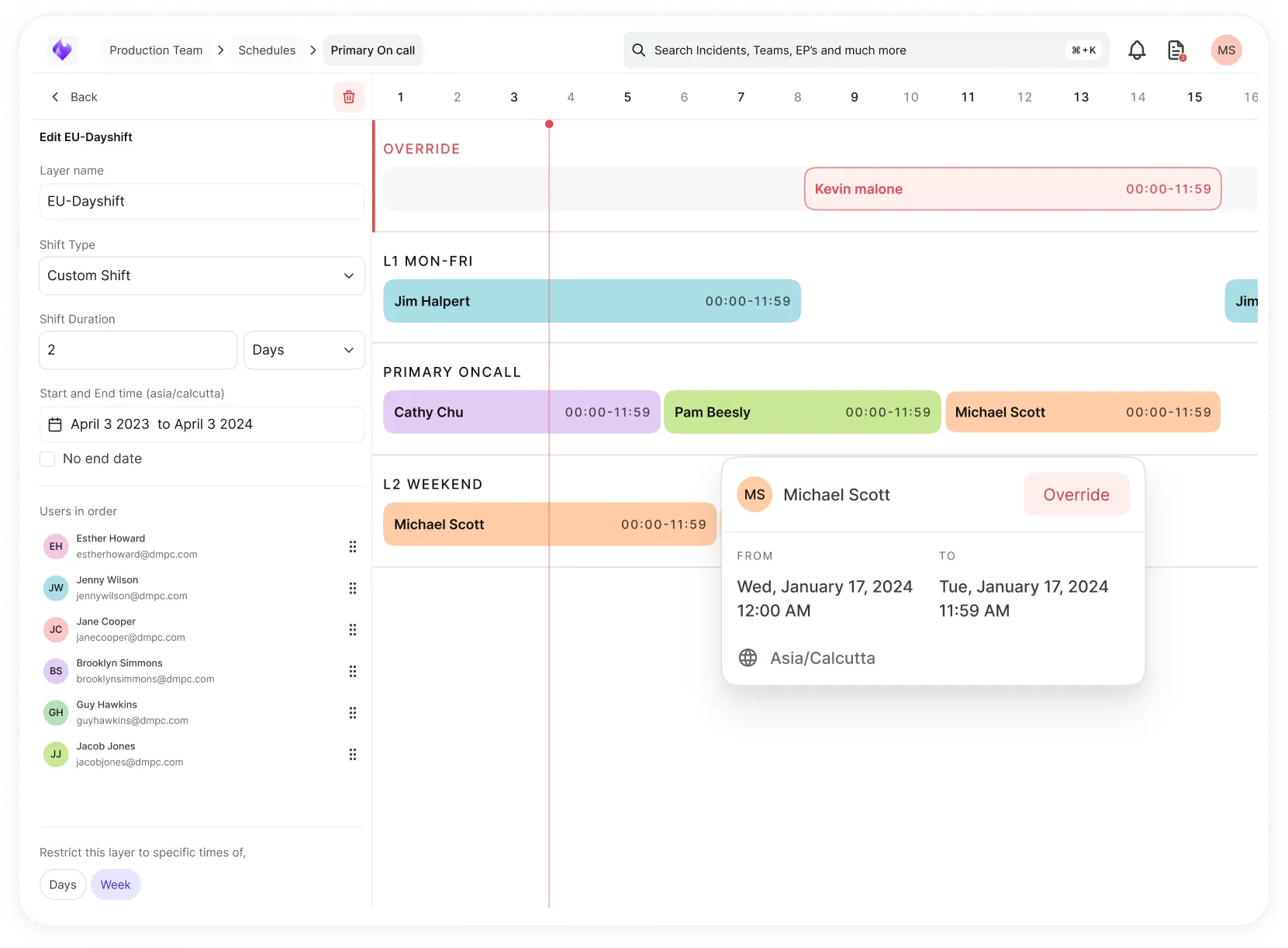
Simplify on-call scheduling, automate escalations, and reduce burnout.
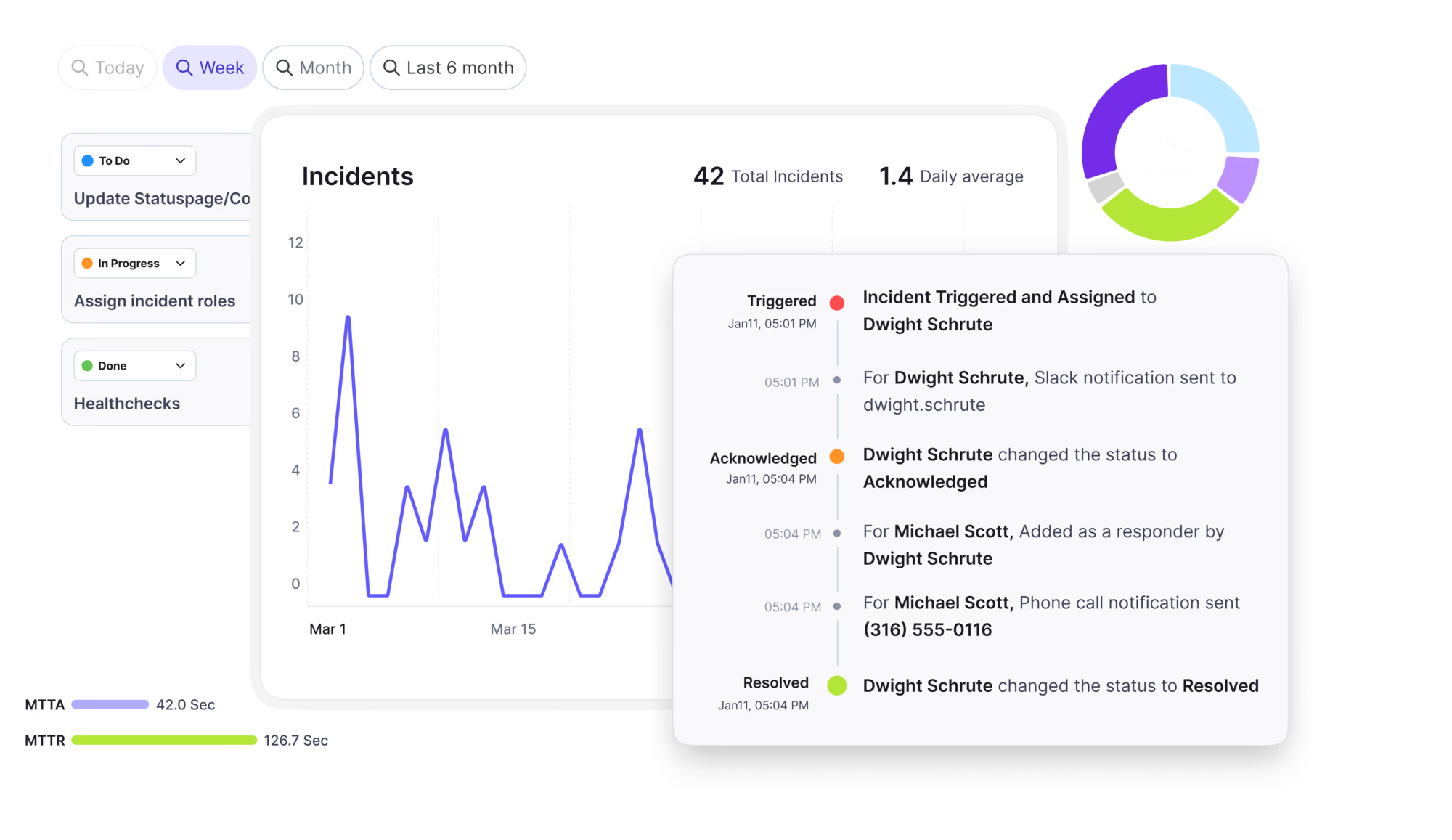
Automate postmortems, AI summaries, and post-incident workflows
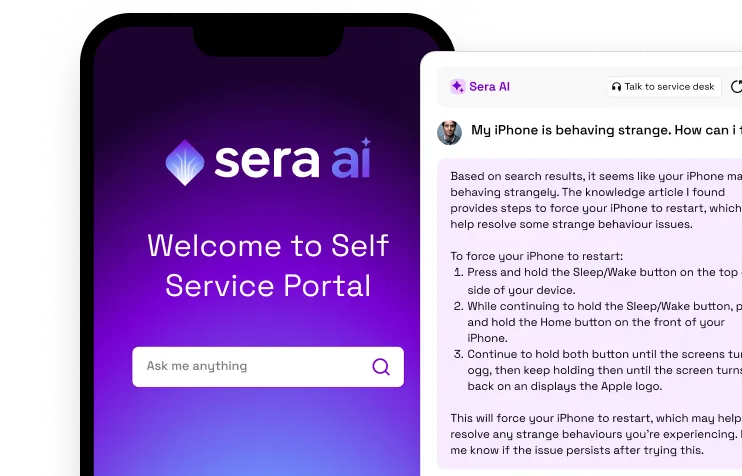
Create, organize, and continuously improve your knowledge base to find the right answers with Sera AI.
We're here to help

The integration with Atlassian Jira using the Xurrent Integration Service is

The integration with Atlassian Jira using the Xurrent Integration Service is

The integration with Atlassian Jira using the Xurrent Integration Service is

The integration with Atlassian Jira using the Xurrent Integration Service is

The integration with Atlassian Jira using the Xurrent Integration Service is

The integration with Atlassian Jira using the Xurrent Integration Service is

The integration with Atlassian Jira using the Xurrent Integration Service is

The integration with Atlassian Jira using the Xurrent Integration Service is
Resolve issues quickly with an AI-powered system that automates ticketing.
Unifiy IT, HR, Facilities, Finance, and more on a single, AI-powered service platform.
Simplify on-call scheduling, automate escalations, and reduce burnout.
Automate postmortems, AI summaries, and post-incident workflows
Create, organize, and continuously improve your knowledge base to find the right answers with Sera AI.
Resolve plant floor and IT issues before they disrupt production.
Stay audit-ready while resolving issues and reducing operational risk.

Detect, respond, and resolve incidents fast to cut downtime and MTTR.

Keep your store online, even during your biggest sales moments.

Protect patient data and resolve issues fast, so care teams stay focused on care.

Standardize service delivery across every store and channel.

We are here to help 24/7

Connect with other Xurrent Users

Get insights and tips on how to get the most out of Xurrent

Apps, APIs, and updates

Xurrent service functionality

Eliminate manual tasks, optimize workflows, and deliver faster resolutions.
Learn how organizations have reduced downtime, improved 50% MTTA & MTTR, and cut costs with Xurrent IMR.
Discover Xurrent IMR's quick support, bidirectional integrations with Jira and Slack, and more cohesive incident response capabilities compared to Opsgenie.
Understand why users value Xurrent IMR for its intuitive interface, efficient incident alerting, customizable On-call schedules, and escalations.

Retrieve device inventory and operating system data from Raynet for CMDB synchronization.
This connector integrates with Raynet to retrieve device inventory and operating system data for synchronizing Configuration Items into the Xurrent CMDB.
To use this connector, you need:
your-tenant.raynetone.com)Header-based. Each outbound request carries an ApiKey header populated from the connection's API key field. No OAuth flow is involved. Provide the Instance (e.g. your-tenant) so the connector can compose the base URL https://<instance>.raynetone.com/api/v1.
None — this connector is outbound only.
Retrieves devices from GET /api/v1/Devices/by-inventory with optional incremental-sync filter. Paginates internally using Raynet's lastId cursor — one page is emitted per iteration, and the action drains the full result set across successive iterations.
Use case: populate or refresh the device inventory in Xurrent's CMDB. Pass inventory_date_later_then (ISO 8601) to fetch only devices whose inventory was updated at or after a specific time for incremental sync; omit it for a full sync.
| Parameter | Type | Required | Default | Description |
|---|---|---|---|---|
| inventory_date_later_then | DateTime | No | - | ISO 8601 timestamp — return only devices whose inventory was updated at or after this time |
| count | Integer | No | 100 | Page size (1-1000) |
{
  "inventory_date_later_then": "2026-05-14T00:00:00Z",
  "count": 100
}
| Field | Type | Description |
|---|---|---|
| has_next_page | Boolean | true while more pages remain |
| devices | Array[Device] | One entry per device in the current page — see Device fields |
| Field | Type | Description |
|---|---|---|
| id | String | Raynet device id (UUID v7). Primary key and cursor for pagination |
| name | String | Hostname assigned to the device |
| creation_date | DateTime | When the device was first discovered |
| tag | String | Device tag |
| domain | String | Active Directory or DNS domain the device belongs to |
| model | String | Hardware model (e.g. VMware Virtual Platform) |
| manufacturer | String | Hardware manufacturer (e.g. VMware, Inc.) |
| number_of_logical_processors | Integer | Logical CPU count |
| number_of_processors | Integer | Physical CPU count |
| total_physical_memory | Integer | Total physical memory in bytes |
| physical_memory | Integer | Reported physical memory in bytes |
| uuid | String | SMBIOS hardware UUID — distinct from id and may be absent |
| user_name | String | Last logged-in user (when populated) |
| comment | String | Free-form comment |
| corporate_asset_class | String | Corporate asset classification |
| corporate_identifier | String | Corporate asset identifier |
| corporate_state | String | Corporate lifecycle state |
| ad_last_logon | DateTime | Last Active Directory logon timestamp |
| custom_import_id | String | Identifier from a custom import source |
| custom_source | String | Free-form custom source label |
| corporate_ownership | Boolean | Whether the device is corporate-owned |
| detected_os_type | String | OS family (None, Windows, Unix, MacOs) |
| last_sucessful_inventory_run | DateTime | Timestamp of the last successful inventory run. Note: the misspelling Sucessful is preserved verbatim from the Raynet API |
| is_virtual | Boolean | Whether the device is reported as virtual |
| source | String | Comma-separated list of discovery sources (e.g. MECM,ActiveDirectory) |
{
  "has_next_page": true,
  "devices": [
    {
      "id": "019aee57-6d0f-7eef-9ca9-504d44b78630",
      "name": "srv_4cb1f",
      "creation_date": "2025-12-05T11:48:18.319Z",
      "model": "VMware Virtual Platform",
      "manufacturer": "VMware, Inc.",
      "number_of_logical_processors": 6,
      "number_of_processors": 6,
      "total_physical_memory": 17179869184,
      "physical_memory": 17179869184,
      "uuid": "2c983a42-2b40-4890-22b0-7fc24b314822",
      "detected_os_type": "Windows",
      "last_sucessful_inventory_run": "2025-12-04T00:02:17.639Z",
      "is_virtual": false,
      "source": "MECM,ActiveDirectory"
    }
  ]
}
| Condition | Behavior |
|---|---|
| 401 / 403 | Fail immediately with Raynet authentication error: <status> |
| 404 (no results) | Return empty result; not an error. Raynet returns 404 with application/problem+json when zero records match. |
| 429 or 503 | Retry, respecting Retry-After (default 60s) |
| Other 4xx / 5xx (400, 500, 502, 504) | Fail with Raynet HTTP error: <status> |
| Non-JSON body | Fail with Raynet response was not valid JSON |
inventory_date_later_then set to the start of the previous successful run for incremental sync — do not derive the watermark from per-device last_sucessful_inventory_run.count at its documented maximum (1000) to minimize round-trips on large tenants.Retrieves operating system records in bulk for a batch of device IDs from POST /api/v1/OperatingSystems/ByManyDeviceIds. The action paginates internally — it emits one page per batch and drains the full device_ids list across successive iterations.
Use case: enrich device records with detailed OS information (caption, edition, version, architecture, install date) for CMDB synchronization. Feed device_ids from the output of Fetch devices.
| Parameter | Type | Required | Default | Description |
|---|---|---|---|---|
| device_ids | Array[String] | Yes | - | Device IDs to fetch OS data for (UUIDs from Fetch devices id) |
| count | Integer | No | 100 | Page size (1-1000) |
{
  "device_ids": [
    "019aee57-6d0f-7eef-9ca9-504d44b78630",
    "019aee57-4e37-7857-bcea-77aa4dc83e8e"
  ],
  "count": 100
}
| Field | Type | Description |
|---|---|---|
| has_next_page | Boolean | true while more pages remain |
| operating_systems | Array[OperatingSystem] | One entry per device that has an OS record — see OperatingSystem fields. Devices without an OS record are silently omitted by the API |
| Field | Type | Description |
|---|---|---|
| id | String | OS record id (UUID) |
| device_id | String | Device id this OS record belongs to — pairs with Fetch devices.id |
| name | String | OS short name (e.g. Windows Server 2016) |
| caption | String | OS full caption (e.g. Microsoft Windows Server 2016 Standard) |
| service_pack | String | Service pack identifier |
| manufacturer | String | OS vendor (e.g. Microsoft Corporation) |
| build_number | String | OS build number |
| architecture | String | OS architecture (e.g. 64-bit) |
| codename | String | OS codename |
| edition | String | OS edition (e.g. Standard) |
| os_language | String | Locale id (e.g. 1033) |
| os_language_name | String | Locale name |
| version | String | OS version (e.g. 10.0.14393) |
| version_internal | String | Internal version identifier |
| type | String | OS family (Windows, Linux, MacOs) |
| system_directory | String | OS system directory path |
| serial_number | String | OS license serial number |
| install_date | DateTime | When the OS was installed |
{
  "has_next_page": false,
  "operating_systems": [
    {
      "id": "019aee70-db5d-78a7-a392-9bcf2814a923",
      "device_id": "019aee57-6d0f-7eef-9ca9-504d44b78630",
      "name": "Windows Server 2016",
      "caption": "Windows Server 2016",
      "manufacturer": "Microsoft Corporation",
      "architecture": "64-bit",
      "edition": "Standard",
      "os_language": "1033",
      "version": "10.0.14393",
      "type": "Windows",
      "system_directory": "C:\\WINDOWS\\system32",
      "serial_number": "XXXXX-XXXXX-XXXXX-XXXXX"
    }
  ]
}
| Condition | Behavior |
|---|---|
| 401 / 403 | Fail immediately with Raynet authentication error: <status> |
| 404 (no results) | Return empty result; not an error. Raynet returns 404 with application/problem+json when zero records match. |
| 429 or 503 | Retry, respecting Retry-After (default 60s) |
| Other 4xx / 5xx (400, 500, 502, 504) | Fail with Raynet HTTP error: <status> |
| Non-JSON body | Fail with Raynet response was not valid JSON |
count defaults to 100 and can go up to 1000 — set it near the max to minimize round-trips on large device lists.device_ids from Fetch devices rather than maintaining a separate list.| HTTP Status | Connector Behavior |
|---|---|
| 200 | Success |
| 401 / 403 | Fail immediately with Raynet authentication error: <status> |
| 404 (no results) | Return empty result; not an error. Raynet returns 404 with application/problem+json when zero records match — e.g. paginating past the last device, or asking for OS records for stub devices that have none. |
| 429 | Retry, respecting Retry-After header (default 60s) |
| 503 | Retry, respecting Retry-After header (default 60s) |
| 400, other 4xx | Fail with Raynet HTTP error: <status> |
| 500, 502, 504 | Fail with Raynet HTTP error: <status> |
| Invalid JSON body | Fail with Raynet response was not valid JSON |
id field from the former.inventory_date_later_then for incremental syncs after the first full sync to keep page counts small.last_sucessful_inventory_run as a per-device value, not a global high-watermark — persist the run's start timestamp for the next inventory_date_later_then value.model / manufacturer / uuid) are returned alongside fully-populated devices — the connector returns them as-is so the runbook can filter them out.inventory_date_later_then) → Fetch operating systems by device IDs for all returned device ids.inventory_date_later_then set to the previous run's start timestamp → Fetch operating systems by device IDs for the changed subset.GET /api/v1/Devices/by-inventory — Fetch devices (cursor pagination via lastId, incremental filter via inventoryDateLaterThen)POST /api/v1/OperatingSystems/ByManyDeviceIds — Fetch operating systems by device IDs