




























Root Cause Agent
Investigate the probable cause of an incident
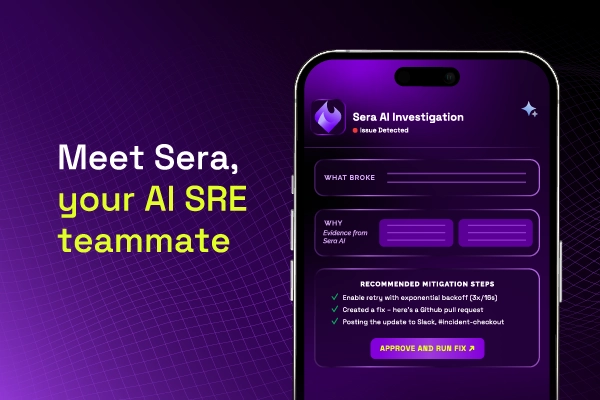
The Root Cause Agent is Sera's investigation capability in Xurrent IMR. It reviews an incident and returns a hypothesis about what caused it, together with the evidence behind that hypothesis.
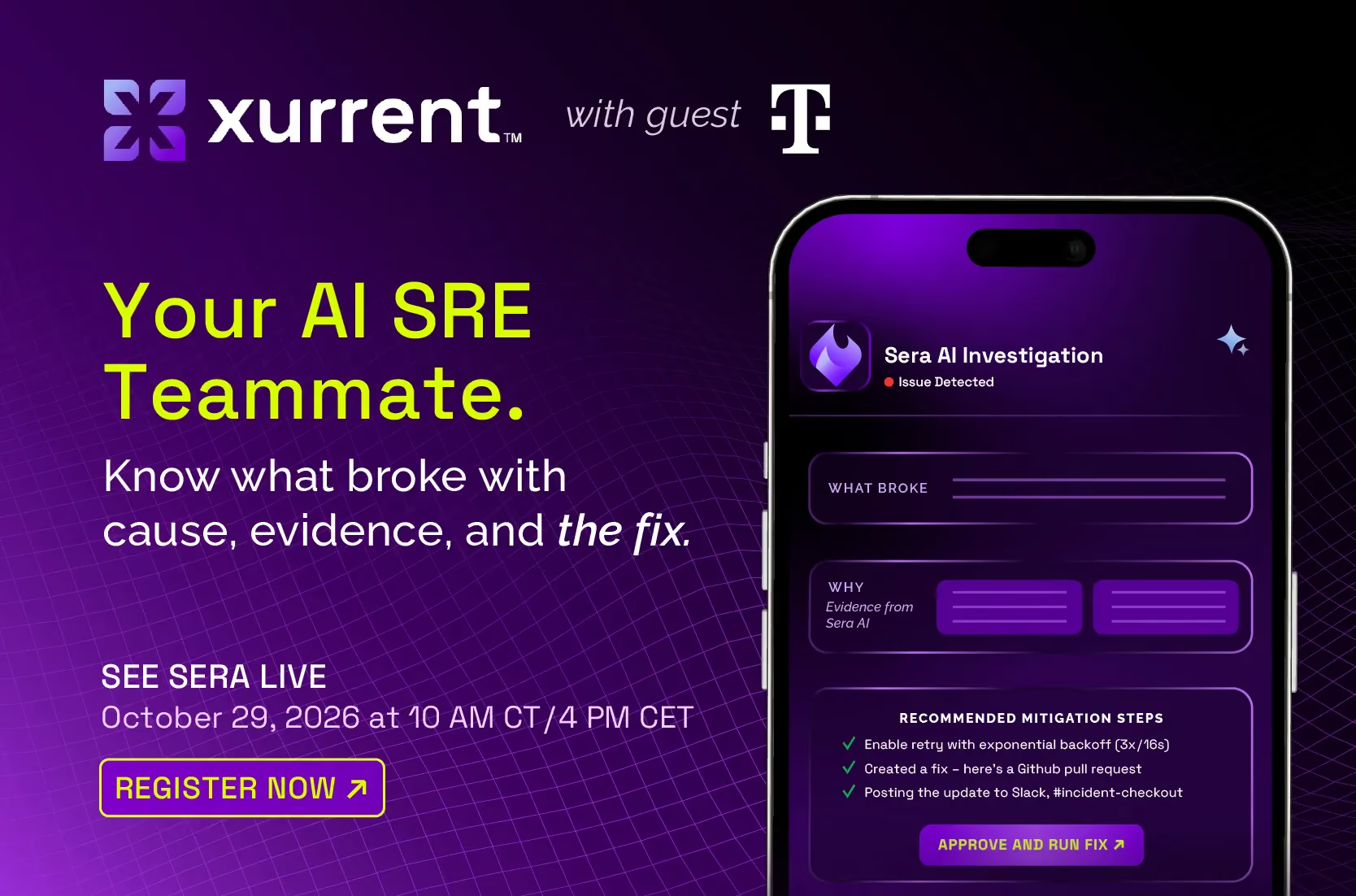
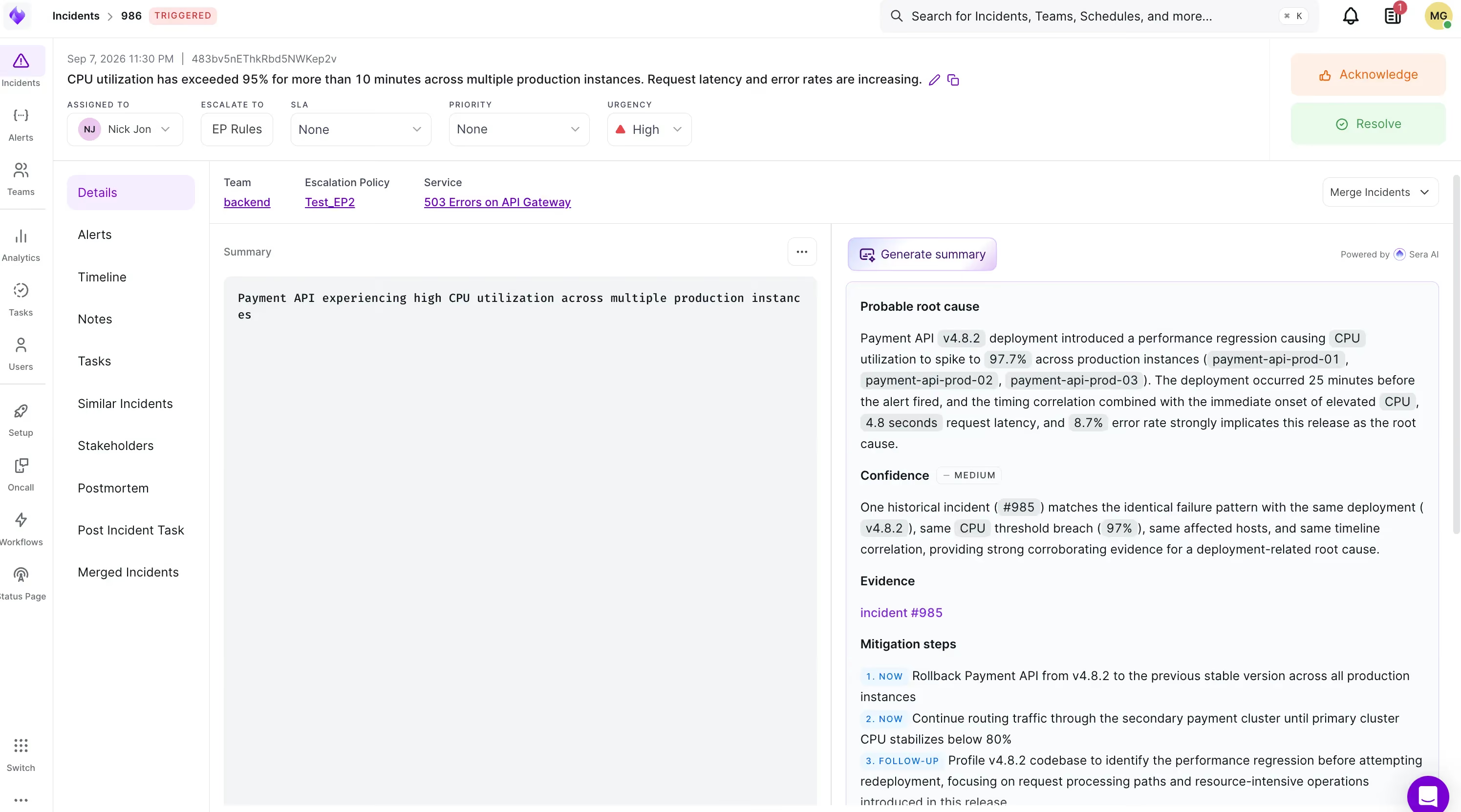
Each investigation returns a probable root cause, a confidence level, the evidence Sera drew on, and suggested mitigation steps.
Sera works from your own incident history. It reads the alert payload on the current incident, identifies the most similar incidents your team has already resolved, and reasons over the postmortems and chat threads attached to them.
Run an investigation
In Xurrent IMR
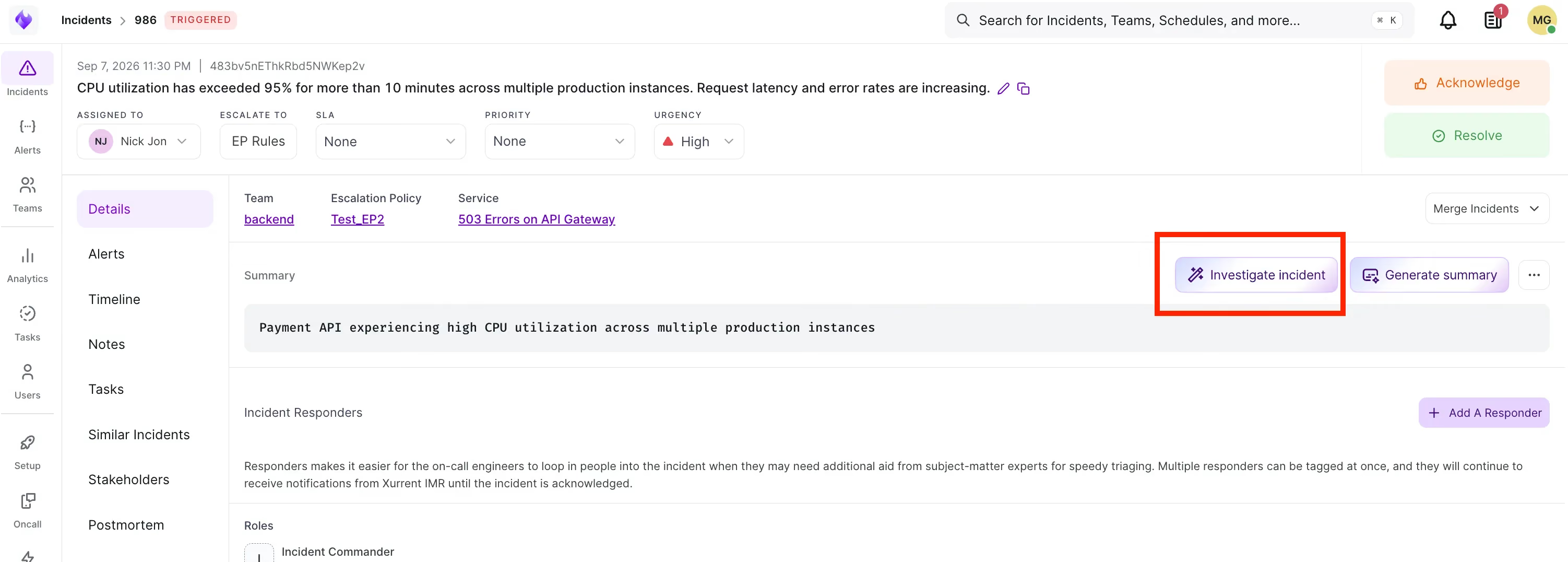
- Open the incident and go to the Details tab.
- In the Summary section, click Investigate incident.
- Review the hypothesis, confidence level, and evidence before acting on it.
In Slack
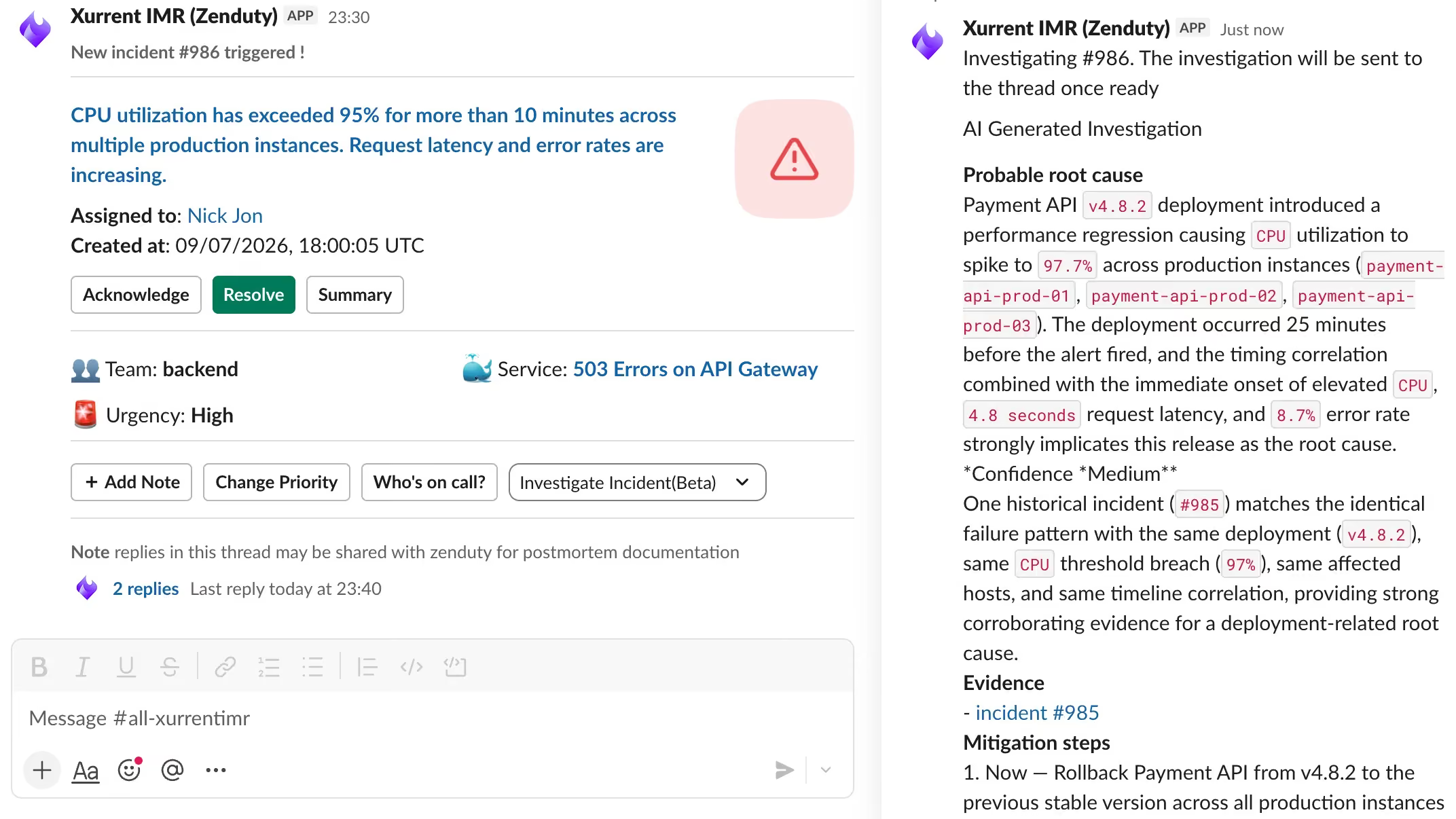
An investigation can be triggered directly from the incident's Slack channel, so responders do not need to leave the channel they are working in.
What an investigation returns
How to Connect Sera RCA to Your GitHub Account
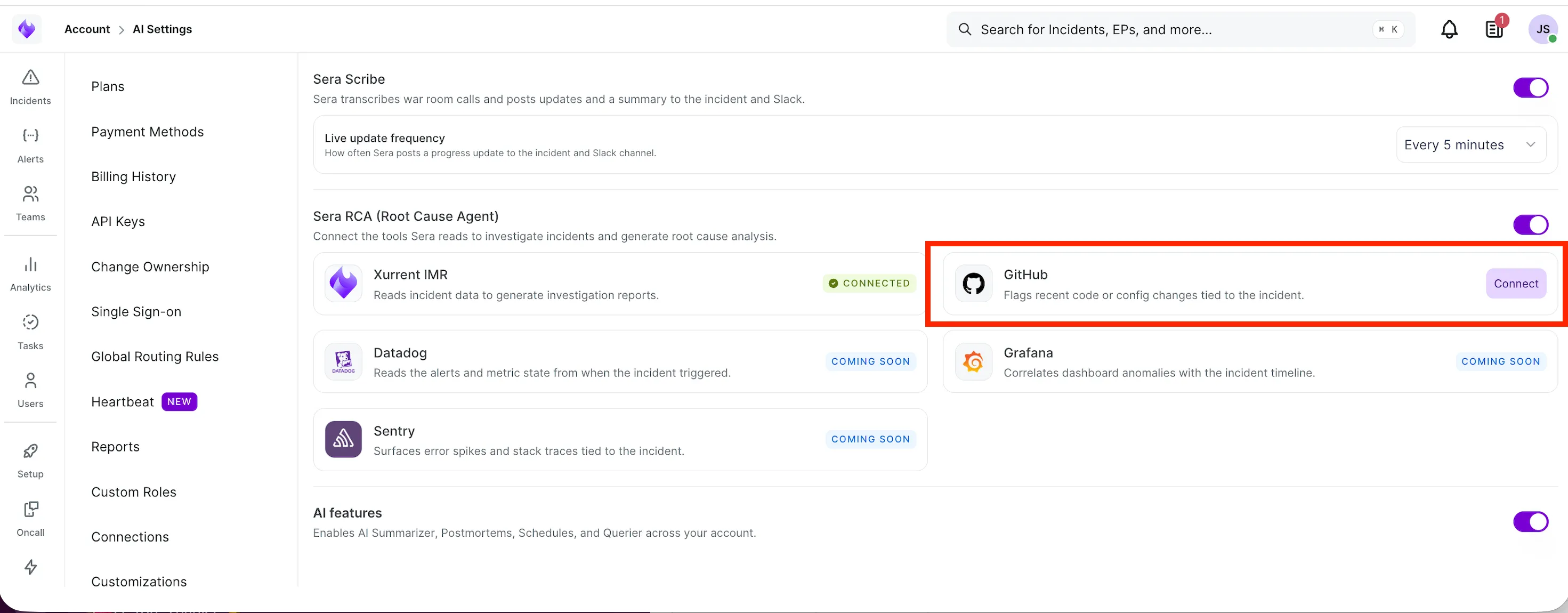
- Navigate to AI Settings.
- Under Sera RCA, click Connect to GitHub.
- Sign in with your GitHub credentials and authorize the connection.
- Once authorized, your GitHub account will be connected to Xurrent IMR.
Open Modal