Blog
Insights & updates from our experts


Resolve plant floor and IT issues before they disrupt production.

Stay audit-ready while resolving issues and reducing operational risk.
Resolve issues quickly with an AI-powered system that automates ticketing.

Unifiy IT, HR, Facilities, Finance, and more on a single, AI-powered service platform.

Simplify on-call scheduling, automate escalations, and reduce burnout.

Automate postmortems, AI summaries, and post-incident workflows

Create, organize, and continuously improve your knowledge base to find the right answers with Sera AI.

We're here to help

The integration with Atlassian Jira using the Xurrent Integration Service is

The integration with Atlassian Jira using the Xurrent Integration Service is

The integration with Atlassian Jira using the Xurrent Integration Service is

The integration with Atlassian Jira using the Xurrent Integration Service is

The integration with Atlassian Jira using the Xurrent Integration Service is

The integration with Atlassian Jira using the Xurrent Integration Service is

The integration with Atlassian Jira using the Xurrent Integration Service is

The integration with Atlassian Jira using the Xurrent Integration Service is
Resolve issues quickly with an AI-powered system that automates ticketing.
Unifiy IT, HR, Facilities, Finance, and more on a single, AI-powered service platform.
Simplify on-call scheduling, automate escalations, and reduce burnout.
Automate postmortems, AI summaries, and post-incident workflows
Create, organize, and continuously improve your knowledge base to find the right answers with Sera AI.
Resolve plant floor and IT issues before they disrupt production.
Stay audit-ready while resolving issues and reducing operational risk.

Detect, respond, and resolve incidents fast to cut downtime and MTTR.

Keep your store online, even during your biggest sales moments.

Protect patient data and resolve issues fast, so care teams stay focused on care.

Standardize service delivery across every store and channel.

We are here to help 24/7

Connect with other Xurrent Users

Get insights and tips on how to get the most out of Xurrent

Apps, APIs, and updates

Xurrent service functionality

Eliminate manual tasks, optimize workflows, and deliver faster resolutions.
Learn how organizations have reduced downtime, improved 50% MTTA & MTTR, and cut costs with Xurrent IMR.
Discover Xurrent IMR's quick support, bidirectional integrations with Jira and Slack, and more cohesive incident response capabilities compared to Opsgenie.
Understand why users value Xurrent IMR for its intuitive interface, efficient incident alerting, customizable On-call schedules, and escalations.








Xurrent IMR connects every part of your response process. From detection to resolution, teams can investigate, collaborate, and act together without switching tools. AI identifies root causes, while workflows handle the repetitive steps. War rooms, conference bridges, and live updates keep everyone aligned, reducing confusion during critical moments. Respond directly from Slack, Teams, or Jira with full visibility into who’s doing what and what comes next.
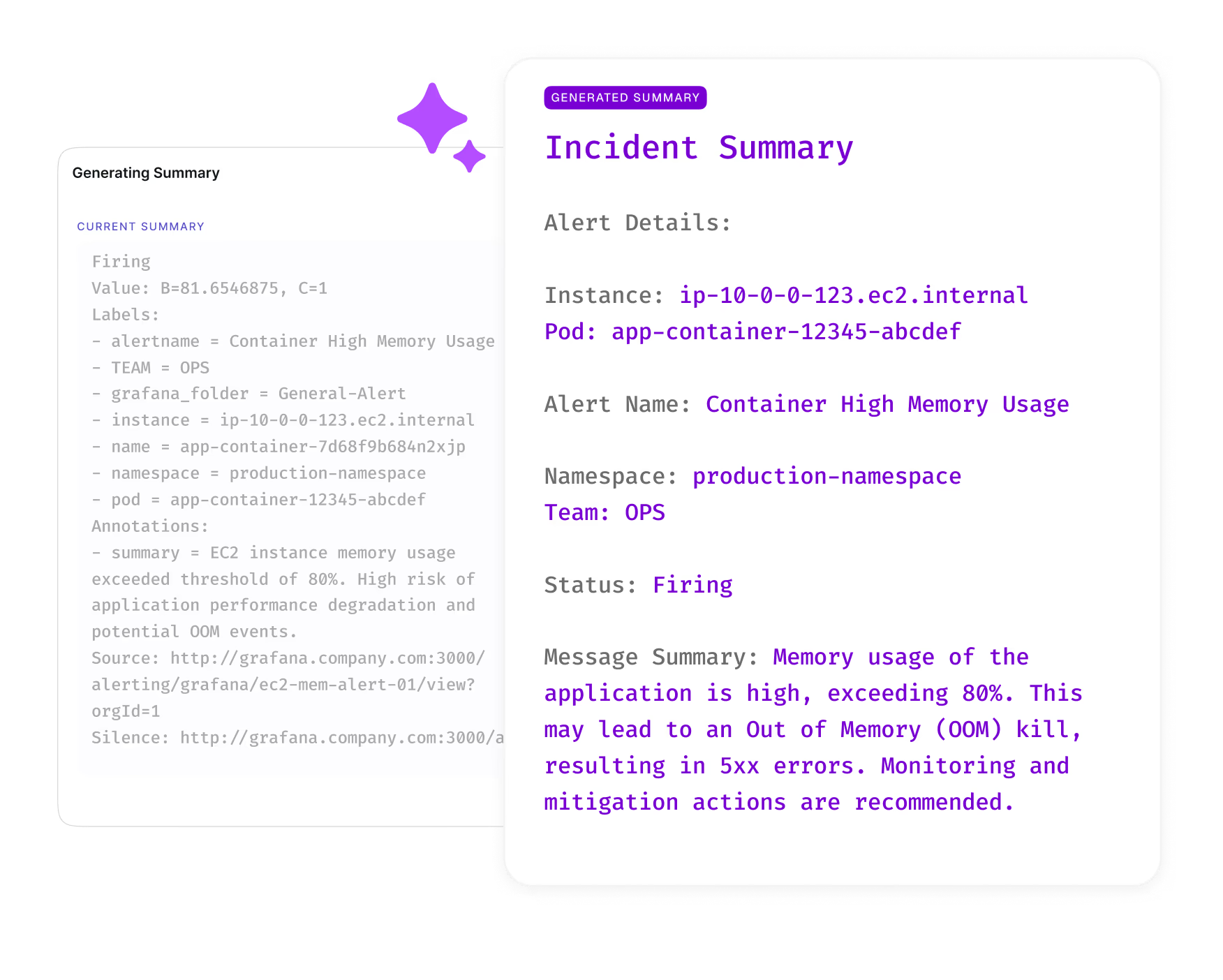
No more hunting for root causes across dashboards. IMR’s AI RCA assistant works right inside Slack or Teams to analyze payloads, logs, and metrics. It instantly identifies affected clusters, components, and services for your team to point out root cause.
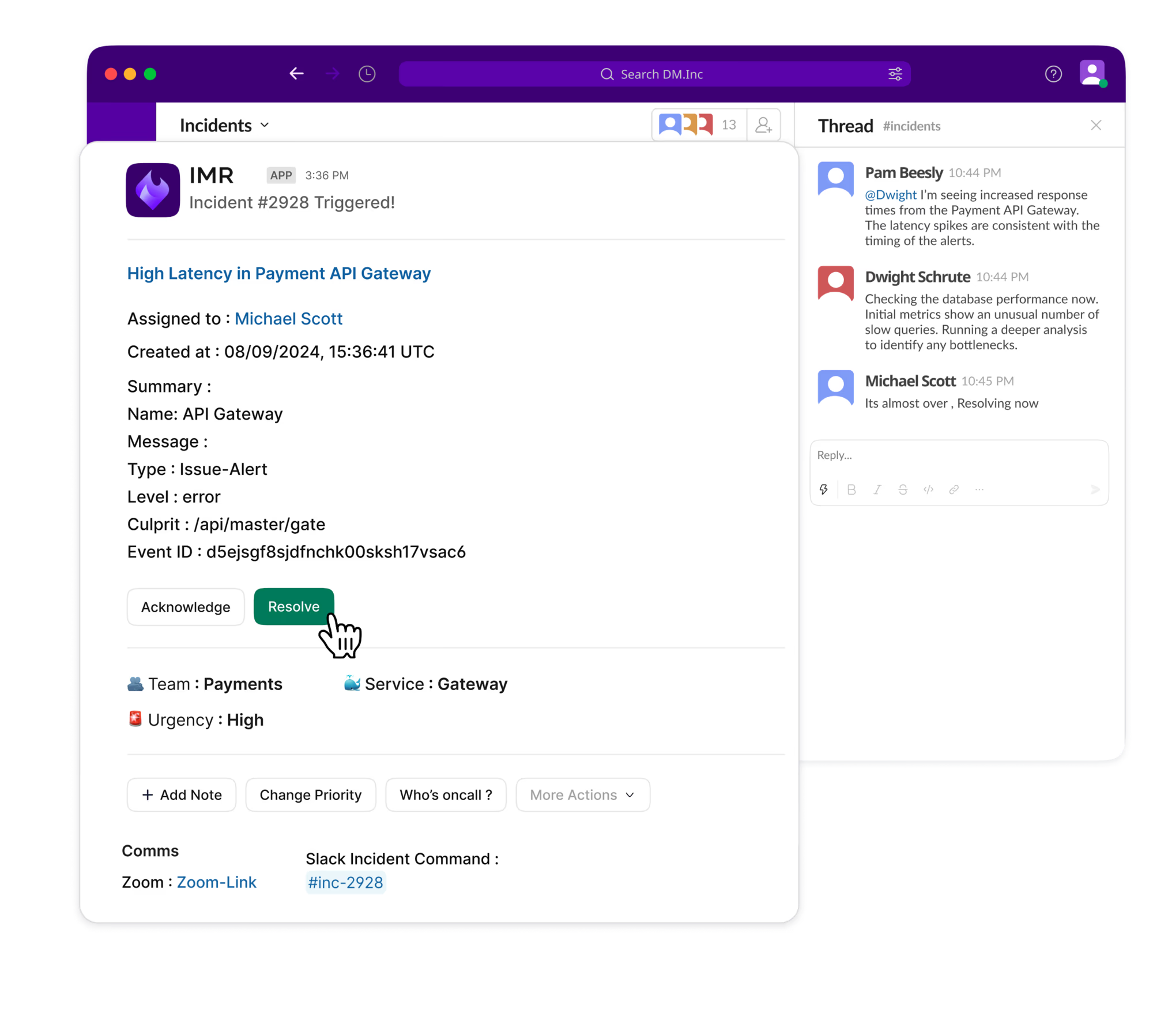
Manage incidents directly from Slack, Microsoft Teams, or Jira. Create, assign, and resolve incidents through rich interactive cards that keep everyone from engineers to managers aligned without switching tabs.
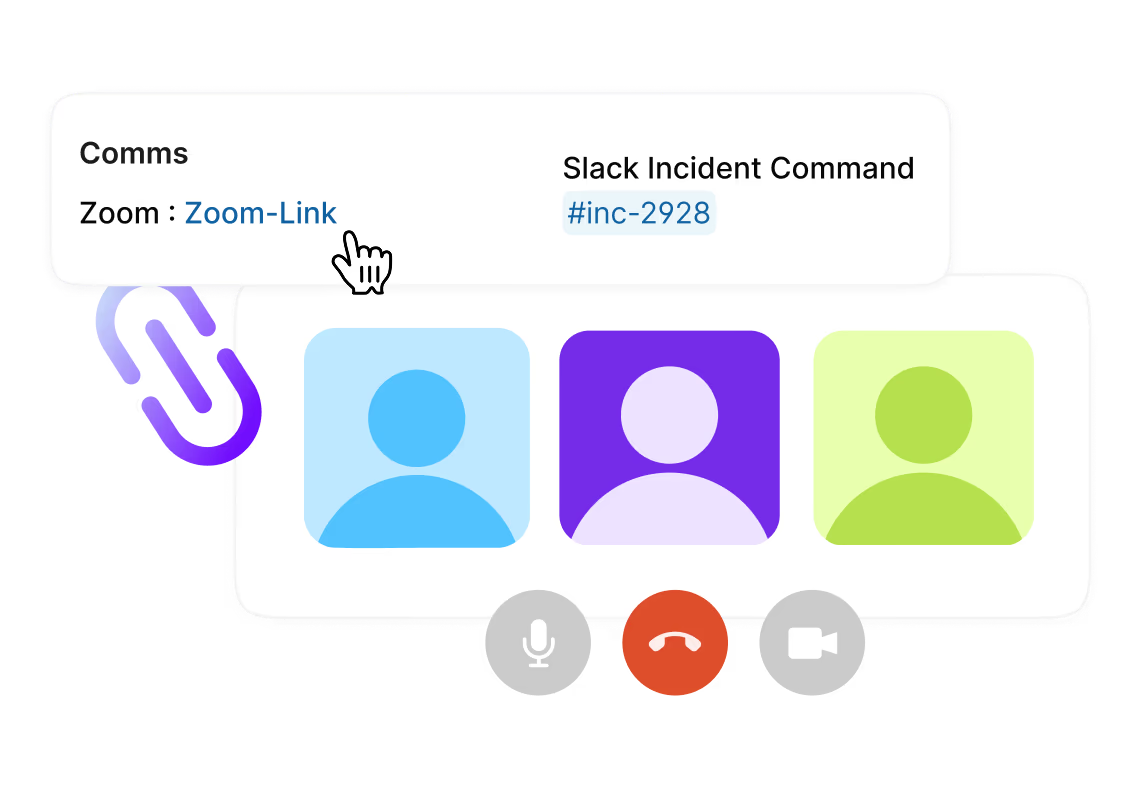
When critical incidents hit, Xurrent IMR creates dedicated Zoom or Webex bridges automatically. Your responders join instantly with one click, collaborate in real time, and make recovery decisions without setup friction.
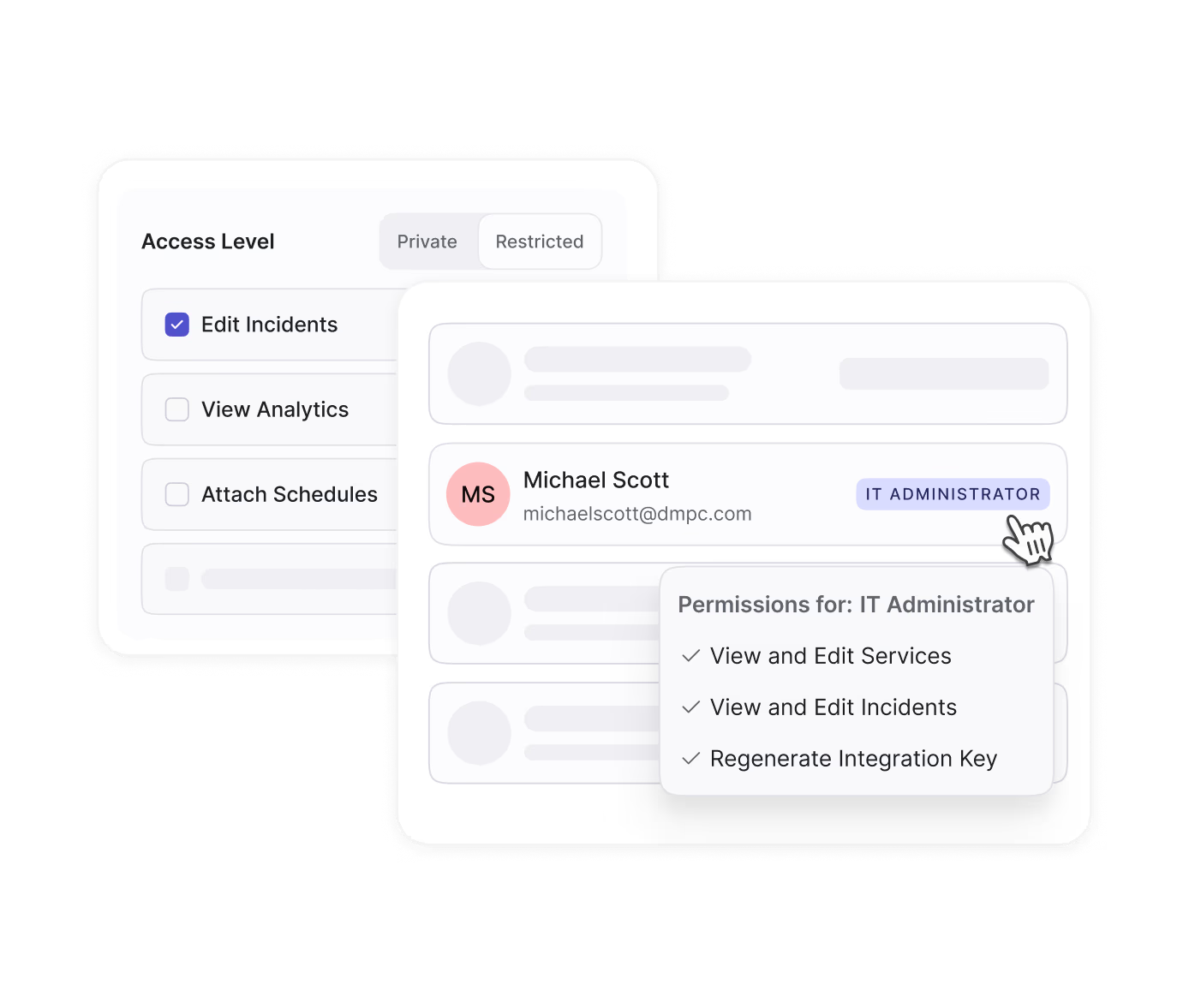
Bring clarity to chaos. Define custom incident roles and responsibilities for each response. Use Role-Based Access Control (RBAC) to manage permissions precisely, ensuring responders have just the right access to act quickly and securely.
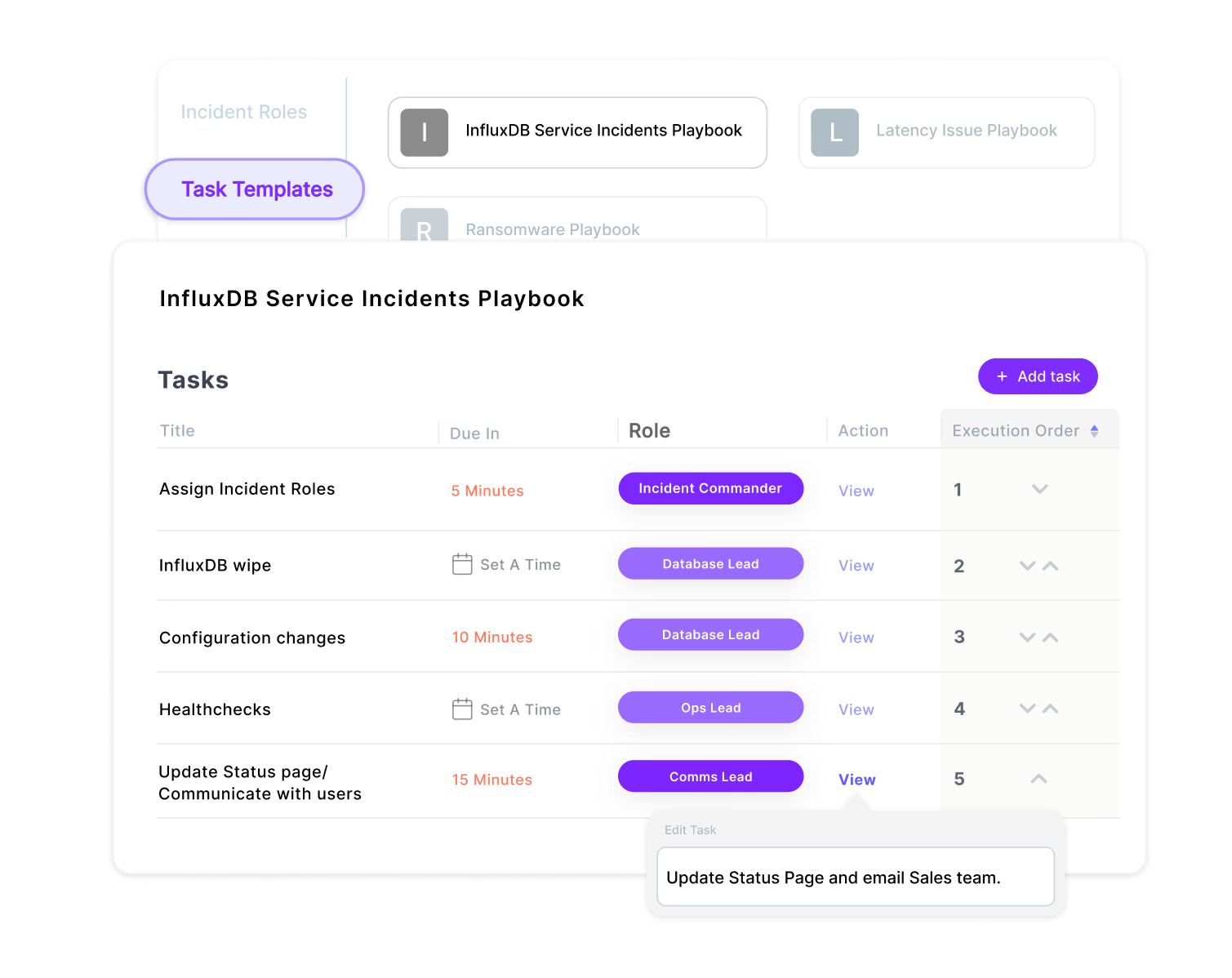
Start structured remediation from the first alert. Build task templates for different incident types so on-call engineers can immediately act on predefined response plans. Delegate, track progress, and close the loop with clarity.
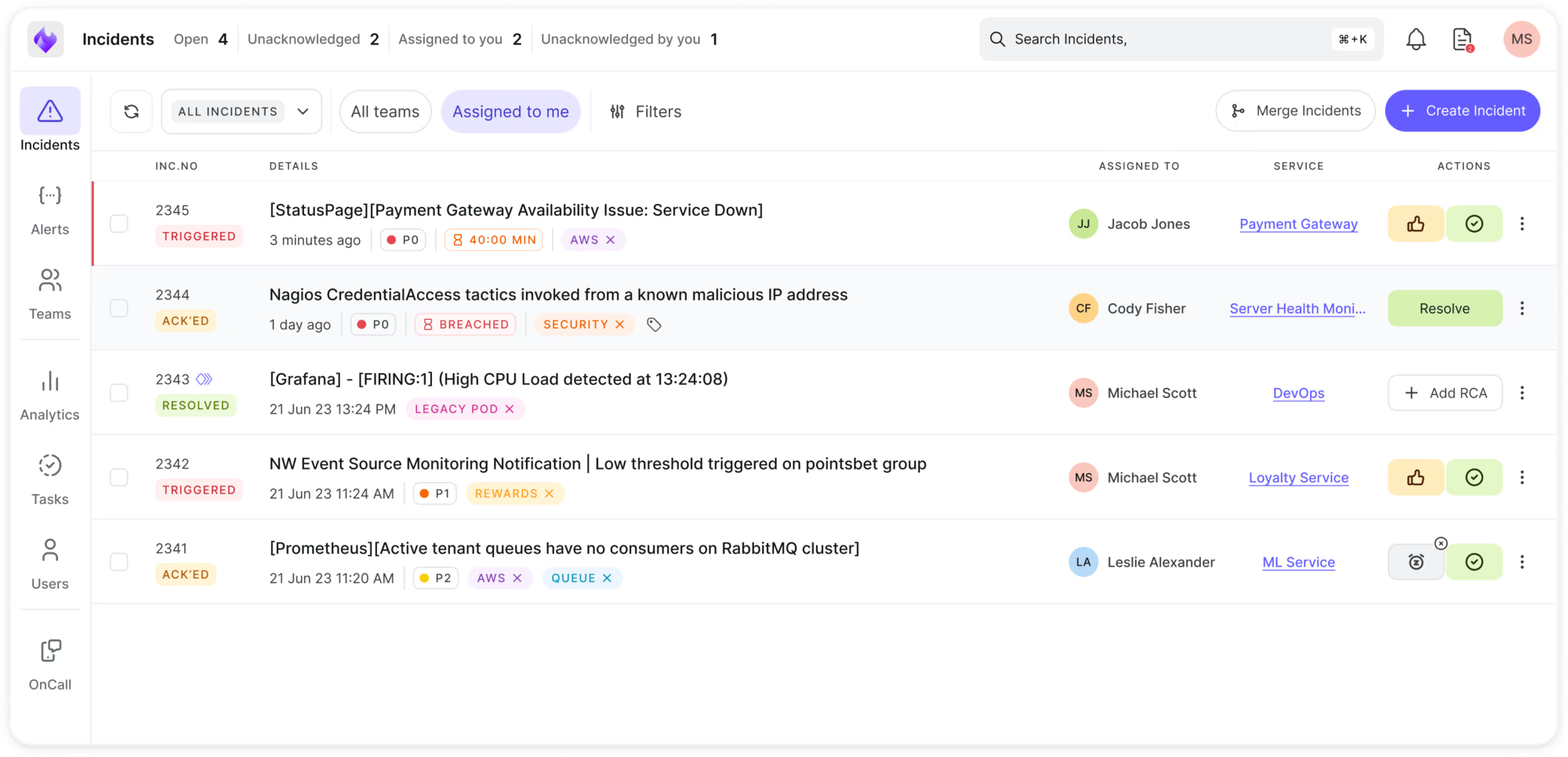
See your operational health in real time. From one unified dashboard, monitor every active incident, team workload, and affected service. Respond faster with the full context of what’s happening across your production environment.
Xurrent IMR keeps response organized and predictable. Merge incidents, automate communication, and generate AI summaries that keep everyone informed. Role-based access, SLAs, and task templates ensure accountability without slowing teams down. Mobile apps, APIs, and integrations keep responders connected


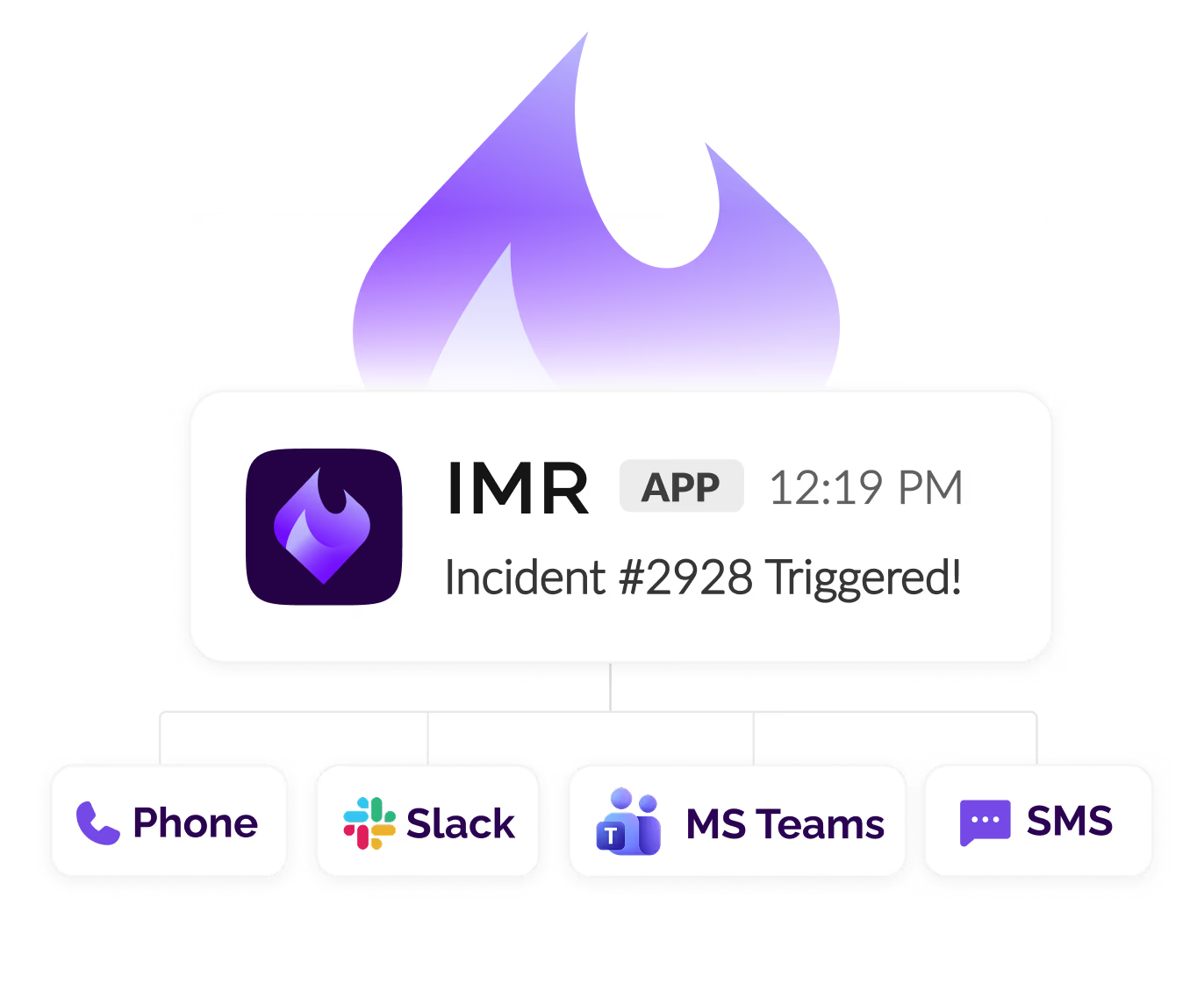
Xurrent IMR sits at the center of your incident response workflow, connecting monitoring, communication, and ticketing tools you already use. Real-time bi-directional sync ensures everyone has the latest information, whether they're in Slack, Jira, or the Xurrent IMR dashboard. Set up in minutes with pre-built integrations and webhooks.


.webp)
.webp)

.webp)