





Blog
Insights & updates from our experts


Resolve plant floor and IT issues before they disrupt production.

Stay audit-ready while resolving issues and reducing operational risk.
Resolve issues quickly with an AI-powered system that automates ticketing.
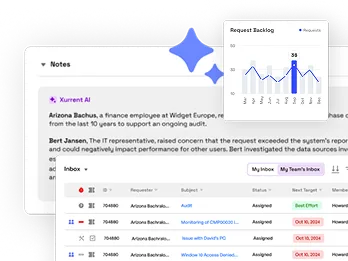
Unifiy IT, HR, Facilities, Finance, and more on a single, AI-powered service platform.
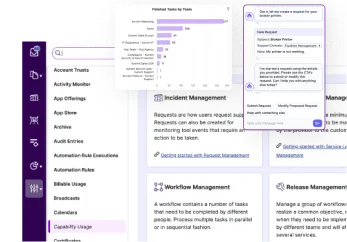
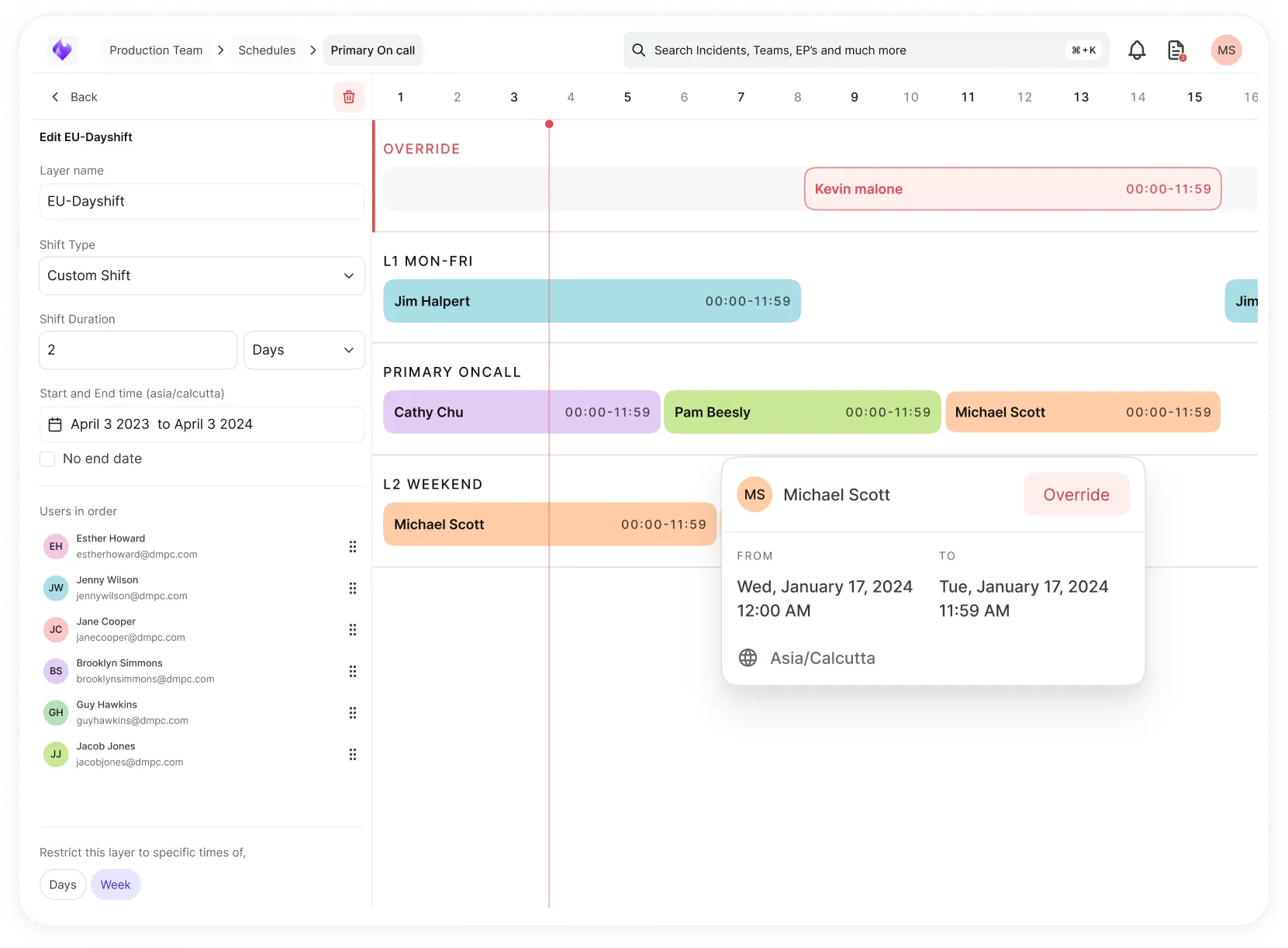
Simplify on-call scheduling, automate escalations, and reduce burnout.
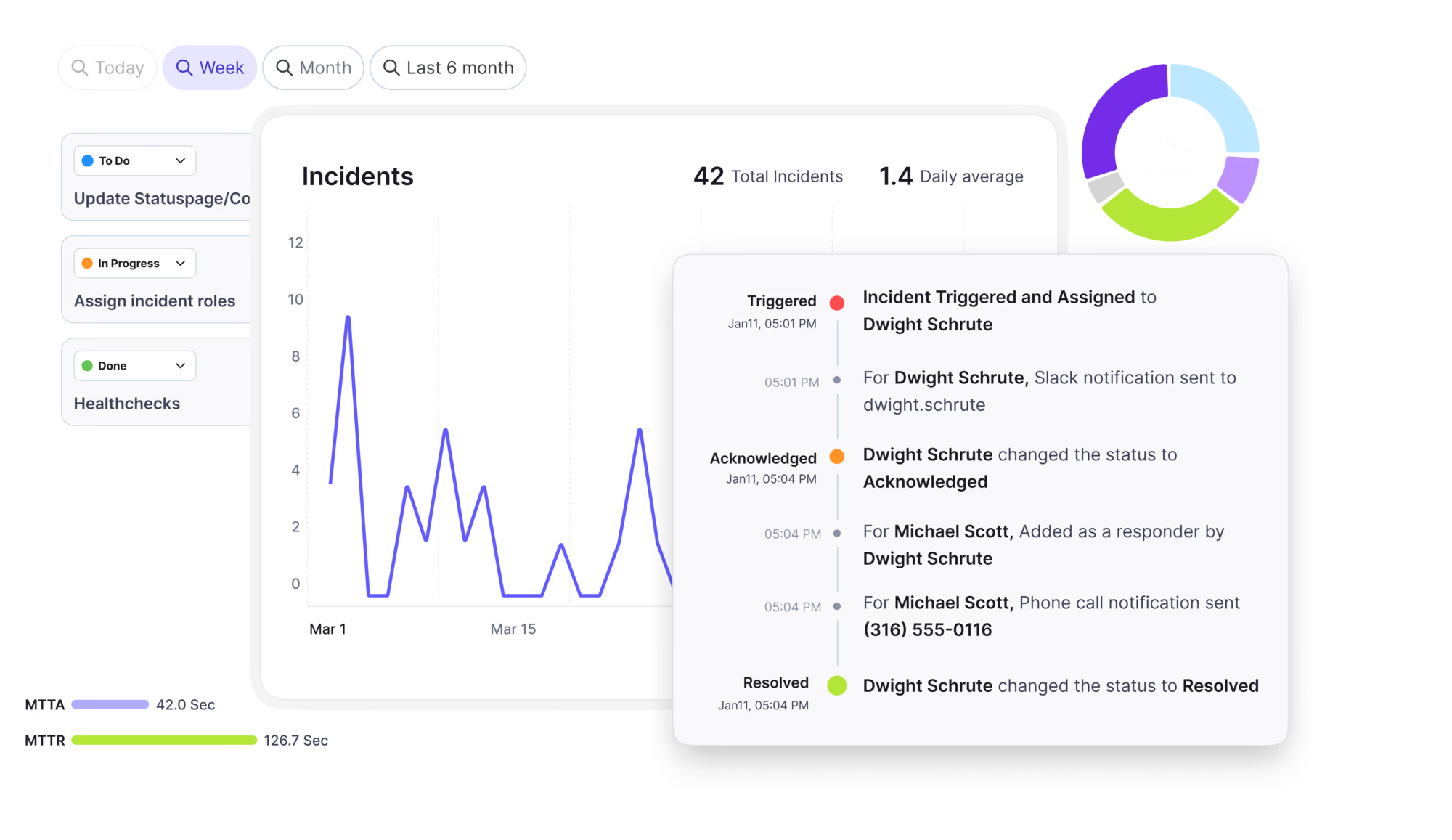
Automate postmortems, AI summaries, and post-incident workflows
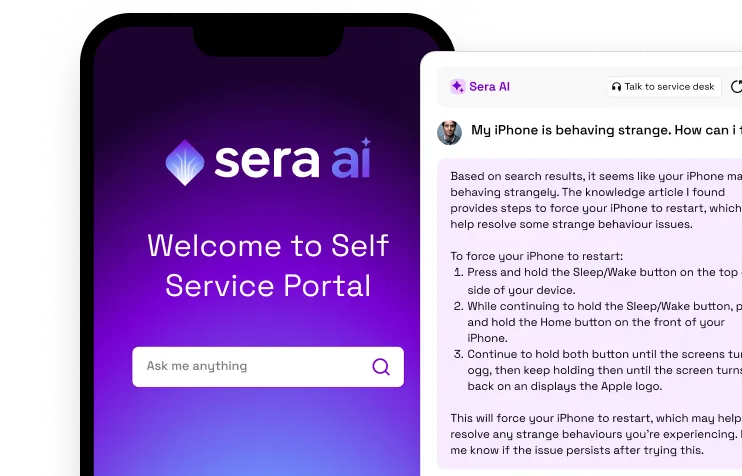
Create, organize, and continuously improve your knowledge base to find the right answers with Sera AI.
We're here to help

The integration with Atlassian Jira using the Xurrent Integration Service is

The integration with Atlassian Jira using the Xurrent Integration Service is

The integration with Atlassian Jira using the Xurrent Integration Service is

The integration with Atlassian Jira using the Xurrent Integration Service is

The integration with Atlassian Jira using the Xurrent Integration Service is

The integration with Atlassian Jira using the Xurrent Integration Service is

The integration with Atlassian Jira using the Xurrent Integration Service is

The integration with Atlassian Jira using the Xurrent Integration Service is
Resolve issues quickly with an AI-powered system that automates ticketing.
Unifiy IT, HR, Facilities, Finance, and more on a single, AI-powered service platform.
Simplify on-call scheduling, automate escalations, and reduce burnout.
Automate postmortems, AI summaries, and post-incident workflows
Create, organize, and continuously improve your knowledge base to find the right answers with Sera AI.
Resolve plant floor and IT issues before they disrupt production.
Stay audit-ready while resolving issues and reducing operational risk.

Detect, respond, and resolve incidents fast to cut downtime and MTTR.

Keep your store online, even during your biggest sales moments.

Protect patient data and resolve issues fast, so care teams stay focused on care.

Standardize service delivery across every store and channel.

We are here to help 24/7

Connect with other Xurrent Users

Get insights and tips on how to get the most out of Xurrent

Apps, APIs, and updates

Xurrent service functionality

Eliminate manual tasks, optimize workflows, and deliver faster resolutions.
Learn how organizations have reduced downtime, improved 50% MTTA & MTTR, and cut costs with Xurrent IMR.
Discover Xurrent IMR's quick support, bidirectional integrations with Jira and Slack, and more cohesive incident response capabilities compared to Opsgenie.
Understand why users value Xurrent IMR for its intuitive interface, efficient incident alerting, customizable On-call schedules, and escalations.

The attributes Native Discovery reads over SNMP, SSH and WMI.
The attributes each protocol reads from a device. How these values are written into configuration items is controlled by the Mapping Sets tab.
| Protocol | What the hub reads |
|---|---|
| SNMP (v1, v2c, v3) | System identity (description, object ID, name, location, uptime); interfaces with MAC addresses, speed, status and IP addresses; chassis serial and firmware from the physical entity table; memory and device description from host resources; vendor, device type, model and operating system derived from the device; neighbor links from LLDP and CDP. |
| SSH (Linux and macOS) | Hostname, operating system and kernel; manufacturer, model, serial, firmware and machine identity; network interfaces and, on Linux, LLDP neighbors; physical drives with health; CPU; memory and modules; chassis type and virtualization; filesystems; running services and listening ports; uptime and boot time; last login. |
| WMI (Windows) | Identity; hardware; storage; network; installed software; patches; services; processes; scheduled tasks; local accounts; and signals that relate a host to other devices. |
A class that a device cannot supply is left out rather than failing the whole device, which is normal on older systems.