





Blog
Insights & updates from our experts


Resolve issues quickly with an AI-powered system that automates ticketing.

Resolve issues quickly with an AI-powered system that automates ticketing.

Resolve issues quickly with an AI-powered system that automates ticketing.

Resolve issues quickly with an AI-powered system that automates ticketing.
We're here to help

The integration with Atlassian Jira using the Xurrent Integration Service is

The integration with Atlassian Jira using the Xurrent Integration Service is

The integration with Atlassian Jira using the Xurrent Integration Service is

The integration with Atlassian Jira using the Xurrent Integration Service is

The integration with Atlassian Jira using the Xurrent Integration Service is

The integration with Atlassian Jira using the Xurrent Integration Service is

The integration with Atlassian Jira using the Xurrent Integration Service is

The integration with Atlassian Jira using the Xurrent Integration Service is
Resolve issues quickly with an AI-powered system that automates ticketing.
Resolve issues quickly with an AI-powered system that automates ticketing.
Resolve issues quickly with an AI-powered system that automates ticketing.
Resolve issues quickly with an AI-powered system that automates ticketing.

We are here to help 24/7

Connect with other Xurrent Users

Get insights and tips on how to get the most out of Xurrent

Apps, APIs, and updates

Xurrent service functionality

Eliminate manual tasks, optimize workflows, and deliver faster resolutions.
Learn how organizations have reduced downtime, improved 50% MTTA & MTTR, and cut costs with Xurrent IMR.
Discover Xurrent IMR's quick support, bidirectional integrations with Jira and Slack, and more cohesive incident response capabilities compared to Opsgenie.
Understand why users value Xurrent IMR for its intuitive interface, efficient incident alerting, customizable On-call schedules, and escalations.
JSM requires plugins for what Xurrent includes by default. Get 100% ITIL-accredited practice coverage, AI-native workflows, and sub-350ms response times — live in as little as 4 weeks, with no customization debt.












Jira Service Management starts as a ticketing tool and quickly becomes an ecosystem management problem. Every capability your team needs — asset management, advanced SLAs, change advisory workflows, native knowledge, on-call alerting — sits behind a paid Atlassian app or a third-party plugin. Your admin spends more time maintaining integrations than improving service delivery.
JSM tiers by agent count, then charges separately for IT operations, assets, and virtual agents. Teams that start with a modest footprint routinely hit pricing thresholds they didn't budget for. And when renewal time arrives, the total cost of ownership looks nothing like the initial quote.
Non-technical stakeholders struggle with Jira's project-centric interface. Configuring workflows requires Groovy scripting or ScriptRunner expertise. Onboarding a new department — HR, Facilities, Finance — means rebuilding service catalogs from scratch in a tool designed for software teams, not enterprise service management.
Ticket misrouting from manual classification and inconsistent intake forms
SLA breaches because thresholds live in one system and alerts live in another
Slow incident response when ITSM and on-call tools don't share context
Stalled ESM rollouts because extending JSM beyond IT requires custom development
Admin overhead that grows faster than your team's capacity to absorb it
If your IT team is spending more time managing the tool than managing services, the platform is the problem.
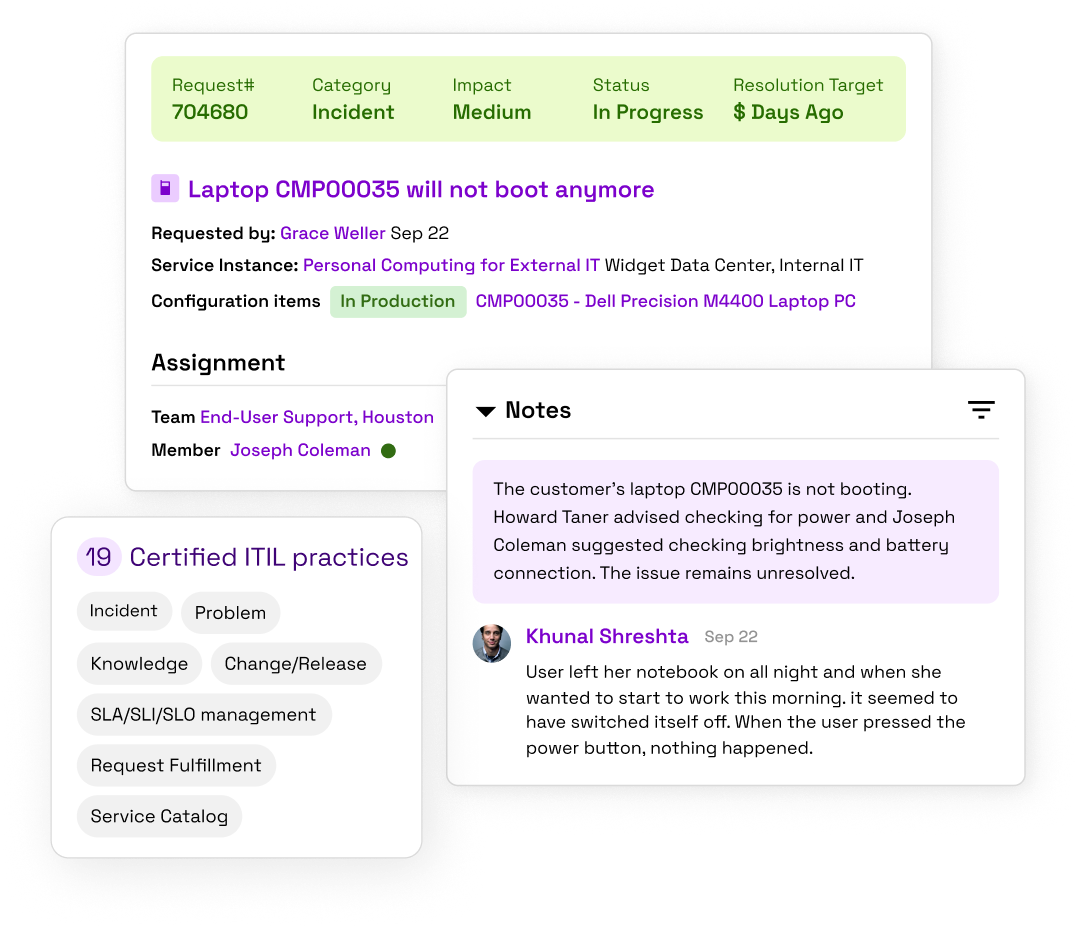
Xurrent ships 19 certified ITIL practices out of the box. Incident, Problem, Change/Release, Request Fulfillment, Knowledge, SLA/SLI/SLO management, and Service Catalog are all native — no Atlassian Marketplace required, no per-app licensing stacked on top.
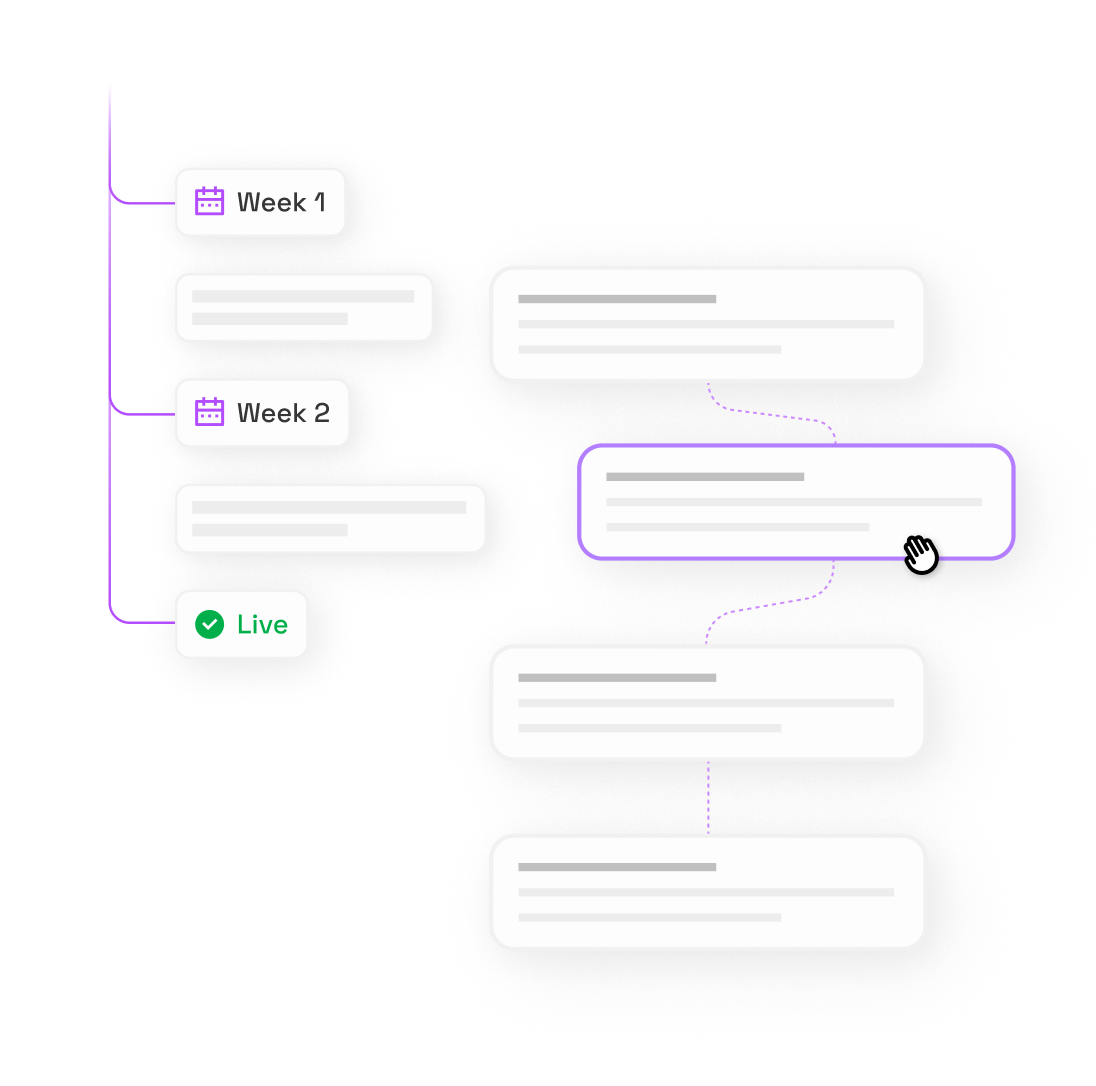
Xurrent is built on configuration, not customization. Low-code and no-code workflow builders replace Groovy scripting and ScriptRunner dependencies. IT service managers configure process logic directly — no developer queue, no deployment pipeline.
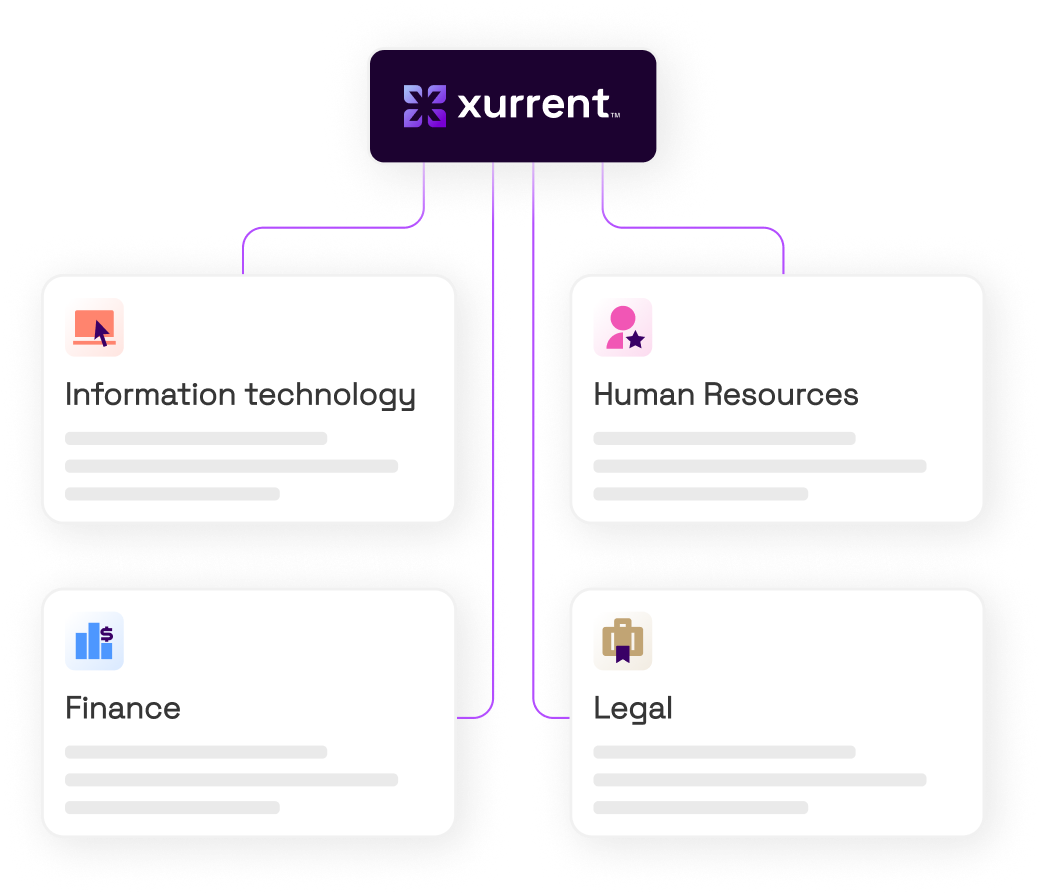
When HR, Facilities, Finance, or Legal needs a service portal, Xurrent reuses the same workflow engine, SLA engine, and knowledge base your IT team already runs. No rebuilds. No separate tools. No data silos between departments.
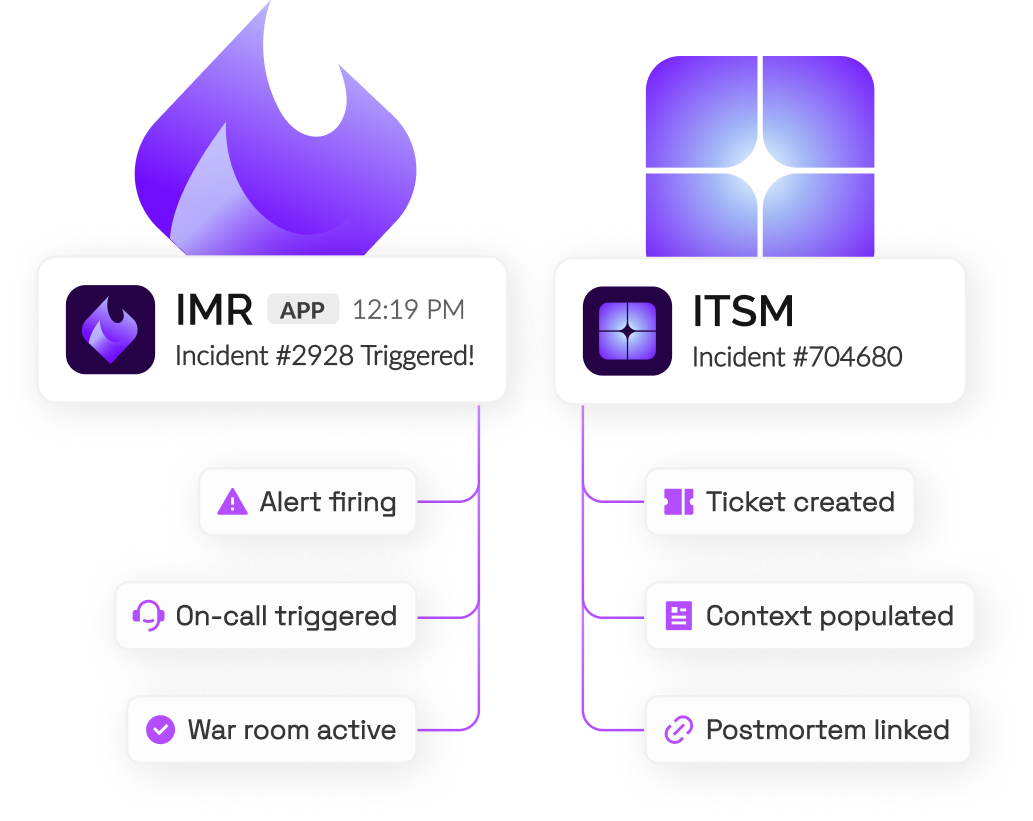
JSM's incident management stops at ticket creation. Xurrent IMR adds AI-powered alert correlation, on-call orchestration, war room collaboration, automated postmortems, and Status Pages — all on the same platform as your service desk, sharing the same incident context.
The most accurate way to compare these platforms is to look at what's included at the base tier and what requires an additional purchase. JSM's published pricing covers basic ticketing. Most enterprise ITSM requirements sit in higher tiers, Atlassian apps, or third-party tools.


By the time a mid-market IT team assembles a complete ITSM stack around JSM, they're managing four or more vendor relationships — and paying for each one.




into one platform. One contract. One dataset. One place to configure, monitor, and report.
Xurrent delivers 19 ITIL-accredited practices natively — no plugins, no tiered unlocks. It adds AI-native ticket classification through Sera AI, integrated incident response via Xurrent IMR, and ESM for non-IT departments, all on one platform. Enterprise teams get SOC 2 Type II, ISO 27001/27018, BYOK encryption, and role-based access controls included by default, not as add-ons.
The most common reasons are plugin dependency, unpredictable total cost, and implementation complexity. JSM requires third-party apps for assets, advanced workflows, on-call alerting, and status communication — each with its own pricing and maintenance overhead. Teams that need ITIL-aligned ITSM without building a multi-vendor stack around a base ticketing tool consistently look for alternatives that include these capabilities natively.
Most teams go live on core ITSM workflows in as little as 4 weeks. Xurrent's pre-built ITIL templates, low-code workflow builder, and Sera AI-assisted configuration reduce the setup time that makes JSM migrations feel risky. Existing service catalog structures, SLA definitions, and knowledge base content transfer into Xurrent's configuration model without requiring custom development.
Xurrent fits both. Lean IT teams get approvals, request tracking, and a self-service portal running quickly without scripting expertise or a dedicated Atlassian admin. Enterprise teams get multi-department ESM, ITIL-certified change and problem management, and integrated incident response on the same platform. The configuration-first model means smaller teams aren't paying for complexity they don't need, and larger teams aren't hitting walls when they scale.
Yes. Xurrent consolidates the tools that JSM customers typically stack together: Atlassian Statuspage (replaced by Xurrent Status Pages), PagerDuty or Opsgenie (replaced by Xurrent IMR), and Atlassian Assets (included natively). If your team is running JSM plus two or three adjacent tools to cover ITSM, incident response, and stakeholder communication, Xurrent replaces the entire stack — with one contract, one dataset, and one support relationship.
Your team doesn't need a bigger Atlassian stack. It needs one platform where service requests, incidents, alerts, and stakeholder updates move through a connected workflow — from intake to resolution, without context gaps or plugin dependencies.
Xurrent gives IT and engineering teams 100% ITIL coverage, AI-native automation, integrated incident response, and go-live in as little as 4 weeks. See what analysts say about where ITSM is heading — and why unified platforms outperform assembled stacks.


.jpg)