The Preferred Splunk On-call (VictorOps) Alternative

Modern operations teams use Xurrent IMR to implement incident response and on-call best practices into their production operations and provide industry-leading SLAs to their customers. Read on to see how Xurrent IMR can add significantly more value to your operations than Splunk On-call (VictorOps).
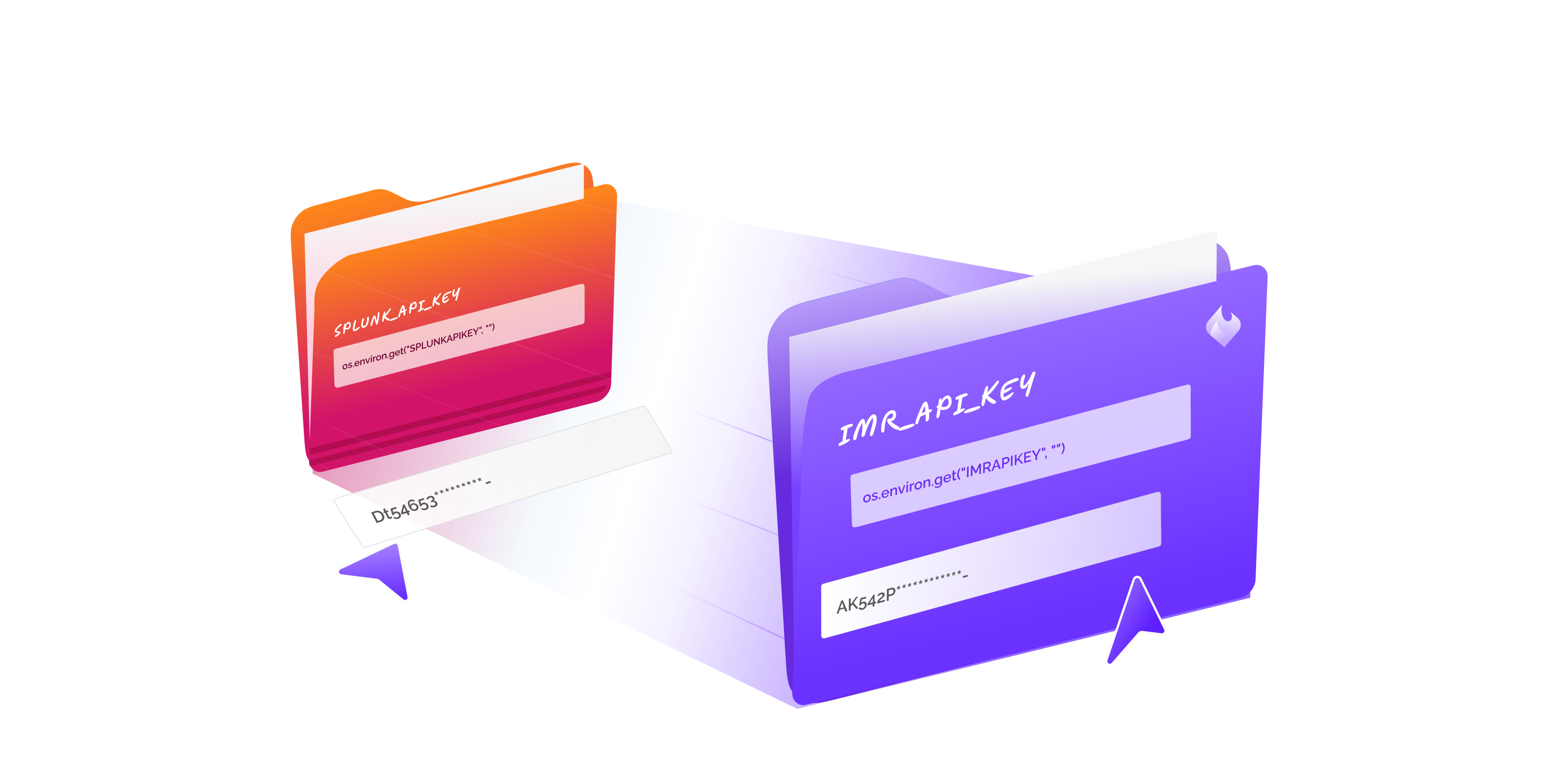

10x Better Incident Response than VictorOps
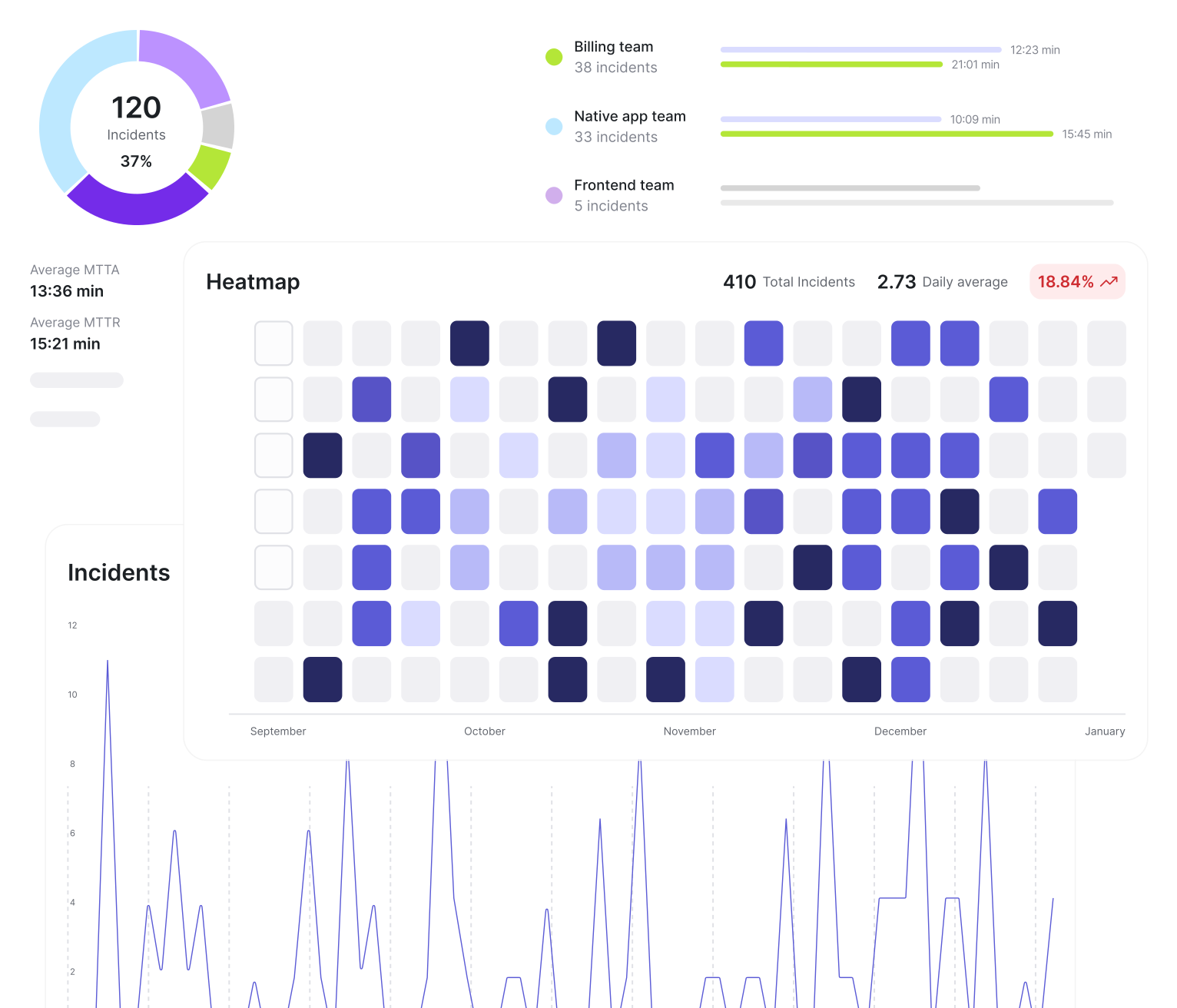
Supercharge your Incident Response

Xurrent IMR enables you to implement modern incident response best practices followed and perfected by the greatest teams around the world and dramatically increase your team’s incident preparedness by making sure your incident responders are prepared to take on any incident that comes within their radar with intelligent context, playbooks and smart annotations.

Manage On-call Schedules with Ease

Easy to access, read, visually pleasing and easy to override schedules are just a signup away. Xurrent IMR’s on-call schedules are intuitive, and colour coded for clear representation; you can access your entire team’s on-call roster in daily, weekly, and monthly views. Override schedules with just a click of a button.

10x Better Incident Response than VictorOps
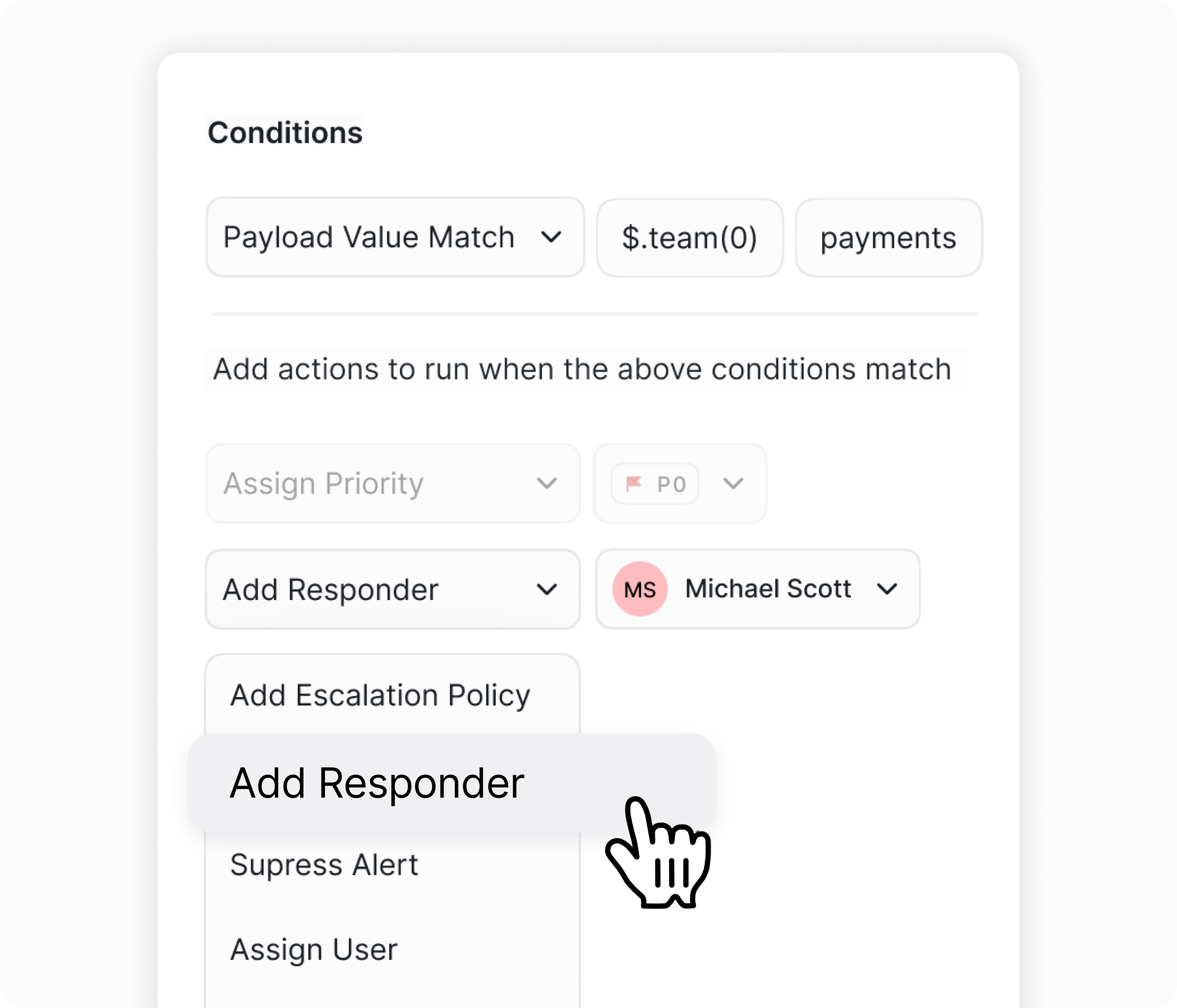
Route Alerts with Precision and Eliminate Noise

Suppress noisy alerts with ease by dynamically routing alerts to specific teams or subject matter experts depending on the services/customers/components that are affected. Assign incident roles automatically and use alert rules to identify the right subject matter experts to take over critical incident responsibilities like an incident commander, comms lead, operations lead, database lead etc.

10x Better Incident Response than VictorOps
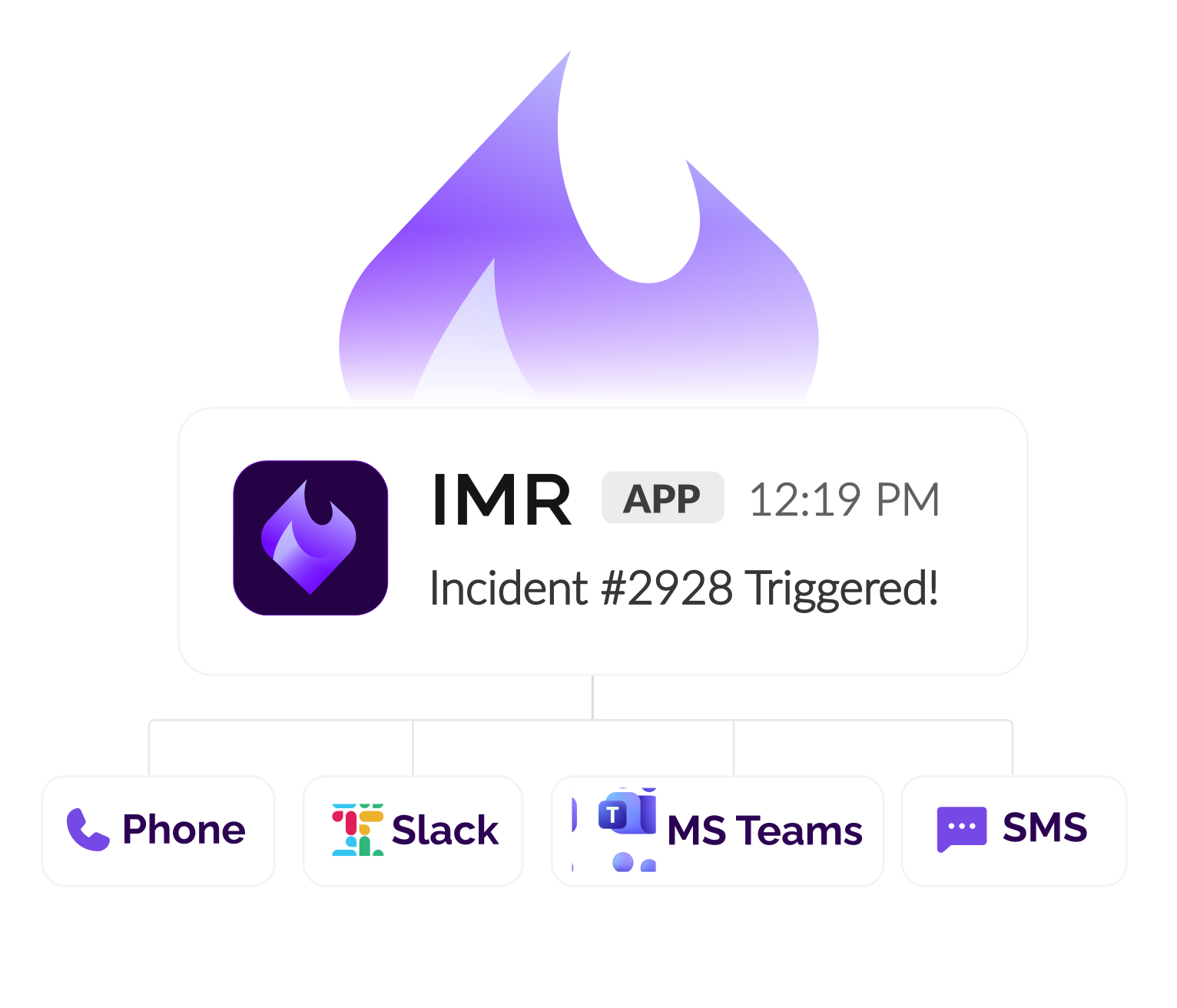
The Best Incident Comms in the Industry

Xurrent IMR's integrated communications help your teams manage incident communications across multiple channels like Slack, Teams, Zoom, Conference bridges and Jira.
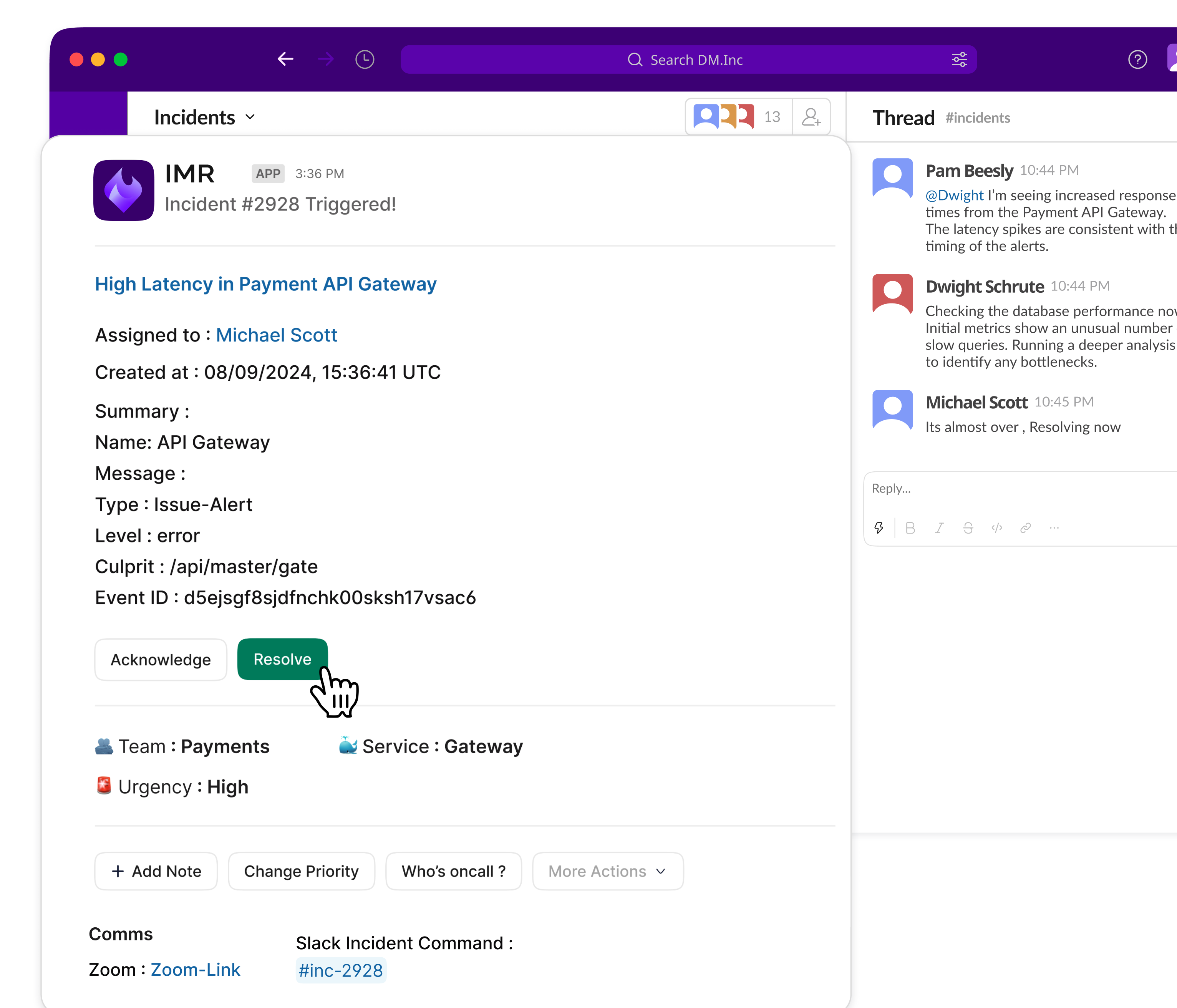
Manage Incidents End-to-end from Slack and Microsoft Teams

Xurrent IMR lets you manage the entire incident lifecycle from Slack and Microsoft Teams from creation to resolution and retains key communications that can be leveraged in future incidents. Under Unified Communications you can invite subject matter experts into your incident response process and accelerate remediation.

Custom Crafted Plans for You

Free

On-call and alerting for young startups and hobbyists

$0
Per User/month
Get Started
right-arrow Created with Sketch.

Starter

Incident response for smaller teams.

$5
Per User/month
Get Started
right-arrow Created with Sketch.

Growth

Incident management for fast-growing teams

$14
Per User/month
Get Started
right-arrow Created with Sketch.

Enterprise

Advanced incident management for the enterprise.

$21
Per User/month
Try for Free
right-arrow Created with Sketch.

Reliability is our core. We guarantee availability 99.9% of the time during any calendar month.

See Pricing
right-arrow Created with Sketch.

Compare Xurrent IMR to Splunk On-Call (formerly VictorOps)

Incident Alerting and Escalations
Xurrent IMR
Splunk OnCall
On-call schedules and shift rosters
Incident Escalation Policies
Notification Rules
Phone call alerts
Forwarding Rules
Slack Alerts
Microsoft Teams Alerts
Android/iOS Push notifications
SMS Alerts
Email Alerts
Schedule Overrides
Schedule Templates
Forwarding Rules
Conditional Escalations
Conditional Incident Assignment
Auto-add Responders
(conditional)
Rule-based Prioritization
Rule-based Urgency
Recurring Maintenance Windows
SLA Timers and SLA breach notificationss
Incident Response Management
Incident Responders
Task Management with Remediation Notes and Logs
Role Management
Full Alert Context with Metadata
Incident Priorities
Incident SLA Timers
External Stakeholder Communications
Automated Stakeholder Communications
SLA Breach Alerts
Two-way Integration with Ticketing Platforms
(Jira, ServiceNow, Zendesk, Freshdesk)
Incident Playbooks
Team-based segregation
Incident Communications and ChatOps
Slack/Teams/Google Chat Single Channel Configuration
Slack/Teams/Google Chat Ack, Resolve and Assign Incidents
Slack/Teams/Google Chat Acknowledge Incidents
Slack/Teams/Google Chat Alert Details, Metadata and Diagnostic Data
Slack/Teams/Google Chat Slash Commands
(Create, Update)
Slack/Teams/Google Chat Bot
(1-1) As a Contact Method
Auto-create Jira Tickets
Dedicated Zoom/Generic Bridge for every Incident
Status Page Auto-update
Slack/Teams/Google Chat Assign Incident Roles and Tasks
Slack/Teams/Google Chat Assign Incident Priority and SLA
Slack/Teams/Google Chat Auto-add responders to Channels
Slack/Teams/Google Chat Modify Incident Priority and SLAs
Slack/Teams/Google Chat Incident Task Management
Slack/Teams/Google Chat Incident Role Management
Slack/Teams/Google Chat Create, Assign and Track Incident Tasks
Slack/Teams/Google Chat One-channel-per-incident
(multichannel) configuration
Unified Comms View
Slack/Teams/Google Chat Add Incident Tags
Slack/Teams/Google Chat Assign Incident Roles to Users
Incident preparedness
Incident Playbooks
Dynamic/Rule-based Playbooks
Incident Context
Similar Incidents
Dynamic Responders
Dedicated Slack War Room
Linked Tickets on CRM/ITSM/Issue Tracker
(Jira, SNOW, Zendesk, Freshdesk, GitHub)
Post-Incident
Monthly Overview Analytics
User & Team Analytics
Team, Service and User level drill-downs
Interactive Graphs
Heatmaps to Visualize Incident Count
PDF Export Reports
Side by Side Comparison
Insights and trend data
Operational Efficiency Analytics
Service and Infrastructure Health Analysis
Account Administration
Single Sign On
Data Retention
Unlimited
Unlimited
Team-Based Service Management
Domain Restrictions
Role Based Access System
Stakeholder Management
Automatic Status Page Updates
Stakeholder Templates
Stakeholders Comms
Automated Stakeholder Emails
API and Extensibility
Full API Access
Terraform Provider
Support
Email and Chat support
Support Response Time
60 Seconds
1 Day
Live Chat Support
24X7 Priority Support
Developer Support
Dedicated Account Managers
Intelligence and Custom Alert Routing
Custom Routing Rules
Alert Noise Suppression
Rule-based Urgency, Priority and SLA
Dynamic Escalation Policy Overrides
Dynamic Assignees
Rule-based Task Creation and Assignment
Dynamic Responders
Rule-based Prioritization

Why customers love us

Our dedicated developer support & customer success team are always available to help you setup your incident response process in no time and maximise your value from Xurrent IMR

96.7 %

Average rating based on thousands of support conversations
37s

Median first response time*

*Median time it takes your team to respond to the first incoming message in a conversation

LOVED BY 1000+ TEAMS

Trusted by Leading Engineering Teams

What sets Zenduty (now Xurrent IMR) apart from other big players in incident management is the level of interaction. If I write a query on Zenduty’s support channel, I know for a fact someone is going to come back and talk to me, and it’s very reassuring to know that my requests aren’t going into a black hole.

Heinrich Roets
Site Reliability Engineer, Electrum

Zenduty (now Xurrent IMR) offers a highly customizable alerting system. Notifications can be tailored based on severity, team, or incident type, ensuring the right people are alerted promptly. The integration with various communication channels such as SMS, email, Slack, and Microsoft Teams enhances our ability to respond quickly.

Abhishek Pal
Software Developer Engineer, Navi

Zenduty (now Xurrent IMR) is easy to use, set up, and integrate with tools. They provide excellent customer service and care, with support tickets answered immediately and feature requests quickly prioritized and added to the roadmap. As an alerting system, it sends alerts instantly, without delays or latency. The UI is clear and detailed, much clearer than those of competitors.

Tomer Cohen
Head of Cloud Infrastructure, Ever.C

“Zenduty (now Xurrent IMR)'s support team was extremely helpful and was there to answer all of our questions during our trial. They even went the extra mile by connecting us with a dedicated developer resource to help us build on top of their offerings. Truly one of the easiest tooling migrations we have ever gone through.”

Vinay Singh
DevOps Manager, IndiaMart

“Zenduty (now Xurrent IMR)'s support team was extremely helpful and was there to answer all of our questions during our trial. They even went the extra mile by connecting us with a dedicated developer resource to help us build on top of their offerings. Truly one of the easiest tooling migrations we have ever gone through.”

Mudassir Razvi
Senior Engineering Manager, DevOps at Razorpay

The Definitive Guide to AI in Service & Operations
PDF cover that says "Modernizing IT Ops with AI"
-->